
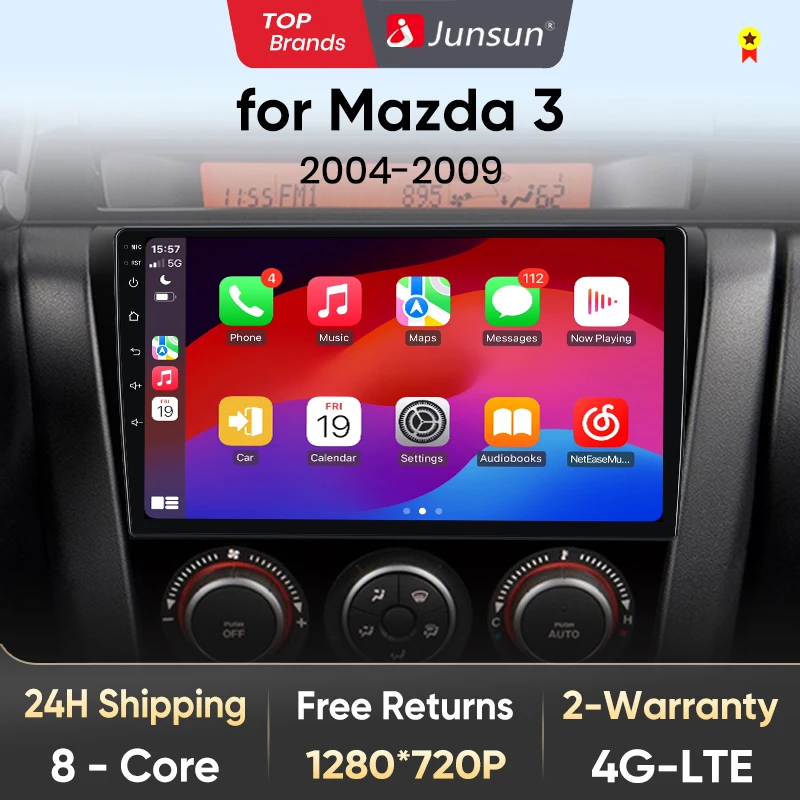
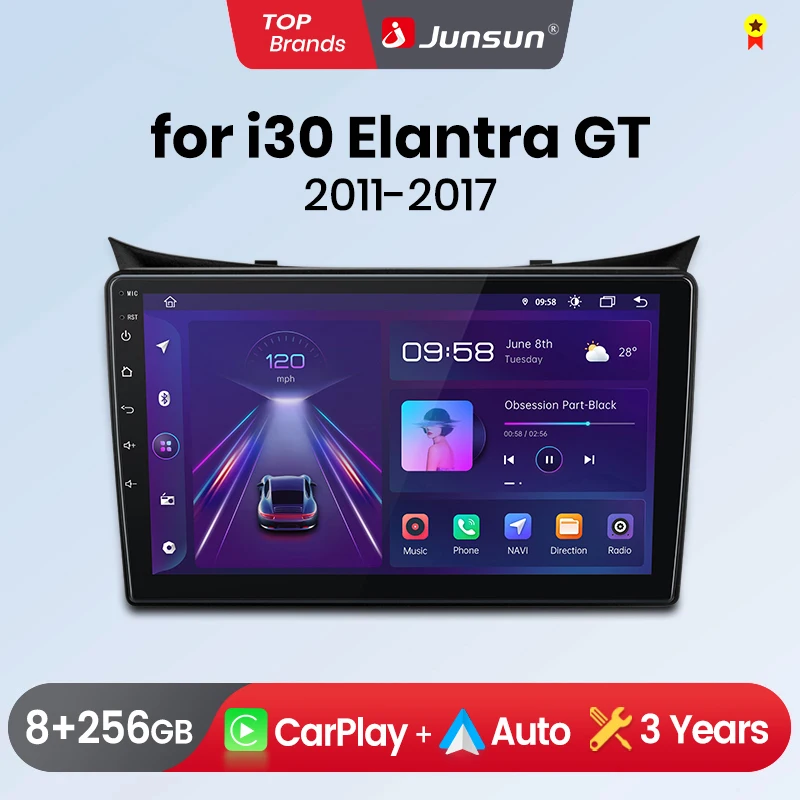
Junsun V1 AI Voice Wireless CarPlay Android Auto Radio for Mazda 3 bk maxx axel 2004-2013 4G Car Multimedia GPS 2din autoradio
Return&refund policy
Eligible items are covered by return and refund support. If the item does not arrive or is not as described, the buyer can request help.
Security & Privacy
Safe payments: We do not share your personal details with any third parties without your consent.
Secure personal details: We protect your privacy and keep your personal details safe and secure.
AI offer for your market
A curated pick based on category, shipping route, delivery speed and popularity in your selected market.
Why this product fits your market
- • Estimated delivery: 7.
- • Strong customer signal: 4.8★ from 8 reviews.
- • Recommendations focus on this product category and your market availability.
Product specifications
Detailed product description
This product is shown with available options, market-specific pricing and verified specifications.
- Brand: Junsun
- Sales: 10
- Package size: 40 × 30 × 30 cm
- Package weight: 2 kg
- Rating: 4.8 / 5
Before adding to cart, choose an available option and check the quantity.
Purchase FAQ
1. It is suitable for your car?
1)Check the corresponding model and year of the product and car
2Check wether the position of the radio before installation on the page is the same as that of your car
3Check if there are any compatibility memories on the page.
2.This product supports the original because steering wheel control buttons. If it is not available after installation
Please scroll to the bottom of the page to view the mthod of reading the steering wheel buttons
3.Supports aftermarket cameras in AHD 1080P,AHD720P, CVBS, PAL, CTSC format
4.V1C/V1 PRO C/V1 PLUS/V2 Plus Version Wireless CarPlay/Android Auto function media
5.The power cable is plug-and-play, please note that not all original because plugs need to be connected
6.Multimedia has a built-in microphone, and the original microphone will no longer be available after installation
Attention!
1.If your original LED screen has the same port as the picture, it will not be able to connect after installing the junsun radio
2.Please choose the A/B type according to the year of your car.
3.Some models of Mazda do not support on-board computers. Because some customers reported using our radio, their on-board computer can also display it. We cannot guarantee that all models of Mazda are supported, please do not buy if you mind.
>> Why choose JunSun?
2. Product quality assurance:All products have been passed strict quality test before shipping, make sure high quality.
>> Junsun V1/V1PRO Function for Mazda 3 bk
> Basic functions
1, Android 12 + Built-in Wireless Carplay/ Android Auto
2, IPS HD 1280*720P Screen, deliver a clearer and more vibrant picture
3, Octa Core 1.6GHZ + DDR3 (1GB/2GB/4GB/6GB) Flash + (16GB/32GB/64GB/128GB) Memory
4, 4G Network + Steering Wheel Control + RDS +Built-in Navigation Offline Maps + High-quality DSP chip makes the sound quality playback even better
5, Junsun radios' power cable is pin to pin, can be directly connected to the car power interface, easy to install.
> Product's features
1, Personalized UI Design, common functions are integrated into the desktop,and allowing you to switch, support day and night mode
2, Online radio: Relies on internet to search multiple channel (cover 20 countries' stations)
3, Advanced voice control: Control radio by voice, improve driving safety
4, GPS track: Using the “Junsun Oline” app to view driving tracks, parking locations, and remote surveillance shooting (need buy dashcam)
> Optional accessories
1, AHD Rear Camera: Higher video resolution and stable transmission
3, Tire Pressure Monitoring: Automatically update tire pressure and temperature to ensure your driving safety
4, OBD2: More accurate detection and repair of vehicle problems
5, External Microphone: Support for connecting microphones with 3.5mm port
6, DAB+: Using digital signal transmission, it can provide more stable and clear audio effect.
The radio will switch between day and night modes using car headlights to adjust the overall brightness of the screen to match the surrounding environment. Common functions are integrated into the desktop, enabling you to switch between navigation, music, Bluetoo-th calls, and other common features with just one click. Junsun's personalized UI design enhances convenience and safety throughout your journey;
The Junsun radio supports Wireless CarPlay and Android Auto, allowing you to use smartphone functions and applications such as navigation, music, calls, and messaging during your journey. It provides a high-quality audio experience, enhancing the entertainment and convenience of your driving experience.
PS:V1 C/V1 Pro C/V1 Plus version are supported.
DSP is a powerful tool that optimizes sound quality and adapts to various environments. It fine-tunes audio parameters like equalization, bass filtering, and sound folding, ensuring optimal sound performance tailored to your car and speaker setup.
Experience the exclusive "Junsun Online" app designed by Junsun, where you can effortlessly track your vehicle's real-time location, replay historical routes, and remotely monitor and capture with just one click (requires the purchase of a dashcam). This feature not only allows you to gain insights into your driving performance but also enhances overall driving safety and experience.
With the real-time image display, you can clearly see the blind spots and obstacles behind your vehicle, greatly reducing the risk of reversing accidents.
Junsun car navigation system offers built-in offline maps and online map support, allowing you to find the right route at any time. Regardless of the network conditions, we ensure that your navigation experience remains uninterrupted. And we provide free updates, ensuring that you always have the latest map data.
Enjoy superior multitasking, easy-to-navigate interface, enhanced visuals, adjustable settings and touch-sensitive controls. e.g. navigation for the main driver, playing video for the passenger, or one side listening to music and other side turning on ADAS dvr functions etc.
Connect your car navigation system to an external display and enjoy a larger screen experience. The AV-Out feature allows you to project the content and functionality of your navigation system onto supported external display devices, delivering a clearer and more immersive audio-visual experience.
1. How to connect the rear view camera?
1) Red cable ② is connected to the backup light "+"
2) Black cable ① is connected to the “GND“
3)The reversing detection cable ④(Brown color) is connected to the red cable ③ which extending from the video input cable, please follow the picture below to connect.
2.How to set steering wheel controls?
Before starting the setup, please confirm that the CANBUS box and 8PIN serial cable are connected to the multimedia!!!
1) There is Canbus in the product, if you buy V1/V1.C/V1 Pro/V1 Pro.C/V1 Plus, please do to the picture to set and choose RZC(RAISE)-your car model
2) There is Canbus in the product, if you buy V1 Plus/V2 Plus 3D, Please do to the picture to enter the CANbus setting and select 145 and save
3.How to connect wireless Carplay and Android Auto?
After the pairing is successful, the car radio will automatically jump to the Zlink or AutoLink interface
4.How to connect wired Carplay and Android Auto?
5.How to change the Boot Logo?