
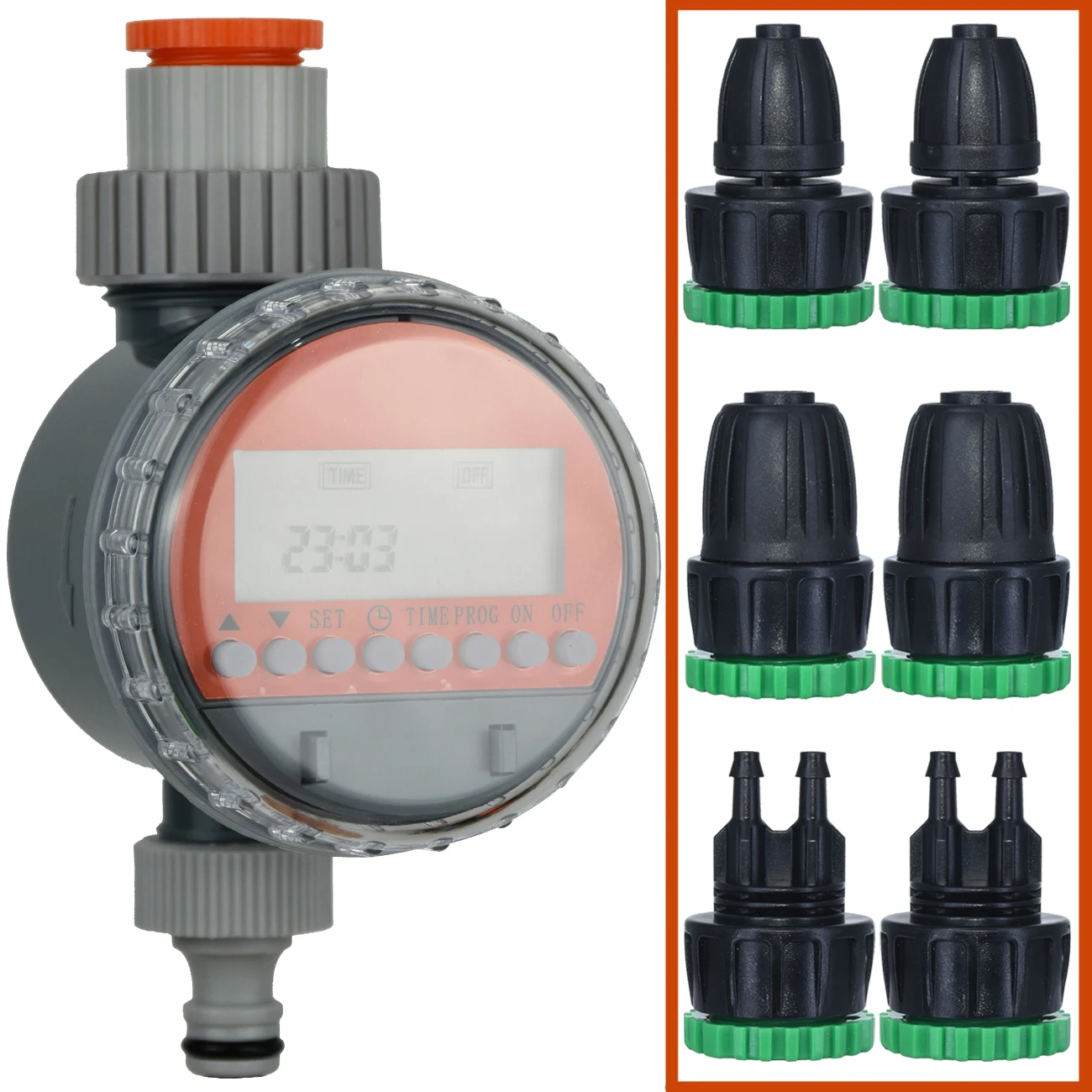
KESLA Ball Valve Automatic Electronic Watering Timer Drip Irrigation LCD Irrigator Controller System for Garden Yard Greenhouse
Return&refund policy
Eligible items are covered by return and refund support. If the item does not arrive or is not as described, the buyer can request help.
Security & Privacy
Safe payments: We do not share your personal details with any third parties without your consent.
Secure personal details: We protect your privacy and keep your personal details safe and secure.
AI offer for your market
A curated pick based on category, shipping route, delivery speed and popularity in your selected market.
Why this product fits your market
- • Estimated delivery: 5.
- • Strong customer signal: 4.7★ from 13 reviews.
- • Recommendations focus on this product category and your market availability.


Product specifications
Detailed product description
This product is shown with available options, market-specific pricing and verified specifications.
- Brand: KESLA
- Sales: 55
- Package size: 25 × 20 × 20 cm
- Package weight: 0.4 kg
- Rating: 4.7 / 5
Before adding to cart, choose an available option and check the quantity.
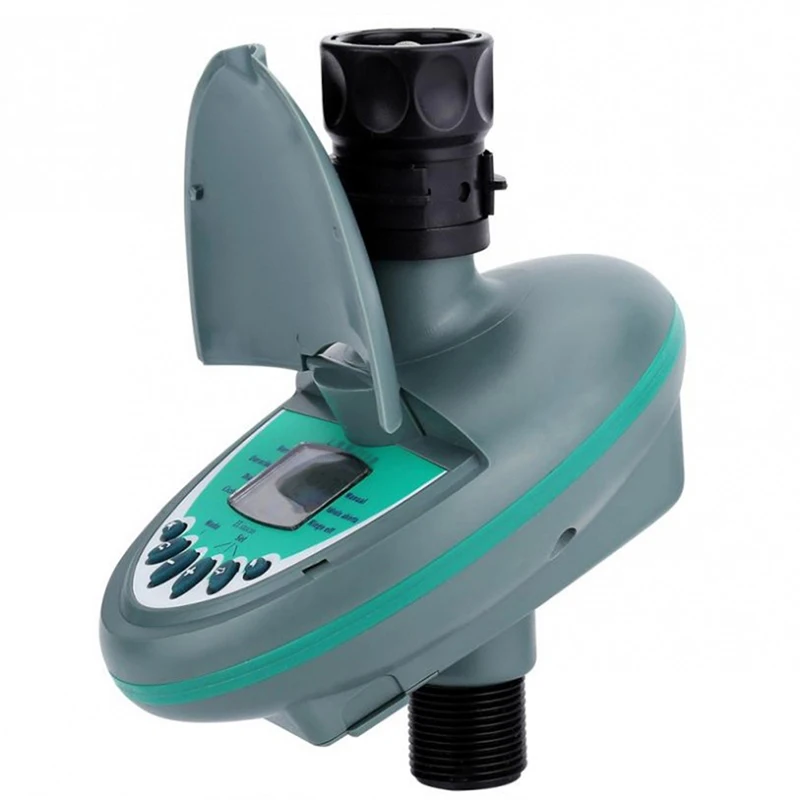
KESLA Garden Irrigation Ball Valve Water Timer LCD Automatic Electronic Irrigator Home Watering Controller System Greenhouse
1.Battery: 2pcs 1.5V dry alkaline battery(Not Included)
2.Local Time Setting
Press "TIME", time digital flashes, then press"▲▼"button to set hour-press "SET" to confirm-minutes flash press"▲▼"button to set current minutes-press"SET"to confirm.
3.Mode Setting
Press"PROG", screen display:mode; START TIME(when to water); RUNNING TIME(how long to water); DAYS(watering frequency by days).
When "1"flashes in the mode side, start to set first program. Press "SET" to confirm, refer to the method used to set the time to configure your running time. Note: running time is time interval, ranging from 1 minute to 9 hours and 59 minutes. For example: If you need to irrigate 5 minutes, set time with 0:05. After finish setting the time press"SET"to confirm and start to set the days.
4.Day setting
Irrigation time: if you need to irrigate every day, set to be 01, if you need to irrigate once every two days, set to be 02, and so on. The longest setting is to irrigate once every 30days.Press "SET" to confirm and end the first.Then it will automatically move to the second mode and so on. You can set 8 modes at once. That means you can set to irrigate at 8 different time intervals in one day. If you need to end setting, press closed.
5.Self-Check
When you finish setting the program, please remember to check.Press "PROG"and press"▲▼" to check every mode you set.If you want o make some changes, please go to every mode and follow the process as shown above. After you finish, press"SET"to confirm your changes.
6.Temporary Irrigation
Press"ON", screen will display flashing running time, Press"▲▼"to set irrigation hour and press set to confirm.Use the same method to set the irrigation and press"SET"to start irrigating until the time is over.The longest setting time is 9 hours 59 minutes.If you want to stop irrigation immediately, press"OFF"
Press"ON", and press"SET"twice, when timer play a sound, it means program is open. And the default irrigation time is 2 minutes.
If you want to stop irrigation immediately, Press"OFF"