
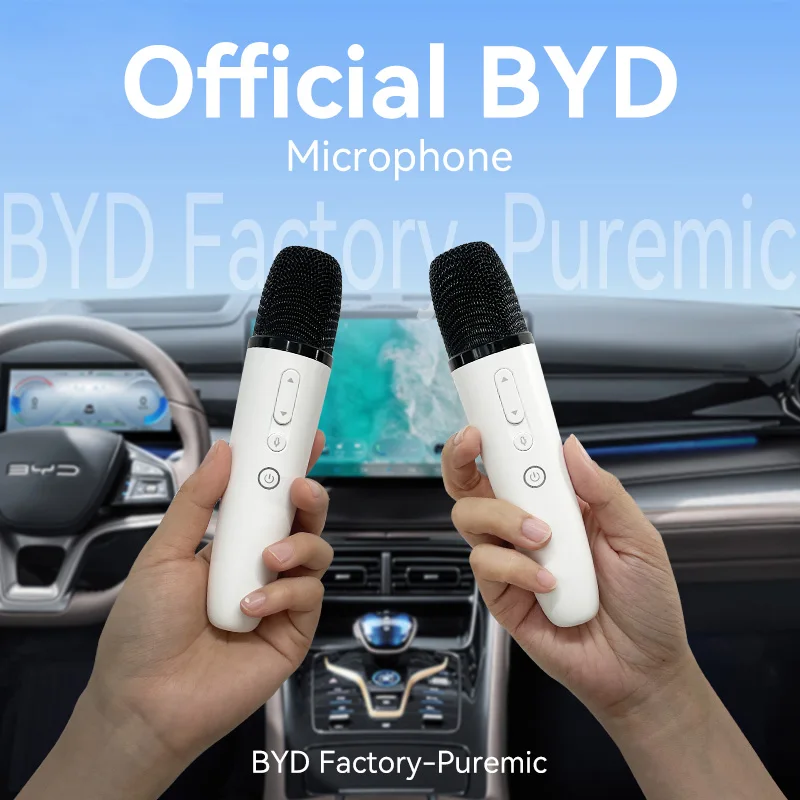
BYD Official factory Car Microphone With Receiver, Karaoke Microphone for BYD all Models, Original sale.
Return&refund policy
Eligible items are covered by return and refund support. If the item does not arrive or is not as described, the buyer can request help.
Security & Privacy
Safe payments: We do not share your personal details with any third parties without your consent.
Secure personal details: We protect your privacy and keep your personal details safe and secure.
AI offer for your market
A curated pick based on category, shipping route, delivery speed and popularity in your selected market.
Why this product fits your market
- • Estimated delivery: 3.
- • Strong customer signal: 4.8★ from 457 reviews.
- • Recommendations focus on this product category and your market availability.

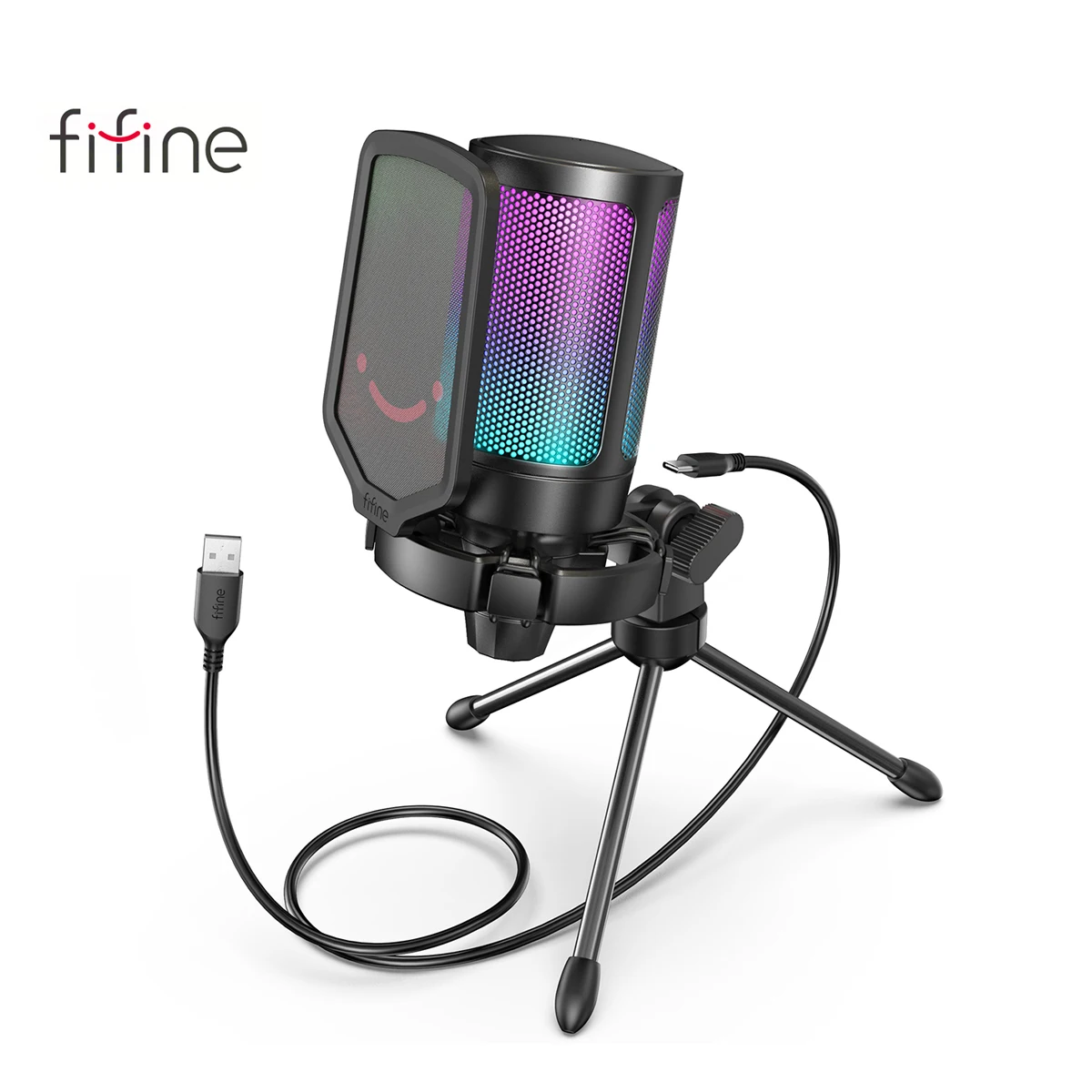
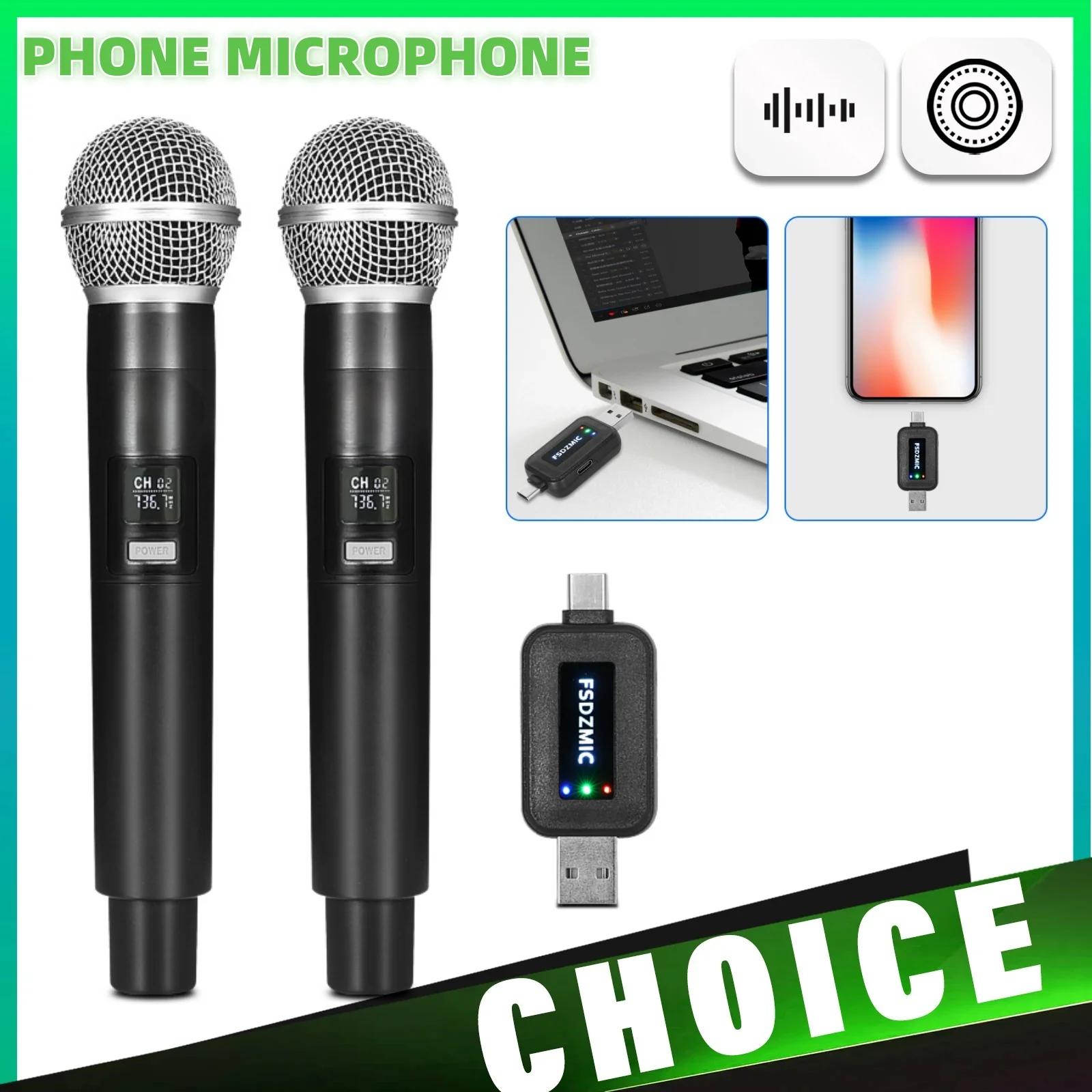


Product specifications
Detailed product description
This product is shown with available options, market-specific pricing and verified specifications.
- Brand: PUREMIC
- Sales: 2000+
- Package size: 23 × 11 × 5 cm
- Package weight: 0.6 kg
- Rating: 4.8 / 5
Before adding to cart, choose an available option and check the quantity.
Friends who love karaoke & singing really need to check out our flagship product-the Puremic Karaoke K3. It has millions of free songs in all languages, with new songs updated regularly! It comes with two professional microphones, and all songs are karaoke tracks with HD videos.
(Puremic is a wellknown brand that has collaborated with Samsung, Hyundai, Hisense, Tesla, Nissan, BYD, Huawei, Ford, and more. We specialize in manufacturing karaoke microphones, karaoke machines, speakers, and other karaoke products.)
If you're interested, feel free to click the link below to explore this product.
Questions and Answers
Question 2: Can I use both microphones together?
Answer: Yes, you can purchase the two mics version. Once the receiver is inserted into the car, both microphones will work simultaneously. However, if you bought the single microphone version and want another microphone late, that's not OK because the receiver you have can only connect with one microphone. The receivers firmware for single and dual microphone are different, so it's recommended that friends just buy the 2mics version directly.
Question 3: Is it possible to charge the microphone after it runs out of power?
Answer: Absolutely, the microphone has a built-in lithium battery and a USB-C charging port. The product includes a USB-C cable for charging.
Question 4: Do I need to pair the microphone with the round receiver?
Answer: No, there's no need to pair the microphone with the receiver as it comes pre-paired. Simply power on and start singing. However, if you encounter any issues like no sound from the microphone, you can try repairing it.
Question 5: My BYD car only has USB-C ports, how can I use the receiver?
Answer: No worry we offered both USB-A and USB-C Jack converter, both type of car can use, Pls make sure you are inserted into USB data jack.
Question 6: Will the microphone work with my car?
Method for Pairing Single Microphone
Step 1
With the receiver plugged in and the microphone is off state, long press the "Voice Key" and "Power Key" simultaneously for more than 8 seconds, the microphone indicator light flashes, into the pairing state (microphone close to the receiver within half a mete, there should be no obstructions between them)
Step 2
Re-plug the receiver and wait for the receiver indicator light blinks fast
Step 3
When the receiver light is flashing, press the "Power Key" and "Voice Key" at the same time to exit the pairing mode. At this time, the microphone indicator light stays on, and the receiver indicator light stays on to indicate that the pairing is complete.
Method for Pairing Dual Microphones
With the receiver plugged in and the microphone is off state, long press the "Volume+ Key" and "Power Key" simultaneously of one microphone for more than 8 seconds, the mice indicator light flashes, into the pairing state
The other microphone in the off state, at the same time long press "Volume- Key" and "Power Key" simultaneously for more than 8 seconds, the mic indicator light flashes, into the pairing mode (microphone close to the receiver within half a met, there should be no obstructions between them)
Step 4
Press the microphone in Step 1, and press the "Voice Key" and "Power Key" at the same time to exit the pairing mode; The same method as above for the microphone in Step 2
Step 5
If both microphones and receiver indicators are stay on, the pairing is complete and you can use it normally.