
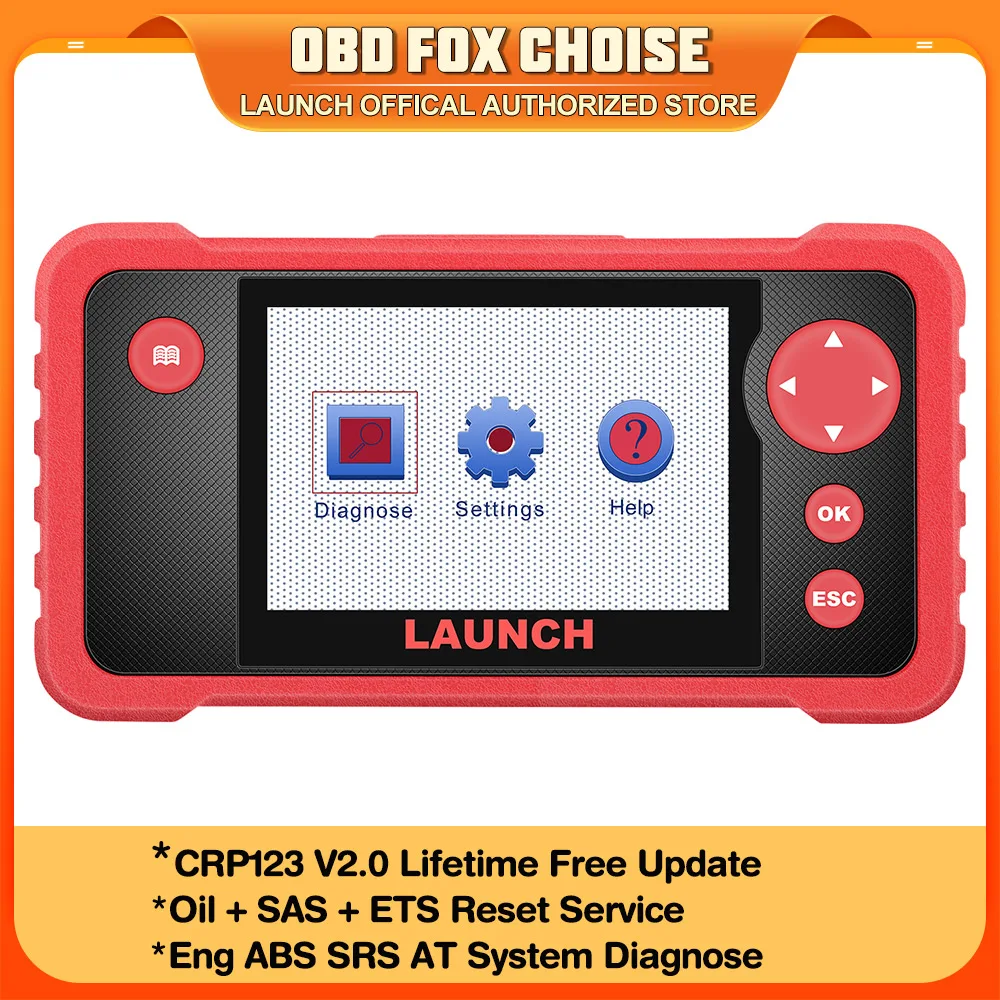
LAUNCH CRP123 V2.0 Engine ABS SRS Transmission Car Diagnostic Tools Full OBD2 code reader Scanner Lifetime Free Update
Return&refund policy
Eligible items are covered by return and refund support. If the item does not arrive or is not as described, the buyer can request help.
Security & Privacy
Safe payments: We do not share your personal details with any third parties without your consent.
Secure personal details: We protect your privacy and keep your personal details safe and secure.
AI offer for your market
A curated pick based on category, shipping route, delivery speed and popularity in your selected market.
Why this product fits your market
- • Estimated delivery: 7.
- • Recommendations focus on this product category and your market availability.
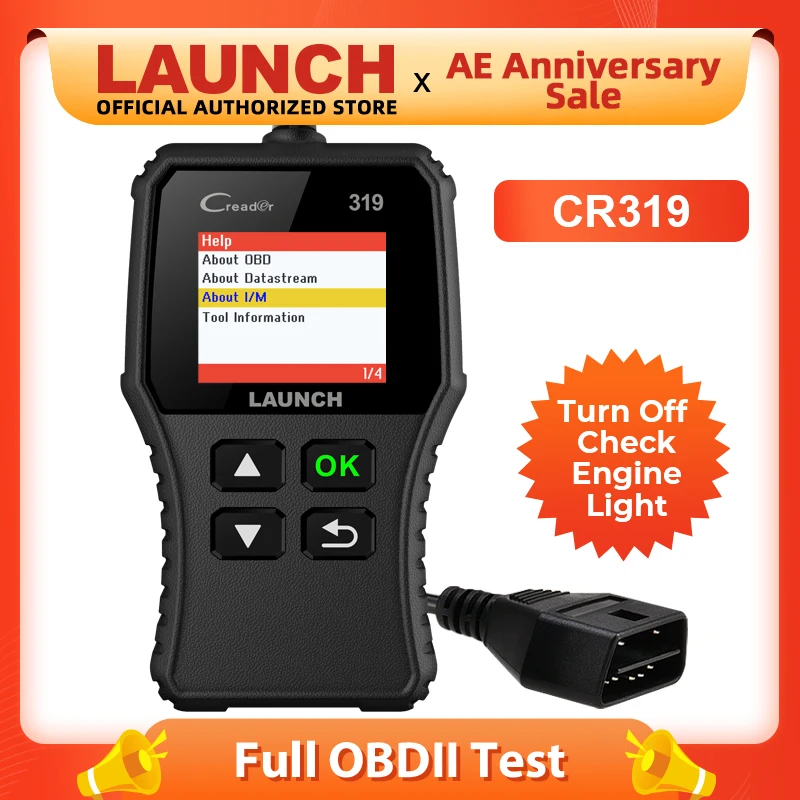
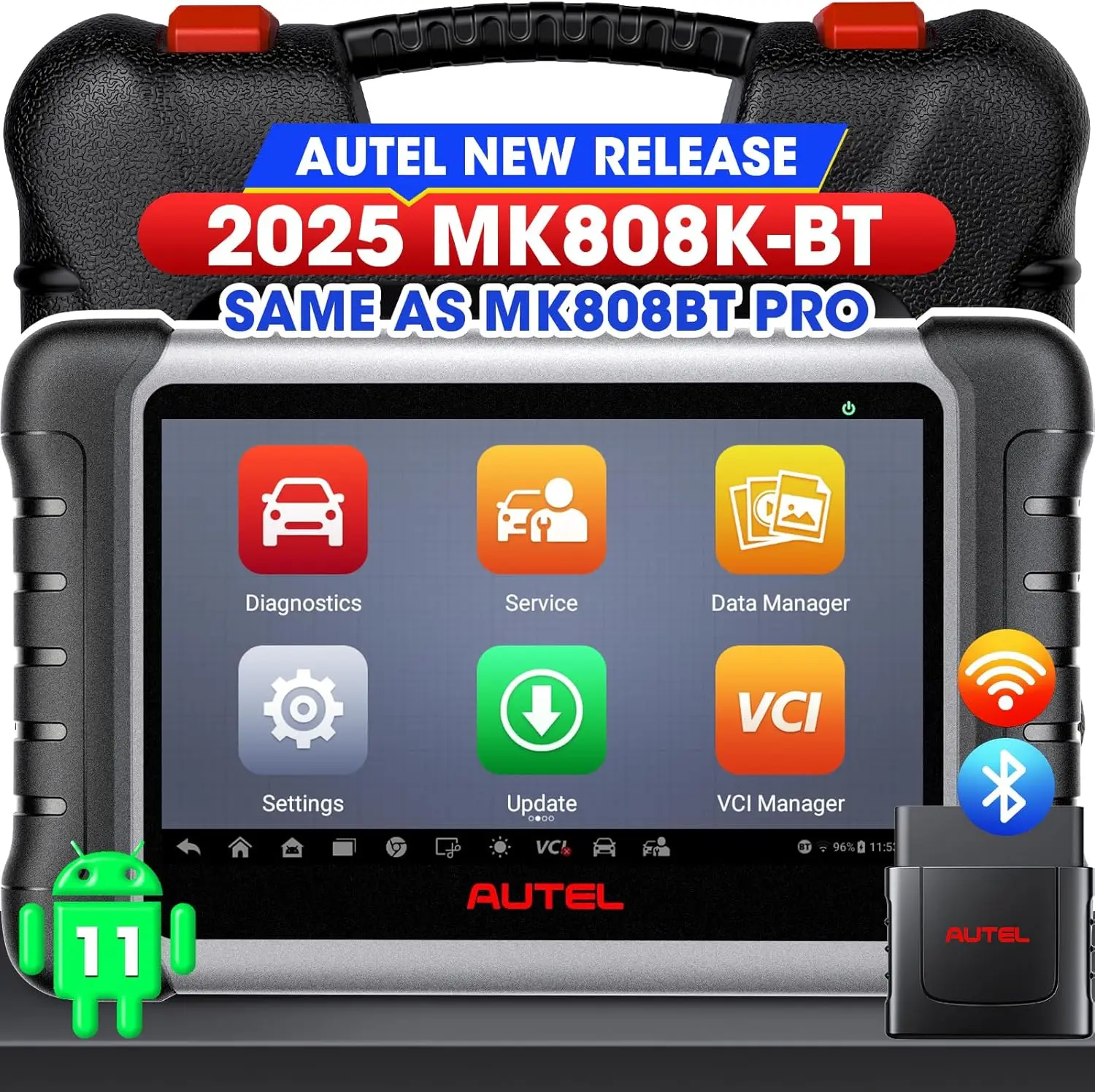
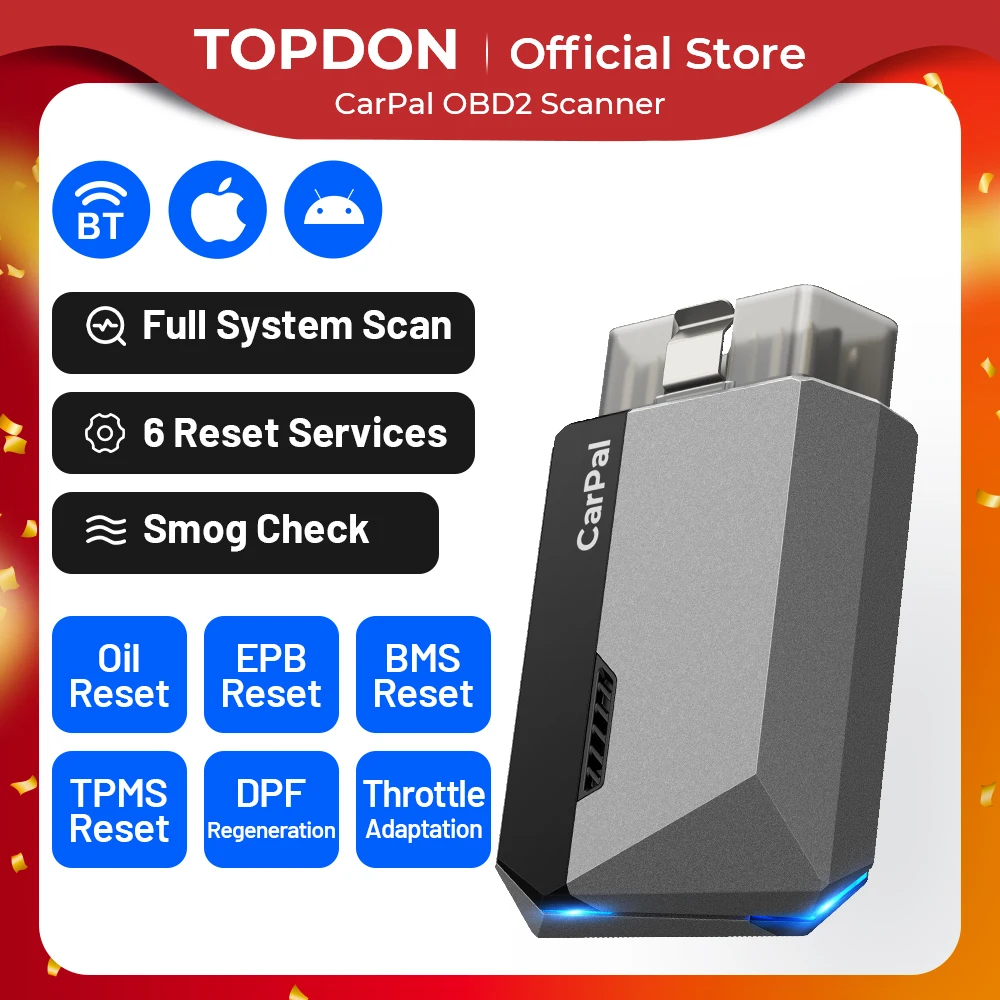
Product specifications
Detailed product description
This product is shown with available options, market-specific pricing and verified specifications.
- Brand: LAUNCH
- Sales: 1
- Package size: 24 × 20 × 5 cm
- Package weight: 0.772 kg
- Rating: 0.0 / 5
Before adding to cart, choose an available option and check the quantity.
LAUNCH OBD2 Scanner CRP123 V2.0 Engine ABS SRS Transmission Diagnostic Scan Tool Full OBD2 Code Reader Lifetime free update
LAUNCH CRP123 V2.0 is the update version of CRP123
LAUNCH CRP123 V2.0 Supports Language
English, French, Spanish, German, Russian, Italian, Polish
LAUNCH CRP123 V2.0 Supports Engine/ABS/SRS/Transmission Diagnostic Function
ENGINE System
ABS System
Anti-skid braking system (ABS) The function is to automatically control the braking force of the brake when the car is braking, so that the wheels are not locked and in the state of edge rolling slip (slip rate is about 20%) so as to ensure the maximum adhesion between the wheels and the ground. LAUNCH Crp123 can scan this system and located the error part
AT(Transmission) System
Auto Transmission is a set of transmission used to coordinate the engine speed and the actual speed of the wheel, which is used to give full play to the best performance of the engine. The transmission can produce different transmission ratios between the engine and the wheel during the driving process of the car
SRS System
Airbag Systems is a device that expands the airbag to protect the passenger before the second collision occurs. As an auxiliary device of occupant restraint device of seat belt, airbag is called Supplemental Restraint System (SRS)
LAUNCH CRP123 V2.0 Plus Supports 3 Reset Service
1> Oil Reset Service
This function enables you to reset the oil service for the engine oil life system,which calculates an optimal oil life change interval depending on the vehicle driving conditions and weather events.
lt needs to be performed in the following cases
1. lf the service lamp is on, run car diagnostics first for troubleshooting.Afterthat, reset the driving mileage or driving time, so as to turn off the servicelamp and enable a new driving cycle.
2. lf the service lamp is not on, but you have changed the engine oil or electric
appliances that monitor oil life, you need to reset the service lamp.
2> Steering Angle Calibration
This function enables you to reset the steering angle,after replacing thesteering angle position sensor,replacing steering mechanical parts (such assteering gearbox,steering column, end tie rod, steering knuckie), performingfour-wheel alignment, or recovering car body.
To reset the steering angle, first find the relative zero point position for thecar to drive in straight line. Taking this position as reference,the ECU cancalculate the accurate angle for left and right steering.
3> Electronic Throttle Position Reset
This function enables you to make initial settings to throttle actuators andreturns the learned values stored on ECU to the default state. Doing so canaccurately control the actions of regulating throttle (or idle engine) to adjust theamount of air intake.
LAUNCH CRP123 V2.0 Supports Full OBD2 Code reader Scan Function
Reading Codes: Show the detailed description of the Diagnostic Trouble Code (DTCs)
Erasing Codes & Reset: Turns off Check Engine Light (MIL), clears codes and resets monitors.
Data Stream: Reads and displays live ECU/PCM data stream, plotting functions graphically and stores freeze frame data.
I/M Readiness Status: Shows whether the various emissions-related systems on the vehicle are operating properly and are ready for inspection and maintenance testing.
Read Live Data Stream: Show the information of continuous data stream from a vehicle in live graphic (waveform) display.
View Freeze Frame Data: Check the certain vehicle conditions which are recorded by the on-board computer at the time the emission-related fault occurs.
O2 Sensor Test: Allows retrieval and viewing of O2 sensor monitor test results for the most recently performed tests from the vehicle’s on-board computer.
On-Board Monitor Test: Retrieves and displays test results for emission-related powertrain components and systems.
Read Vehicle Information: Display the information such as VIN (Vehicle Identification Number), CID (Calibration ID) and CVN (Calibration verification number), etc.
Component Test: Certain vehicle components can be actuated by commands sent from the scanner to test their operability
LAUNCH CRP123 V2.0 Supports Graphing 4 in 1 live data for ENGINE / ABS/ SRS/ Tramsmission
This OBDII diagnostic scanner has big size LCD color screen.it also shows live vehicle sensors data in text,multiple graph format shows 4 live Readiness and allows you to focus on any suspicious or symptom-specific data parameters.
Launch CRP123 V2.0 obd2 scanner can work on 10000+ cars
For ACURA, For AUDI, For AUSTFORD, For Mercedes-Benz/For Maybach, For BMW ( For BMW/ For BMW Brilliance/ For Rolls-Royce/ For Mini ), For CHRYSLER, For CITROEN, For EUROFORD, For FIAT ( For Fiat/ For Abarth/ For Alfa Romeo/ For Lancia/ For Nanjing Fiat ), For GM ( For General Motors/ For Chevrolet/ For Cadillac/ For Buick), For HOLDEN, For HONDA ( For Honda/ For Acura/ For Dongfeng Honda/ For Guangqi Honda), For HYUNDAI, For INFINITI, For JAGUAR, For JPISUZU, For KIA, For LANDROVER ( For Jaguar/ For Land Rover), For LEXUS, For MAZDA, For MITSUBISHI( For Mitsubishi/ For GAC Mitsubishi), For NISSAN ( For Nissan/ For Infiniti/ For Nissan GTR/ For Dongfeng Nissan/ For Vucina), For OBDCRPOTX, For OPEL, For PEUGEOT ( For Peugeot/ For Dongfeng Peugeot), For PORSCHE, For RENAULT( For Renault/ For Dacia), For ROMEO, SAAB, For SEAT, For SKODA, For SMART, For SPRINTER, For SUBARU, For SUZUKI, For TOYOTA ( For Toyota/ For Lexus/ For China Toyota), For USAFORD, For VOLVO ( For Volvo/ For Lynk & Co), For VW ( For Volkswagen/ For Bentley/ For Bugatti/ For Lamborghini)
Why choose LAUNCH CRP123 V2.0?
>>>>Portable, Faster, more Functional!
HOW TO REGISTER & UPDATE LAUNCH CRP123 V2.0?
Step 1: Go to LAUNCH official website(refer to the "user manual" in the "Technical Specification "section of product webpage) and click Updating Tool Download icon.
Step 2: Download and install the CRP123 V2.0 update tool and launch the program when installed.
Step 3: You will be prompted to type in the serial # (located on the back of the tool)
Note: the “User password” is equal to the “Register Code.”
Step 5: Install the TF card from the tool into the supplied USB TF card adapter and insert into USB port of CPU.
Step 6: Reopen the CRP update Suite and select the updates you would like to preform or click select all and click Download.
Step 7: Once all steps are complete, reinsert the TF card into the tool and power the tool via USB in computer or via OBD2 port in vehicle. The tool will prompt you to upgrade, select OK button on tool to proceed.
Launch CRP123 V2.0 is with Lifetime Free Update via Internet!
How to Printer the diagnostic report of Launch CRP123 V2.0
Step 1: Connect CRP123 V2.0 to Computer via USB cable.
Step 2: Open Update tool, Find "Printer Manager", enter
Step 3: CRP123 V2.0 go to "Dianostic"- "Review"- "Upload Record", choose the data you want print to Upload.
Step 4: After Upload, you can see the date in "Printer Manager", choose print, it will be ok!
LAUNCH CRP123 V2.0 Parameter
Screen size: 4.0 inch
Memory: 16GB
LAUNCH CRP123 V2.0 Packing List
1. LAUNCH CRP123 V2.0 ODB II Scanner
2. USB Cable
3. OBD II Cable
4. Card Reader
5. User Manual
6. Installation / Registration Instructions