
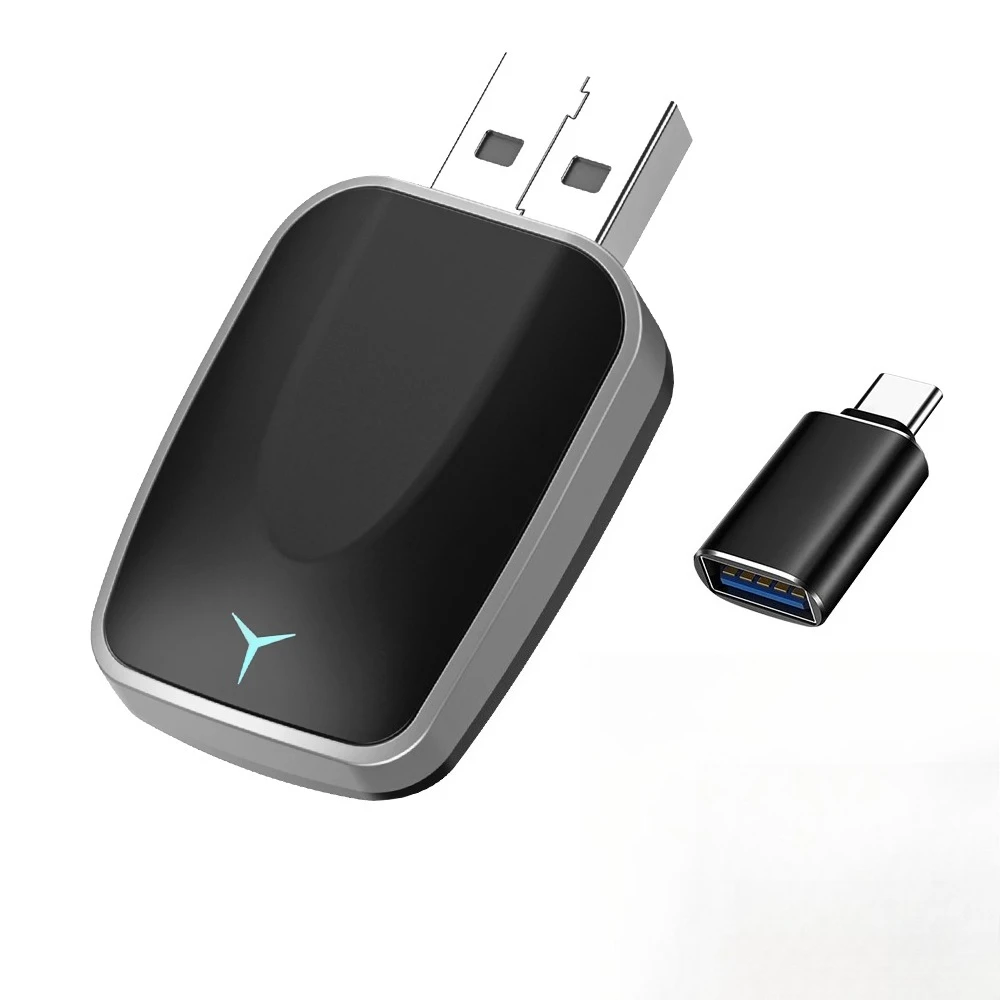
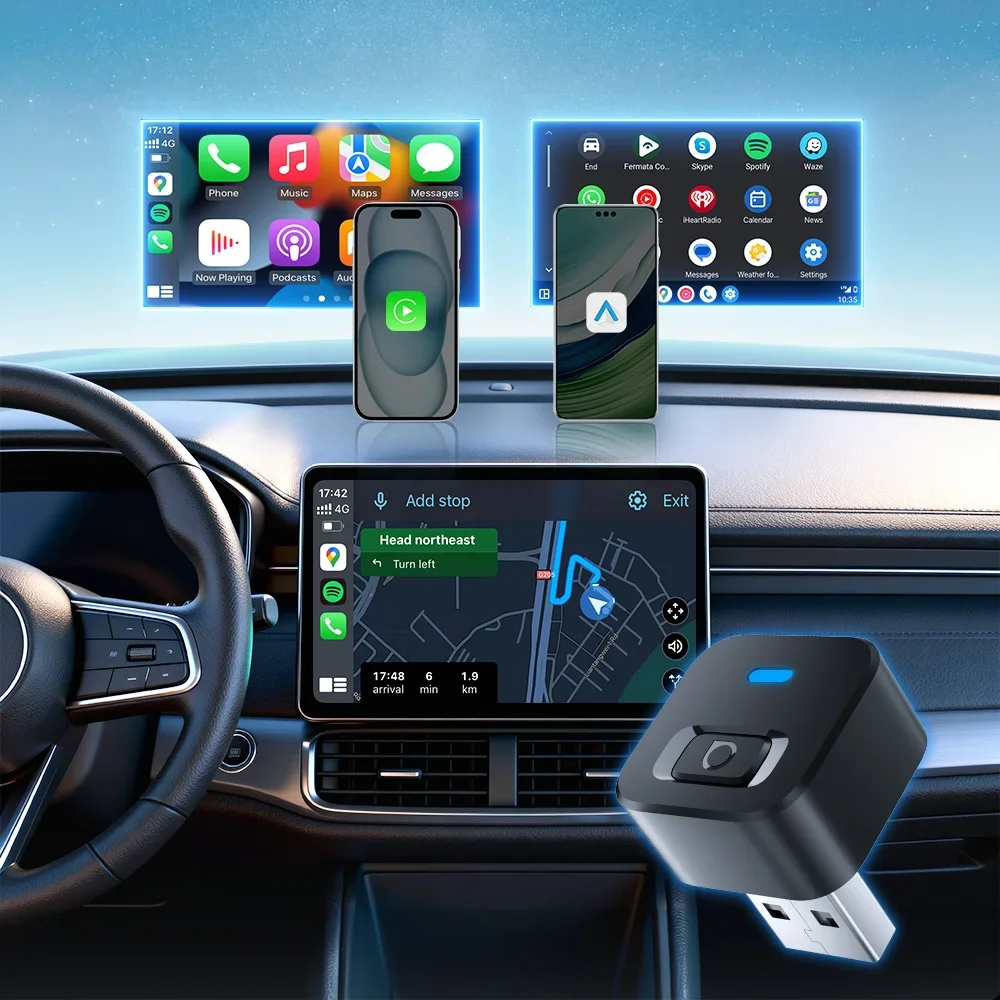
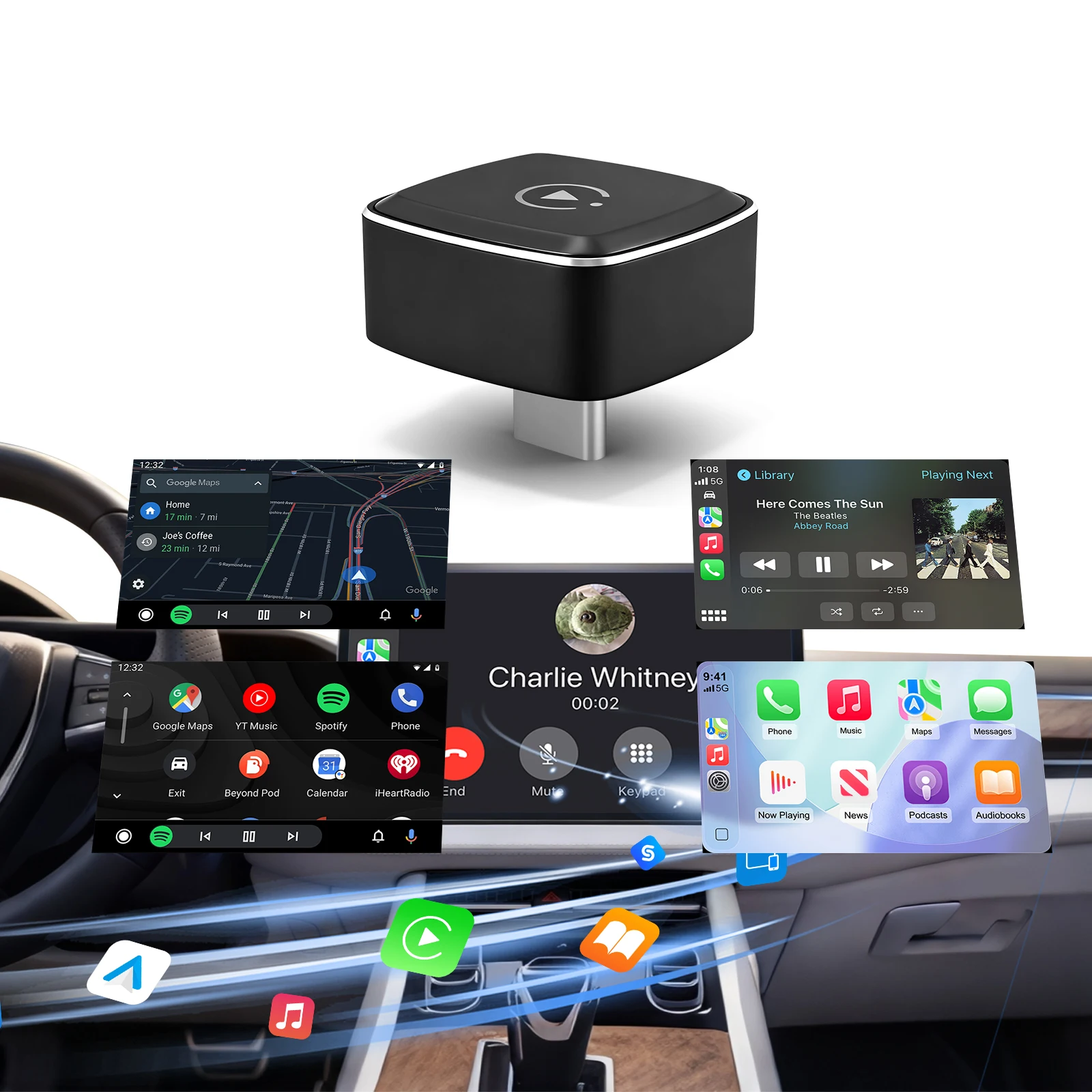
NEW Wireless CarPlay Android Auto Wireless Adapter Smart Mini Box Plug and play Connect Universal for Nissan Wireless Adapter
Return&refund policy
Eligible items are covered by return and refund support. If the item does not arrive or is not as described, the buyer can request help.
Security & Privacy
Safe payments: We do not share your personal details with any third parties without your consent.
Secure personal details: We protect your privacy and keep your personal details safe and secure.
AI offer for your market
A curated pick based on category, shipping route, delivery speed and popularity in your selected market.
Why this product fits your market
- • Estimated delivery: 7.
- • Strong customer signal: 4.6★ from 1,846 reviews.
- • Recommendations focus on this product category and your market availability.



Product specifications
Detailed product description
This product is shown with available options, market-specific pricing and verified specifications.
- Brand: FLIXIVI
- Sales: 4000+
- Package size: 18 × 14 × 3 cm
- Package weight: 0.037 kg
- Rating: 4.6 / 5
Before adding to cart, choose an available option and check the quantity.
**Important Tips**
1. This product is applicable to vehicles equipped with wired CarPlay or Android Auto, and is compatible with 99% of cars manufactured after 2016.
6. If the connection is unstable, try switching the Wi-Fi frequency band. Relevant operations can be found in the user manual.
Product Specifications
Power Supply:DC 5V±0.5 1A
Product Name: Wireless CarPlay/Android Auto Adapter
Please note
The working principle is to use Bluetooth to establish a pairing between the - iPhone/Android smartphone and the vehicle, and then switch to using WiFi to maintain wireless connection.
IMPORTANT TIPS
If your car is Android Auto, after inserting the adapter, there will be NO display on the screen. This is normal and not a malfunction.
Online Update
1. Power up the adapter
Apple Carplay
3. Connect the adapter via Bluetooth
4. Open the browser and enter "" to enter the Carplay function settings page
5. Click "Online Update" and select the version with the latest date for updating
6. If unable to connect to Carplay, please try disconnecting Bluetooth and WIFI, then enter password: 12345678, connect to WIFI hotspot: Wireless Dongle - * * **
Android Auto
1. For Android Auto, Please disconnect the Bluetooth and WIFI links first, then open WIFI and find Wireless Dongle - * * * *. Enter the password: 12345678 to connect to this hotspot
2. Open the browser and enter "" to enter the Carplay function settings page
3. Please Click "Switch P2P" Then Click“OK"
5. Return to the browser's page Click "Update“, then patiently wait for the update process to end before connecting to Bluetooth
Tips
1.On this webpage, you can see a feedback window,You could fill in the car brand, model, years, and more details, next tap "Submit to" report the issue. Our engineers will record your problem and research possible solutions
2.If you encounter unstable connection problems, it may be due to different WiFi/hotspot channels. You can find WIFI frequency band switching options on a webpage, find the appropriate channel, and make the connection more stable.
Package List
1x Wireless AdapterCarPlay/Android Auto
1x USB Adapter
1x User Manuel