
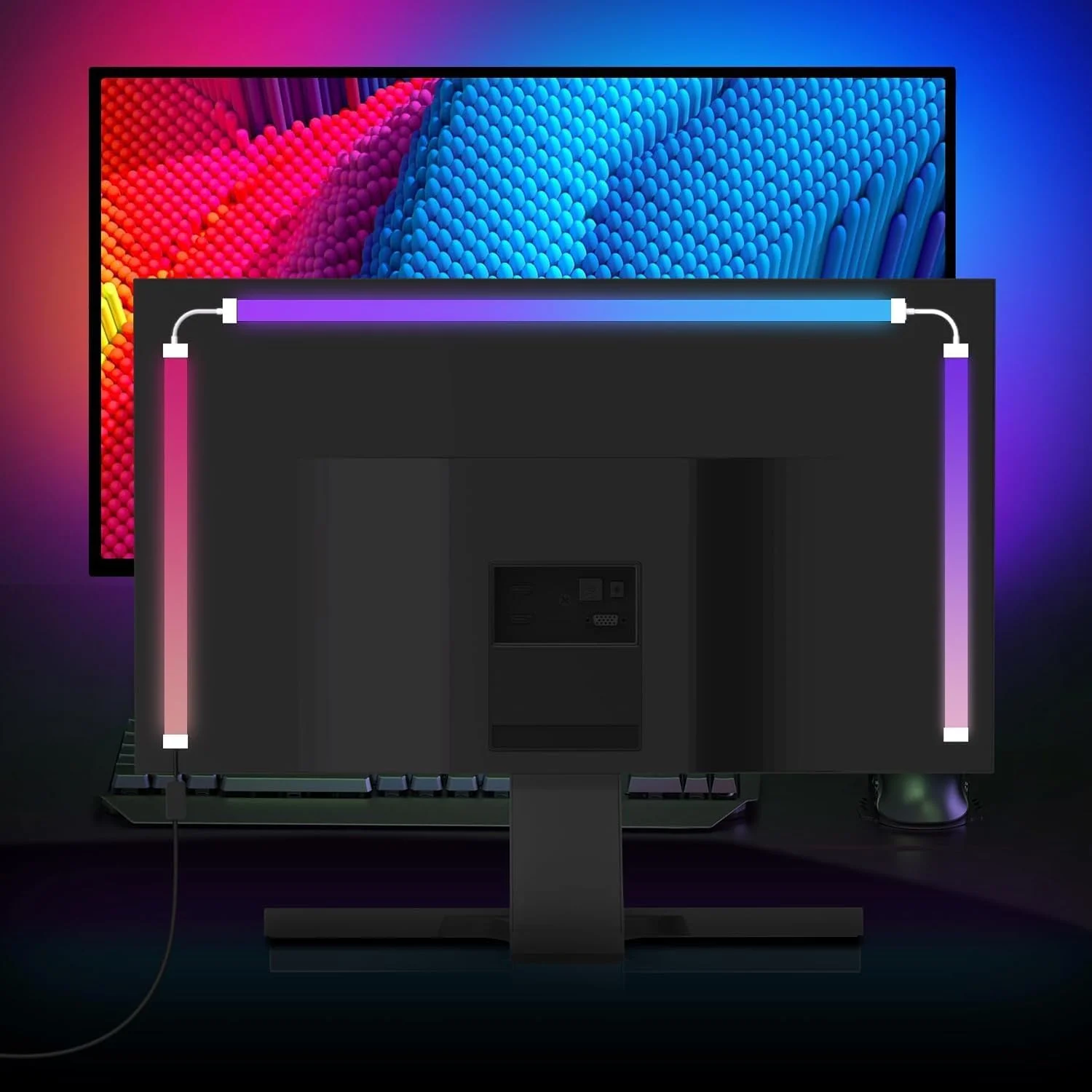
Smart Ambient PC Display Sync Computer Monitor Backlight LED Strip Light RGB Color DIY Game Holiday Atmosphere Decor Lamp
Return&refund policy
Eligible items are covered by return and refund support. If the item does not arrive or is not as described, the buyer can request help.
Security & Privacy
Safe payments: We do not share your personal details with any third parties without your consent.
Secure personal details: We protect your privacy and keep your personal details safe and secure.
AI offer for your market
A curated pick based on category, shipping route, delivery speed and popularity in your selected market.
Why this product fits your market
- • Estimated delivery: 7.
- • Strong customer signal: 4.6★ from 298 reviews.
- • Recommendations focus on this product category and your market availability.


Product specifications
Detailed product description
This product is shown with available options, market-specific pricing and verified specifications.
- Brand: VENUSWING
- Sales: 700+
- Package size: 18 × 17 × 2 cm
- Package weight: 0.2 kg
- Rating: 4.6 / 5
Before adding to cart, choose an available option and check the quantity.
1.There might be a bit color distortions due to different computer resolutions.
2.Please allow 1-2cm measuring deviation due to manual measurement.
4.Light Strip Not Lighting Up/Only Partially Lighting Up
(1)Please ensure the USB is plugged into a rear USB port on your computer! Insufficient power from a front-panel port can cause the light strip to not light up fully.
(2)Due to differences in computer configuration and usage, incorrect software recognition may also result in only partially lit or no light strip at all. You need to reset the software and re-plug the USB light strip to re-identify it. If an error message pops up on your computer after re-identification, please carefully review the message and troubleshoot accordingly.
Features
【Screen Color Matching Monitor Backlighting】
Vivid RGB-IC game lighting is presented by reading pixel points on the screen. Synchronize the LED lights with your monitor's colors for a seamless, immersive experience that matches your screen's display.
【Music Sync LED Strip】
The built-in high sensitivity microphone allows you to enjoy a dynamic lighting experience that dances to the beat of your favorite music. Not only light music, but also throbbing rock music, move with your heart and dance with your music. Adding rhythm and excitement to your gaming environment.
【Perfect Atmosphere Lighting】
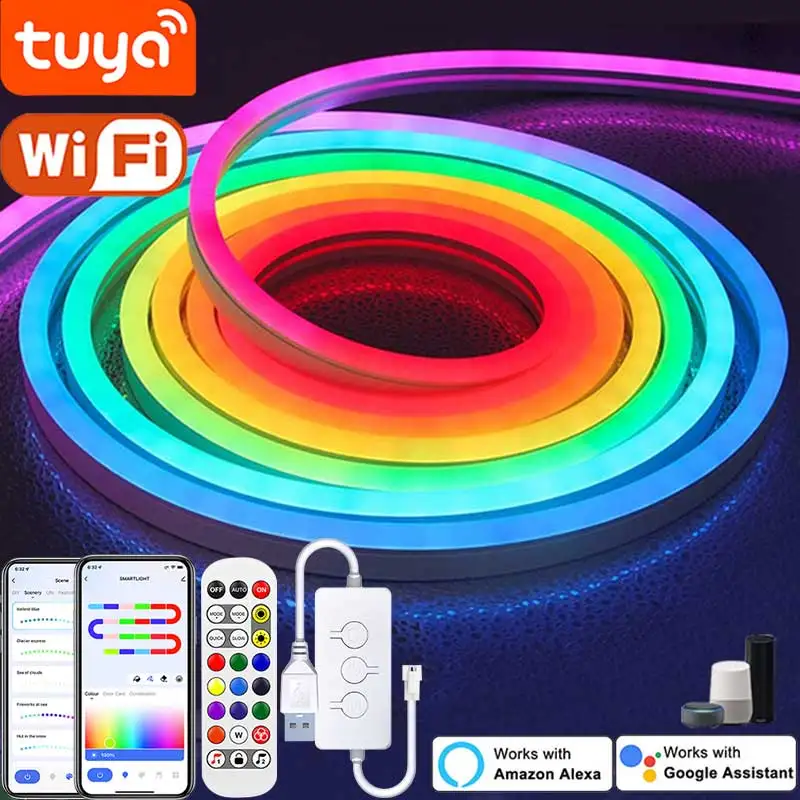
This LED ambient lighting is suitable for a variety of places and atmospheres. Transform your workspace with a vibrant, multi-color RGB LED strip that enhances any setup with dynamic ambient lighting.Such as movies, games, music, office and more.
【USB Powered 】
Stick the gaming light strip on the back of the PC. Easy to install with a USB power source and download
【Versatile LED Strip for Monitors】
Designed to fit various monitor sizes, this flexible LED strip provides adaptable lighting solutions for both gaming and office setups.
【Software Control】
Kindly note that you need to download and install the software to run it, Please test the direction of the light(from left to right/right to left) after opening the software according to your computer screen hosts.
【Protect your eye】
Watching PC in the dark causes the eyes to constantly adjust between a bright screen and dark surrounding area. backlight elevates the ambient light, reducing eye strain and headaches., reducing the eyestrain caused by differences in picture brightness, creates a beautiful bias lighting when watching PC
Description
Lamp Material:Silica+ABS
Voltage: DC5V
Input: USB interface
LED model: 5050
Beam angle: 120°
Control method: Controller /PC software
Product Size: 24inch/27inch/32inch/34inch
Frequently Q&A
Q1: After connecting the device to the power source and the light strip, if the
light strip doesn't illuminate when pressing the controller button, does it mean there's a malfunction with the device?
A1: This situation may be due to the insufficient power supply of the USB
interface.lt is recommended that you try to replace other USB ports
(rear USB ports for desktop computers)to power the device.
Q2: In screen light synchronization mode, why can you press the button on
the controller?
A2: When running in screen light sync mode, the software continuously sends
sync signals to the controller. During this time, the physical buttons
temporarilylose control over the light strip.
To restore manual controlexit the screen light sync mode and tr
again.in non-screen light synchronization modes, such as color-changing or music-sync modes.
you can use the controller buttons to adjust the lighting effects and modes normally.
Q3: |'ve correctly connected the device, but when starting the software, still receive the prompt: “No device detected, please connect the device?”
A3: For users using this product for the first time, please ensure that your computeris connected to the internet.
The device may require online activation for the software to recognize it. Once activation is complete, you can continue using the device even offline
If your computer is already connected to the internet, try unplugging and re-plugging the USB cable on the PC USB port, and check if the power adapter voltage is 5V and the current output is greater than or equal to 2A. lf the power
conditions meet the requirements but the device still isn't recognized, try connecting the device to a different USB port on your computer. lf the issue persists,please consult customer service for assistance