
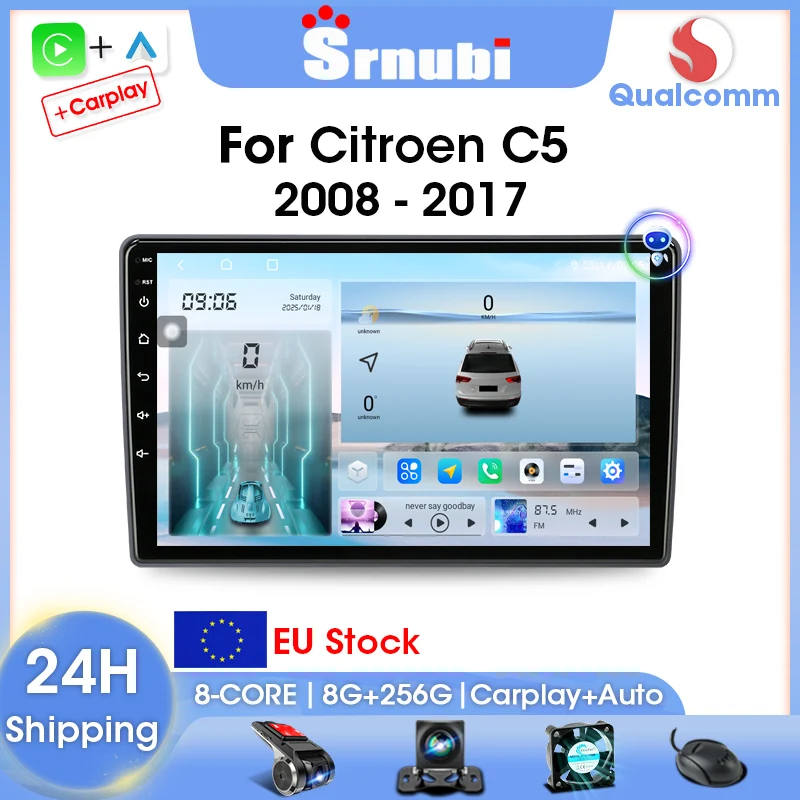
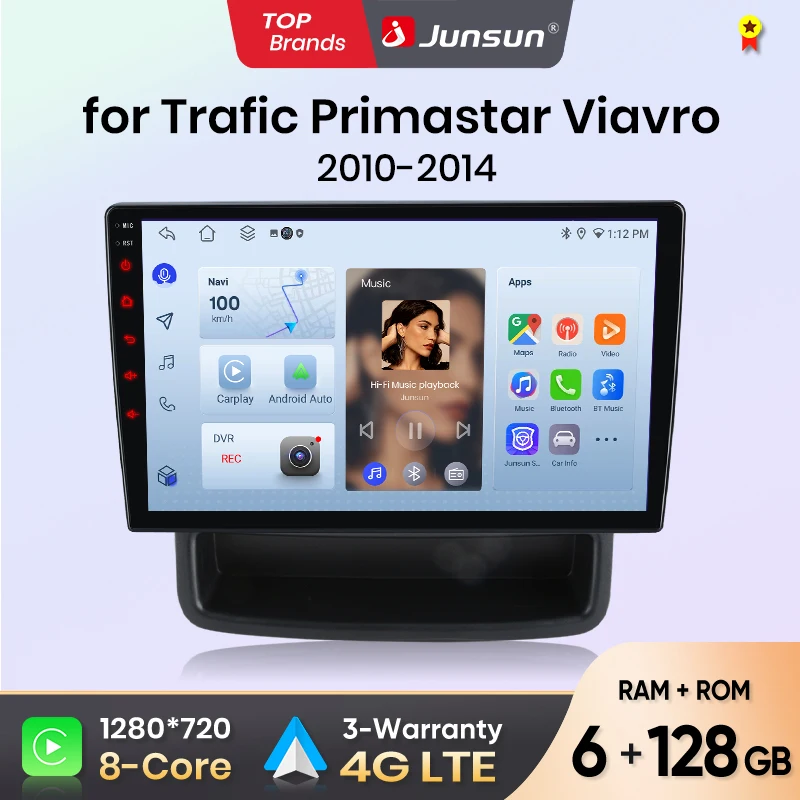
Srnubi 2 Din Car Radio For Citroen C5 2008-2017 Multimedia Player Carplay Android auto Stereo Autoradio GPS Navegador Head Unit
Return&refund policy
Eligible items are covered by return and refund support. If the item does not arrive or is not as described, the buyer can request help.
Security & Privacy
Safe payments: We do not share your personal details with any third parties without your consent.
Secure personal details: We protect your privacy and keep your personal details safe and secure.
AI offer for your market
A curated pick based on category, shipping route, delivery speed and popularity in your selected market.
Why this product fits your market
- • Estimated delivery: 7.
- • Recommendations focus on this product category and your market availability.
Product specifications
Detailed product description
This product is shown with available options, market-specific pricing and verified specifications.
- Brand: srnubi
- Sales: 31
- Package size: 35 × 20 × 13 cm
- Package weight: 1.65 kg
- Rating: 0.0 / 5
Before adding to cart, choose an available option and check the quantity.
For Citroen C5
Main functions&configurations
1. Qualcomm chip, 8-Core, 2.0GHz.
2. QLED 2.5D screen.
3. Support the display of car models.
4. Supports 4G/5G networks.
5. Supports Bluetooth 5.0 and 5GHz WiFi.
6. Support side color button lights.
7. Supports Carplay and Android Auto.
8. Support original car steering wheel control.
Qualcomm chip
Equipped with Qualcomm chip, super performance, bringing you a smooth experience.
Original steering wheel control
All models support original steering wheel control, retaining original car functions.
G+G 2.5D IPS Screen
Adopting G+G (glass to glass) technology, it has more realistic images and smoother response speed.
Wired+wireless Carplay and Android Auto
Built in Carplay and Android Auto, supporting wired and wireless connections.
Colorful button light
Support rainbow side button lights, customizable button colors.
Support SWC
After installation, you can use the buttons on the steering wheel to control the screen.
GPS Navigation
Support online maps or offline maps, support navigation to listen to music or radio stations.
Split Screen
Support split screen and floating window functions, capable of displaying multiple applications simultaneously.
4G+WiFi
Supports 4G/5G networks, can insert SIM card,5GHz WiFi, stable and fast connection to your other devices.
More features and accessories
1. FM/AM/RDS.
2. 2 * USB port.
3. Multimedia Entertainment.
FAQ
1.Why can't turn on the car radio?
1.1 Please check the Voltage of car radio: 12V
1.2 When you test this car radio,you can combine the red and yellow wires and connect them to the positive side of the power supply.Black line to negative power supply.
1.3Replace the same type of insurance to test the car radio. Note: Please must use our power cables to connect our car radio,it is not possible to insert the original car plug directly into our machine.
2.Why the car radio will show "No Signal" when we reversing?
Please check if the camera's line is properly connected to the car radio. Note:The video port of rear camera must insert the "CAMIN" port of car radio.
3.Why does the camera display "!" and "Can't watch video while driving" when I use USB to watch videos?
Please turn off the "Video Warning" function in the settings,then will be OK.
4.Why can't search FM?
4.1: No radio antenna inserted
4.2: Please check if the radio antenna is plugged in. Please insert more antennas several times to make it well contacted
4.3: The signal of your location is not good. Please go to a better place to test again
4.4: The radio antenna on the car is broken/no effect; please replace the radio antenna and test again.
5.Why can't connect the Bluetooth of car radio?
6: Bluetooth signal is weak, WiFi signal is weak
please check and reconnect the Yellow rear Camera input connector, there are 2 short cables, they are the extension cords of the Bluetooth antenna and the WiFi antenna, or you can extend them to enhance the signal.
7: The navigation map does not work
8: The screen display is abnormal
click the one-key recovery button, if it can't be solved, remove the screw on the back, check whether the screen cable is loose, and reconnect the screen cable.
9: Abnormal sound
1 Check whether the original car cable has been modified by another car owner. If so, please check the speaker cable and reconnect it.
2 Check whether there is an original car or a modif
10:Radio setting interface password
T6 password: 111333, 1234, 1617, 16176699
K3/T10/T3L/T3L plus: 123456,8888,7890,000000
Programmer interface password: 7890 plus current time. For example, at 11 o'clock it is 789011. If it is 12 o'clock, it is 789012
11:The radio cannot be turned on
11.1. The condition for the radio to turn on is that ACC (G3) and 12V (G2) are connected to the positive pole of the car's 12V power supply, and G1 is connected to the negative pole of the power supply. There may be a very small probability that the power cord does not match your car. You can directly connect these 3 power cords Connect the power cord of the car without the radio
11.2. It may be that the connecting wire of the radio came off during transportation, just open the back cover to check and reconnect the connecting wire inside the radio
11.3. If you can't turn on after checking the above steps, please send a video to us for confirmation. The video needs to show that the power cord is normally connected, and test the connection cord with an electric meter to be 12V.