

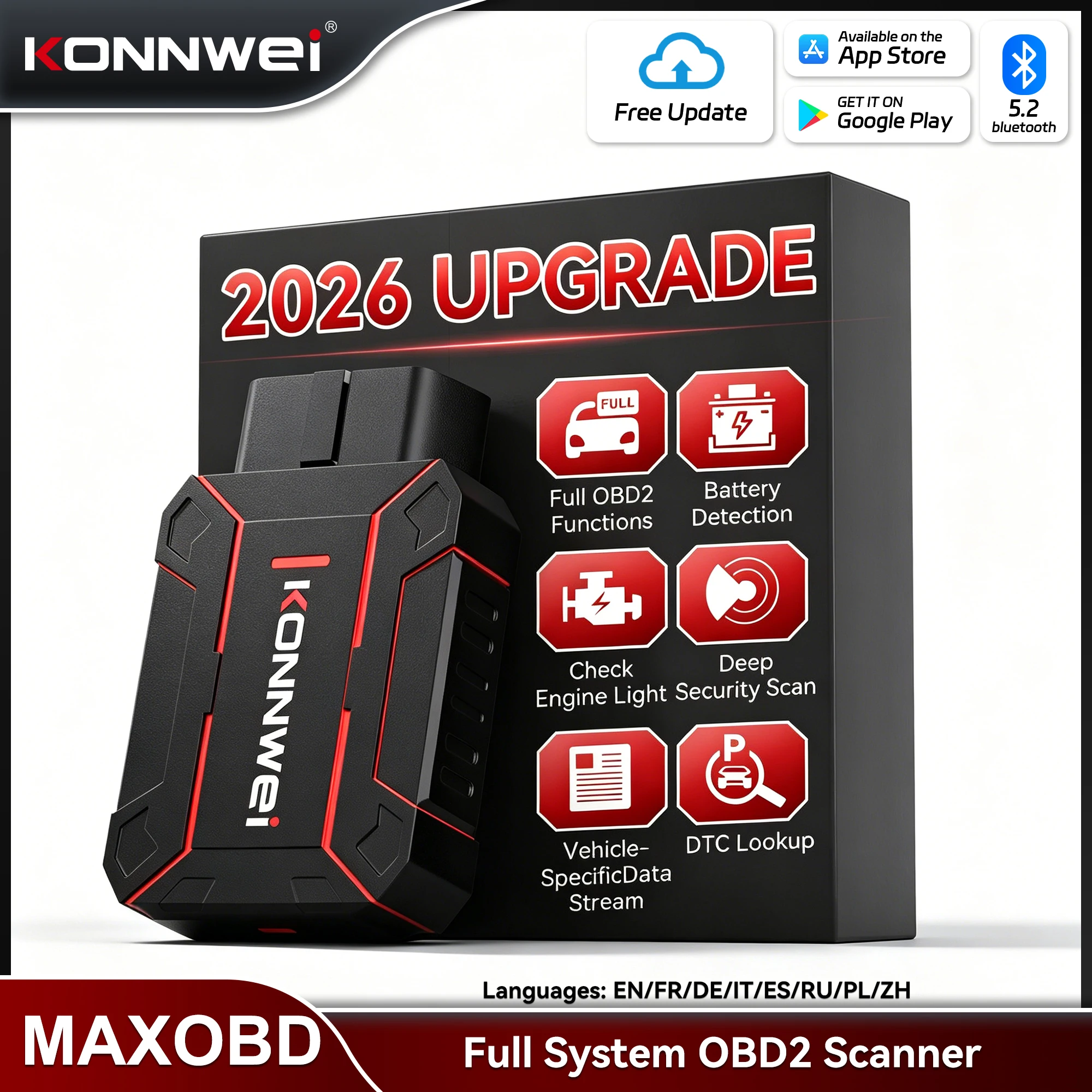
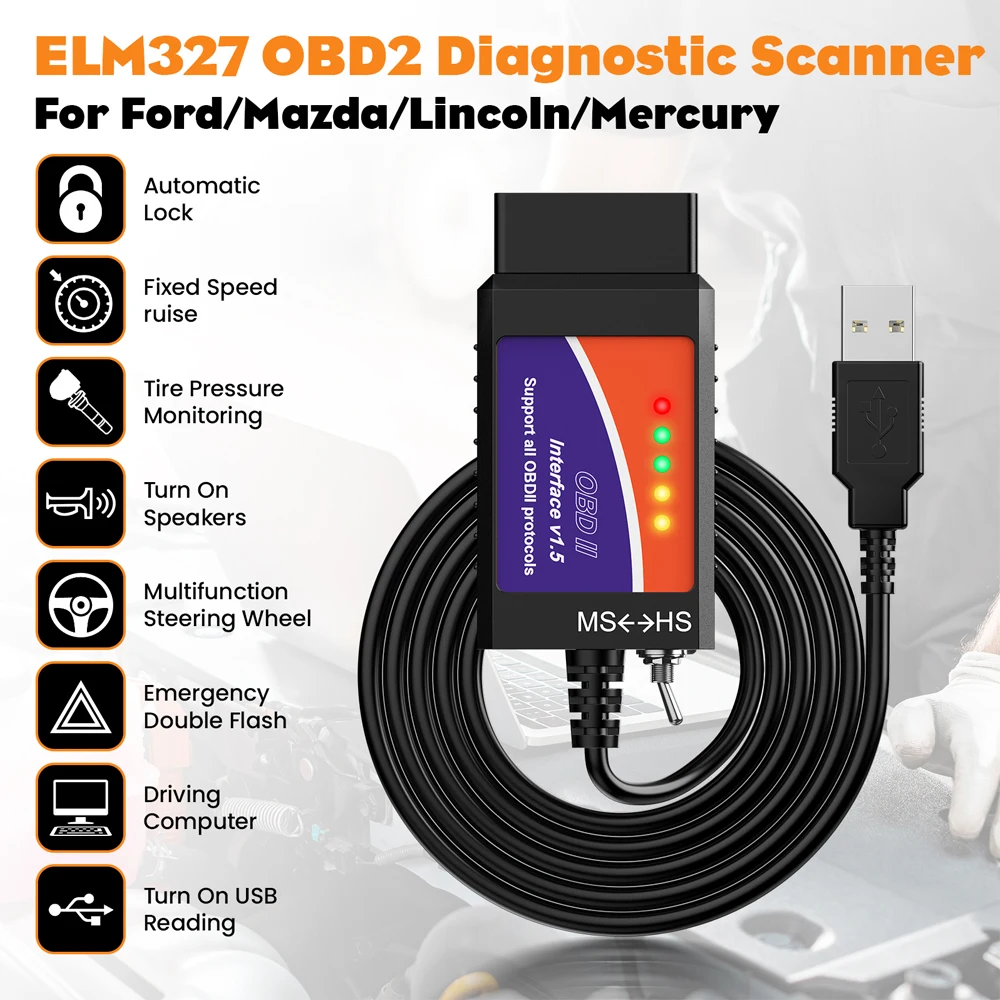
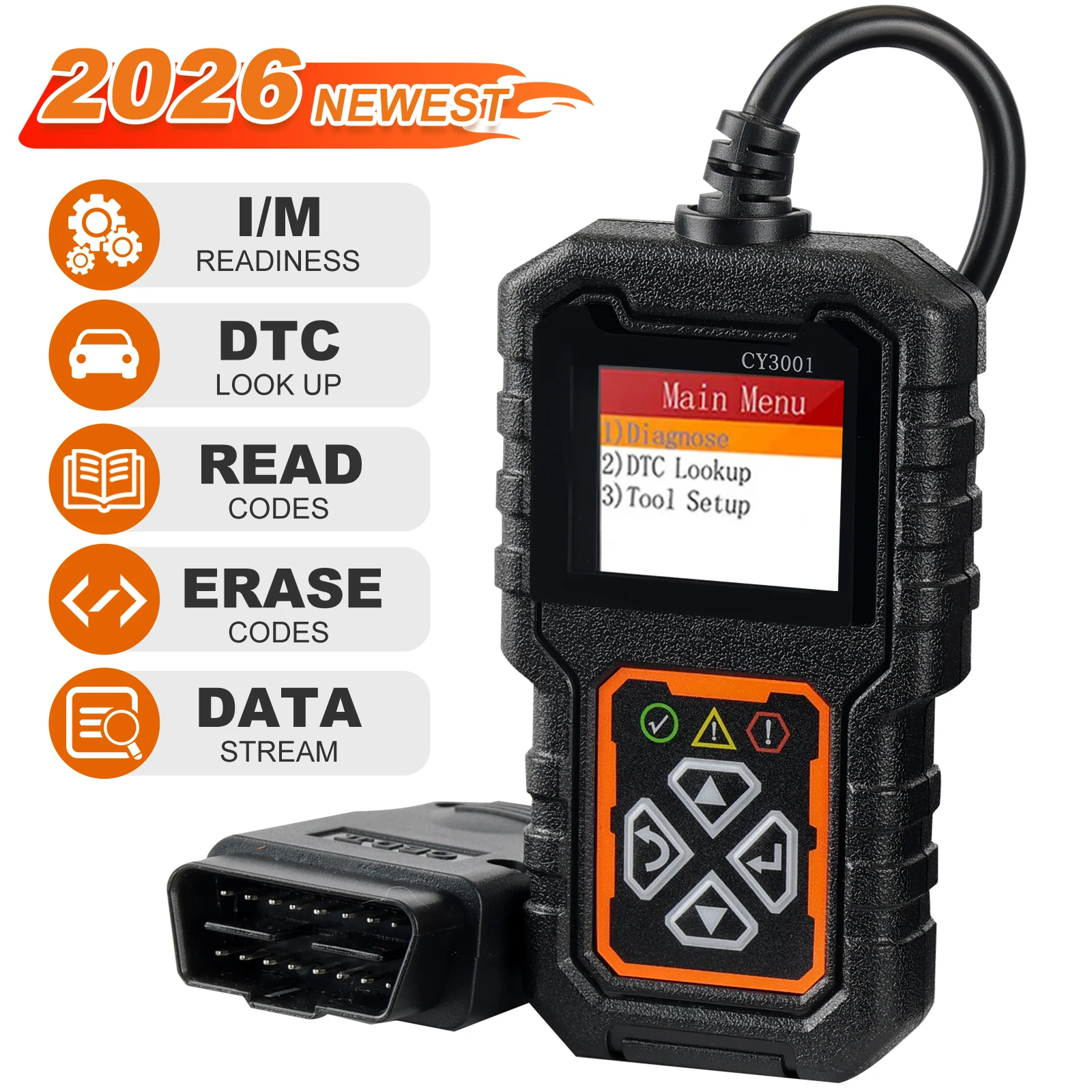
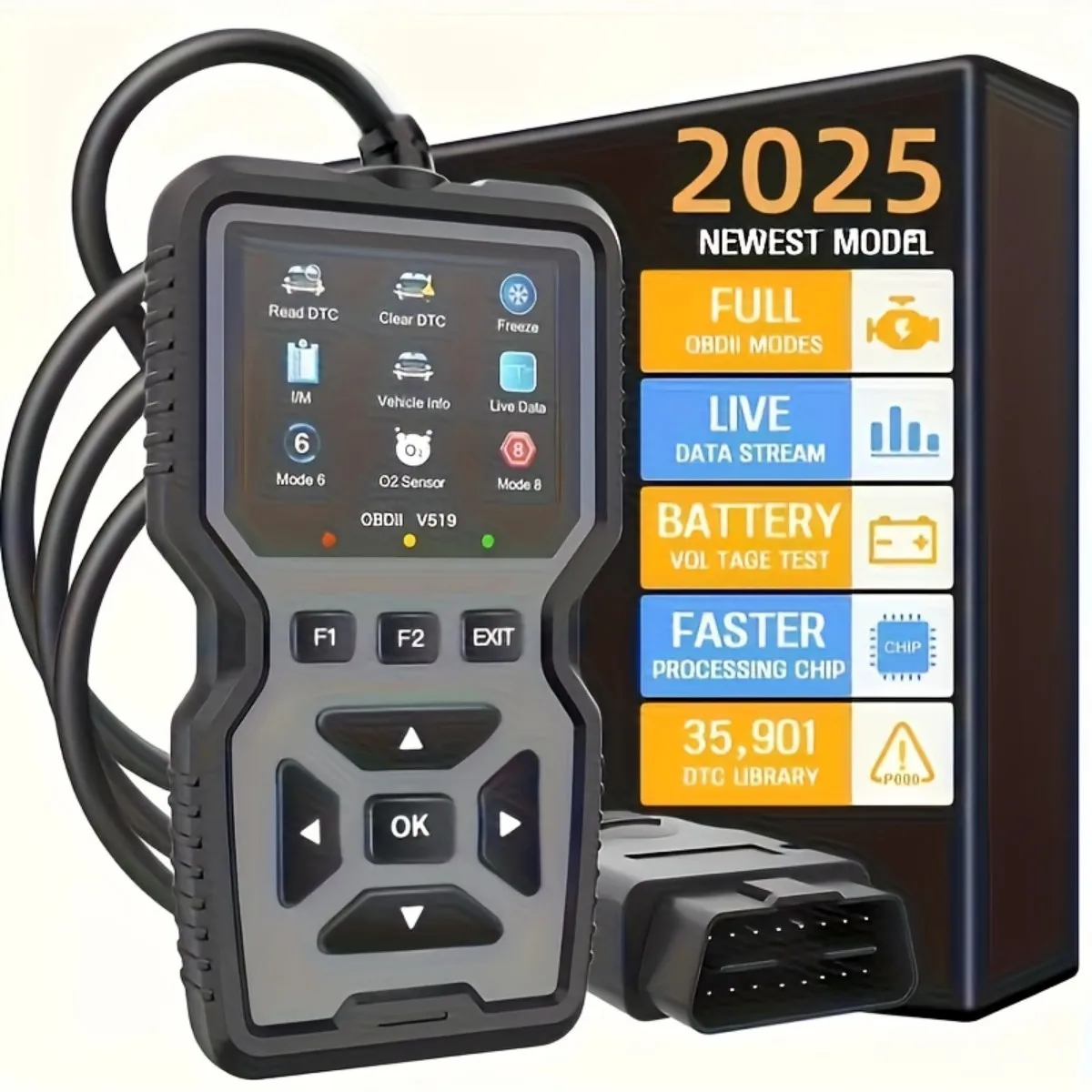
Konnwei ELM327 V1.5 Bluetooth 5.0 OBD2 Scanner ELM 327 V1 5 OBDII Auto Car Diagnostic Tools ODB2 OBD 2 Code Reader
Return&refund policy
Eligible items are covered by return and refund support. If the item does not arrive or is not as described, the buyer can request help.
Security & Privacy
Safe payments: We do not share your personal details with any third parties without your consent.
Secure personal details: We protect your privacy and keep your personal details safe and secure.
AI offer for your market
A curated pick based on category, shipping route, delivery speed and popularity in your selected market.
Why this product fits your market
- • Estimated delivery: 7.
- • Strong customer signal: 4.6★ from 920 reviews.
- • Recommendations focus on this product category and your market availability.

Product specifications
Detailed product description
This product is shown with available options, market-specific pricing and verified specifications.
- Brand: KONNWEI
- Sales: 800+
- Package size: 14 × 11 × 6 cm
- Package weight: 0.066 kg
- Rating: 4.6 / 5
Before adding to cart, choose an available option and check the quantity.
Konnwei ELM327 V1.5 Bluetooth 5.0 OBD2 Scanner ELM 327 V1 5 OBDII Auto Car Diagnostic Tools ODB2 OBD 2 Code Reader
Purchase Notes!!!
Some customers have feedback that the bluetooth will not connect when they connect to IOS,please follow the tips:(The IOS system cannot support Bluetooth 5.0 ELM327 connection on the Bluetooth page)
1.Plug in the KW901 to the OBD2 interface,and Open the IPhone's Bluetooth first
2.Open the software(like AUTO Doctor)
3.Choose "Extras",then click "Connectivity ",choose"Bluetooth",and click "Device",choose "Konnwei"
4.Connect Bluetooth in the"Connectivity ",then refresh software
For IOS Connection method
For Android Connection method
Spports all OBD-II protocols
0.Automatic
1.SAE J1850 PWM (41.6Kbaud)
2.SAE J1850 VPW (10.4Kbaud)
3.ISO9141-2 (5 baud init, 10.4Kbaud)
4.ISO14230-4 KWP (5 baud init, 10.4 Kbaud)
5.ISO14230-4 KWP (fast init, 10.4 Kbaud)
6.ISO15765-4 CAN (11bit ID, 500 Kbaud)
7.ISO15765-4 CAN (29bit ID, 500 Kbaud)
8.ISO15765-4 CAN (11bit ID, 250 Kbaud)
9.ISO15765-4 CAN (29bit ID, 250 Kbaud)
A.SAE J1939 CAN (29bit ID, 250 * Kbaud)
B.USER1 CAN (11 * bit ID, 125 * Kbaud)
C.USER2 CAN (11 * bit ID, 50 * kbaud)
Possible problems
1.The device cannot find the"KONNWEI"
Bluetooth network.
·Check if the adapter is powered on
(button on the front panel)
·Check the power supply of your OBDllI
connector,it should give out 12-14volts
·Check if the car ignition is on
·Try to turn off the ignition,remove the
adapter from the socket,reinsert it,turn
on the ignition
·Try searching for a Bluetooth network
tablet,etc.
2.Adapter disconnects during operation.
·Make sure that during the operation of
the adapter,high-power devices are not
charged through the cigarette lighter
·There are strong voltage surges in the
car's network,due to which the adapter
cannot work stably
OBDll connector outputs voltage 12-14
volts
3.The adapter cannot connect to the
ECU.
·Perhaps the ECU installed on your car
requires additional add-ons for correct
connection,namely,entering the
initialization code.The initialization code
is written in most applications,as many of
the programs have a ready-made list of
codes for various car brands
·Try some other applications.Different
applications may use the protocols
differently to communicate the adapter
with the ECU
·Make sure that only one adapter
application is running at a time
·Try reconnecting from step 1.
ELM327 V1.5 (Bluetooth BT5.0 )Features
* Small size, compact structure. Plug and never unplug* Stable wireless connection via Wireless BT5.0* No wires or batteries (adapter is powered by the 12V Vehicles battery)* 30 Minutes without communication, it will automatically go to sleep mode.* Ultra low cumsumption in sleep-mode, less than 10MA* Supports ALL OBDII protocols, widest coverages* The adapter uses the fast communication mode, up to 30PID/S.* True ON-OFF button, you can press button to turn off the elm if not in use.
ELM327 V1.5 (Bluetooth BT5.0) Function List
2.Clear trouble codes and turn off the MIL ("Check Engine" light)
3.Display current sensor data, including
4.Engine RPM
5.Calculated Load Value
6.Coolant Temperature
7.Fuel System Status
8.Vehicle Speed
9.Short Term Fuel Trim
10.Long Term Fuel Trim
11.Intake Manifold Pressure
12.Timing Advance
13.Intake Air Temperature
14.Air Flow Rate
15.Absolute Throttle Position
16.Oxygen sensor voltages/associated short term fuel trims
17.Fuel System status