

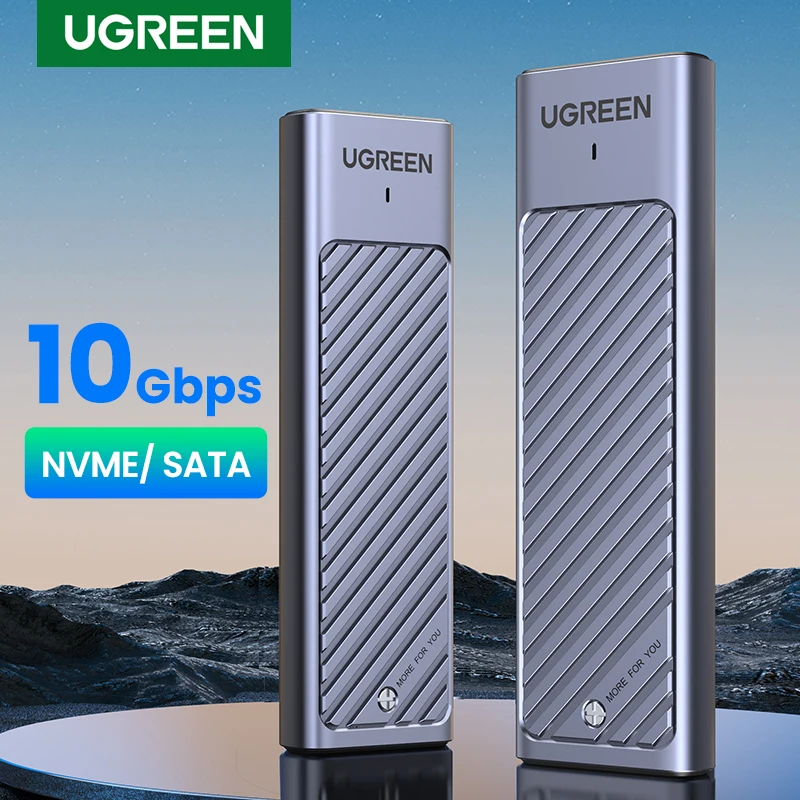
UGREEN M2 SSD Case M.2 NVMe SATA SSD Enclosure Adapter 20Gbps USB 3.2 Gen2 USB C External Enclosure Supports M and B&M Keys
Return&refund policy
Eligible items are covered by return and refund support. If the item does not arrive or is not as described, the buyer can request help.
Security & Privacy
Safe payments: We do not share your personal details with any third parties without your consent.
Secure personal details: We protect your privacy and keep your personal details safe and secure.
AI offer for your market
A curated pick based on category, shipping route, delivery speed and popularity in your selected market.
Why this product fits your market
- • Estimated delivery: 5.
- • Strong customer signal: 4.9★ from 1,911 reviews.
- • Recommendations focus on this product category and your market availability.
Product specifications
Detailed product description
This product is shown with available options, market-specific pricing and verified specifications.
- Brand: UGREEN
- Sales: 4000+
- Package size: 10 × 10 × 10 cm
- Package weight: 0.15 kg
- Rating: 4.9 / 5
Before adding to cart, choose an available option and check the quantity.
Important Note
USB 3.2 Gen2x2 port of your computer is needed for 20Gbps, otherwise will
only be able to achieve 10Gbps rate.
UGREEN
20Gbps NVME/ SATA Dual Protocol
With the latest USB 3.2 Gen2x2, this M.2 enclosure can achieve a 20Gbps data transmission rate as an NVMe enclosure and 6Gbps with SATA protocols.
Fast Transfer Rate USB3.2 Gen2
Support for NVME SATA Protocol
1G File Transmission in 1 Second
USB 3.2 Gen2 standard connector ensure high-speed transmission
NVME & SATA Protocol
Fast & Stable Transmission
Plug and Play,No Driver Needed
Supports Windows, LINUX, Mac OS systems, etc.
Support SSD of 4 Sizes
Suitable for size of 2230/2242/2260/2280 up to 8TB capacity
Sufficient Heat Dissipation
Premium aluminum and equipped with thermal pad that does better at heat dissipation.
Two-wire Configuration
Comes with 33cm C to C cable and C to USB 3.0 Cable
8TB Large Capacity
Work LED Indicator
Shock-proof Silicone Case
Silicone protection hard drive case is scratched
Easy Installation
1. Take out the silicone cover
2. Unscrew the screw to open the cover
3. Align the hard drive interface
4. Fixed hard drive by screw cap
5. Affix the heat dissipation silicone sticker
6. Completed installation
Compact & Portable
Product Specification
What's in the Box