

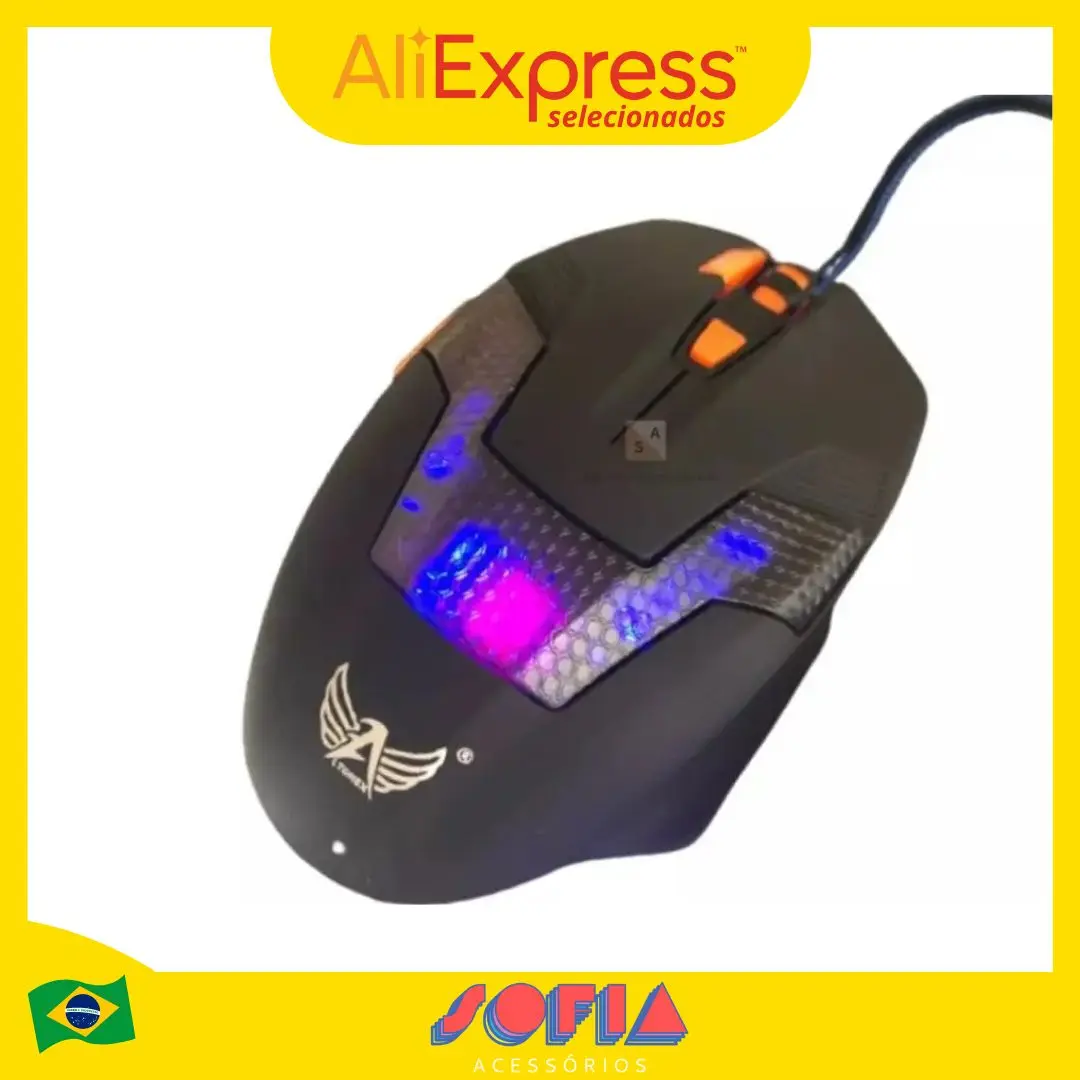
12800DPI Free Weight Macro RGB Gaming Mouse 12 Programmable Keys Game Mouse RGB Light Max to 6 levels For pc mac gun PUBG Laptop
Return&refund policy
Eligible items are covered by return and refund support. If the item does not arrive or is not as described, the buyer can request help.
Security & Privacy
Safe payments: We do not share your personal details with any third parties without your consent.
Secure personal details: We protect your privacy and keep your personal details safe and secure.
AI offer for your market
A curated pick based on category, shipping route, delivery speed and popularity in your selected market.
Why this product fits your market
- • Strong customer signal: 4.8★ from 184 reviews.
- • Recommendations focus on this product category and your market availability.
Product specifications
Detailed product description
This product is shown with available options, market-specific pricing and verified specifications.
- Brand: MKESPN
- Sales: 480
- Package size: 19 × 9 × 5 cm
- Package weight: 0.215 kg
- Rating: 4.8 / 5
Before adding to cart, choose an available option and check the quantity.
12800DPI Free Weight Macro RGB Gaming Mouse 12 Programmable Keys Game Mouse RGB Light Max to 6 levels For pc mac gun PUBG Laptop
Download Software
13 kinds RGB backlight
Equipped with 13 knids of RGB cool lighting effects of about 16.8 million colors. Between the illuminating of light
and shadow, the trend becomes extraordinary.
Professional Gaming Driven
Multiple macro programming keys, individual setting functions according to personal habits. Lighting the report rate and
adjusting the DPI value as you wish.
SKIN-LIKE FEEL COMFORTABLE
Ergonomic design, the streamline curve fits the player's fingers better, Skin-like feel, comfortable grip, quicker operation.
FREE WEIGHT ADJUST ABLE FEEL
In order to adapt players with different hand feel, 5g-10g-15g counterweight irons are equipped. Give it a better feel
and stability by customizing the weight.
How To Macro
1.Click Macro
2.Build New Group
3. Build New macro
3. Define new name
4. Click the record button.
5. Type the keys you want to program. When finishing, please type Stop.
6. THIS IS VERY IMPORTANT.
There are 2 ways to upload the macro, Macro and Convert K1.
If you choose Macro, you only need type Programmed key on mouse. It will show the programmed information.
Take an example, We take "hello" macro to key 6. If you press key 6,it will show "hello".
Convert K1 like a switch. If you choose it, you type Programmed key on mouse,liking open switch, and than you press left button. It will show the programmed information. Finally, you type the Programmed key again, liking close switch. You press left button, there is no information out. It likes a switch. When you use, you open it.
Take an example, We take "hello" macro to key 6. If you press key 6 and than type left button. it will show "hello". If you do not press left button, it will show nothing. You press key 6 again, meaning close switch.
7. Click √ to save.
GUN GAME
"Free Return" details
Step 2. Confirm that you want to return goods
Step 3. Select return reason according to personal reason
Step 4. Confirm refund amount after return
If your item is overweight or oversize,please remember to selelct the overweight and oversize option
Step 6. Describe the product problem in details
Step 7. Upload detailed pictures or videos to show the product problem
Step 8. Click 'Submit'