
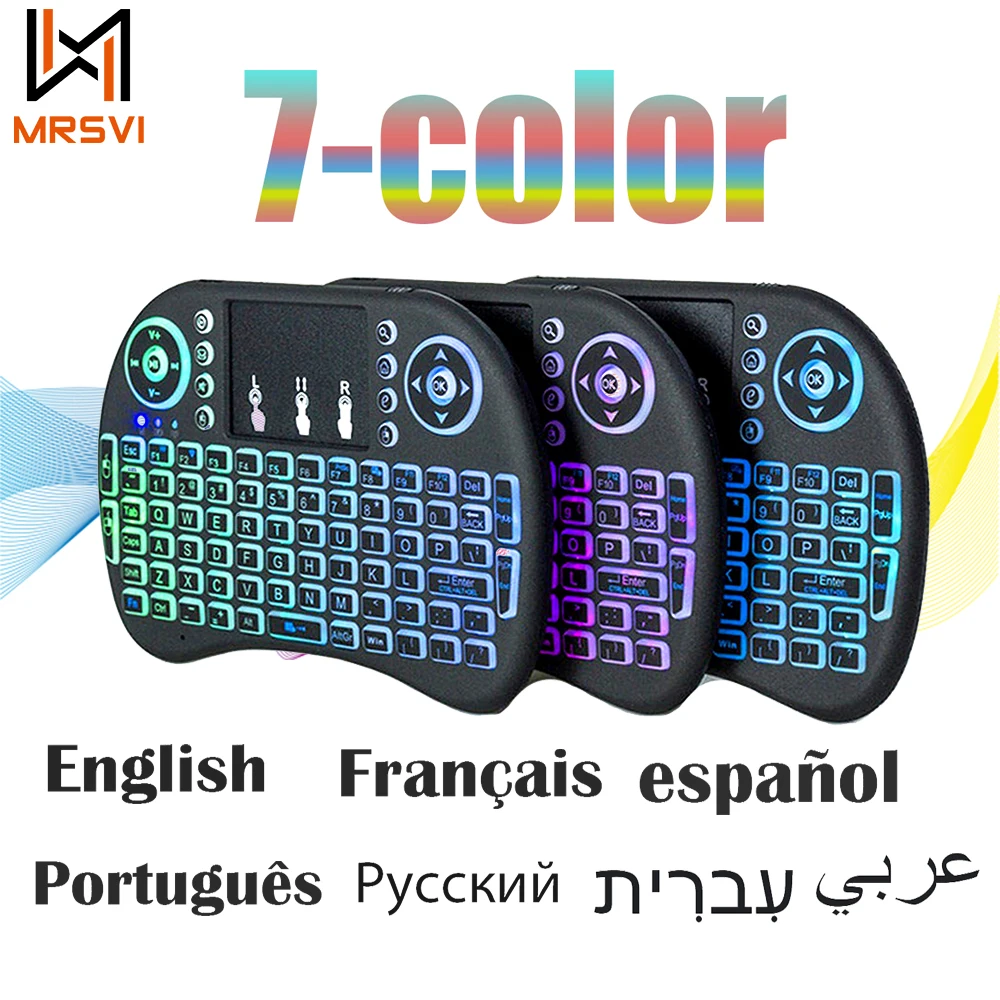
2.4G Air Mouse with Touchpad Keyboard i8 Arabic French Spanish Russian Backlit Mini Wireless Keyboard for PC Android TV Box
Return&refund policy
Eligible items are covered by return and refund support. If the item does not arrive or is not as described, the buyer can request help.
Security & Privacy
Safe payments: We do not share your personal details with any third parties without your consent.
Secure personal details: We protect your privacy and keep your personal details safe and secure.
AI offer for your market
A curated pick based on category, shipping route, delivery speed and popularity in your selected market.
Why this product fits your market
- • Strong customer signal: 4.6★ from 4,565 reviews.
- • Recommendations focus on this product category and your market availability.
Product specifications
Detailed product description
This product is shown with available options, market-specific pricing and verified specifications.
- Brand: MRSVI
- Sales: 5000+
- Package size: 15 × 10 × 3 cm
- Package weight: 0.094 kg
- Rating: 4.6 / 5
Before adding to cart, choose an available option and check the quantity.
With 7 colors Backlight
Seven Languages Version (Optional): English / Russian / Spanish / French / Hebrew / Portuguese / Arabic
Wireless mouse 2.4G Wireless Connection Range: Radius 10 m
High sensitivity touch template, template DPI adjustable function touch
Mini QWERTY 92-key keyboard multimedia control keys and PC gaming control keys
Automatic sleep / wake patterns
Ergonomic handheld design is easy to carry and operate
Li-ion Battery Version (Optional): it is powered by Li-ion Battery(include),and can be charged via USB cable
AAA Battery Version(Not included Battery)
Shortcut Key
Fn+F2: Open or Close Keyboard (Backlight/ Backlit) or Change Backlight color
Fn+ Space: Speed up the mouse move
Fn+ F11: Full screen to browser
Fn+F1(RF): Activation keys
Common Problem:
1. The backlight is not bright enough and slow, indicating that the battery is low.
2.The yellow light flashes, indicating that the 2.4G USB is disconnected from the device and needs to be re-matched.At a close distance of 2-3CM, press and hold "Fn" and "F1" at the same time, and wait for the yellow light to stop flashing to indicate successful pairing.
3.Some devices may not be fully compatible.