
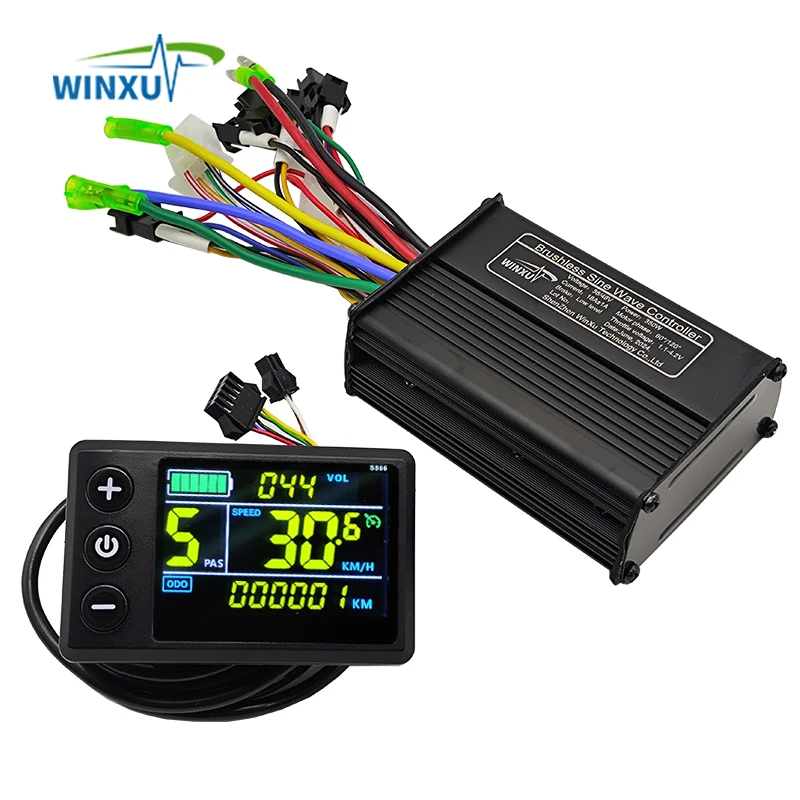
36V 48V 500W 25A E-Bike FOC Sine Wave Brushless Motor Controller S866 Colour LCD Display Set for Electric Bicycle Scooter Repair
Return&refund policy
Eligible items are covered by return and refund support. If the item does not arrive or is not as described, the buyer can request help.
Security & Privacy
Safe payments: We do not share your personal details with any third parties without your consent.
Secure personal details: We protect your privacy and keep your personal details safe and secure.
AI offer for your market
A curated pick based on category, shipping route, delivery speed and popularity in your selected market.
Why this product fits your market
- • Strong customer signal: 4.6★ from 56 reviews.
- • Recommendations focus on this product category and your market availability.
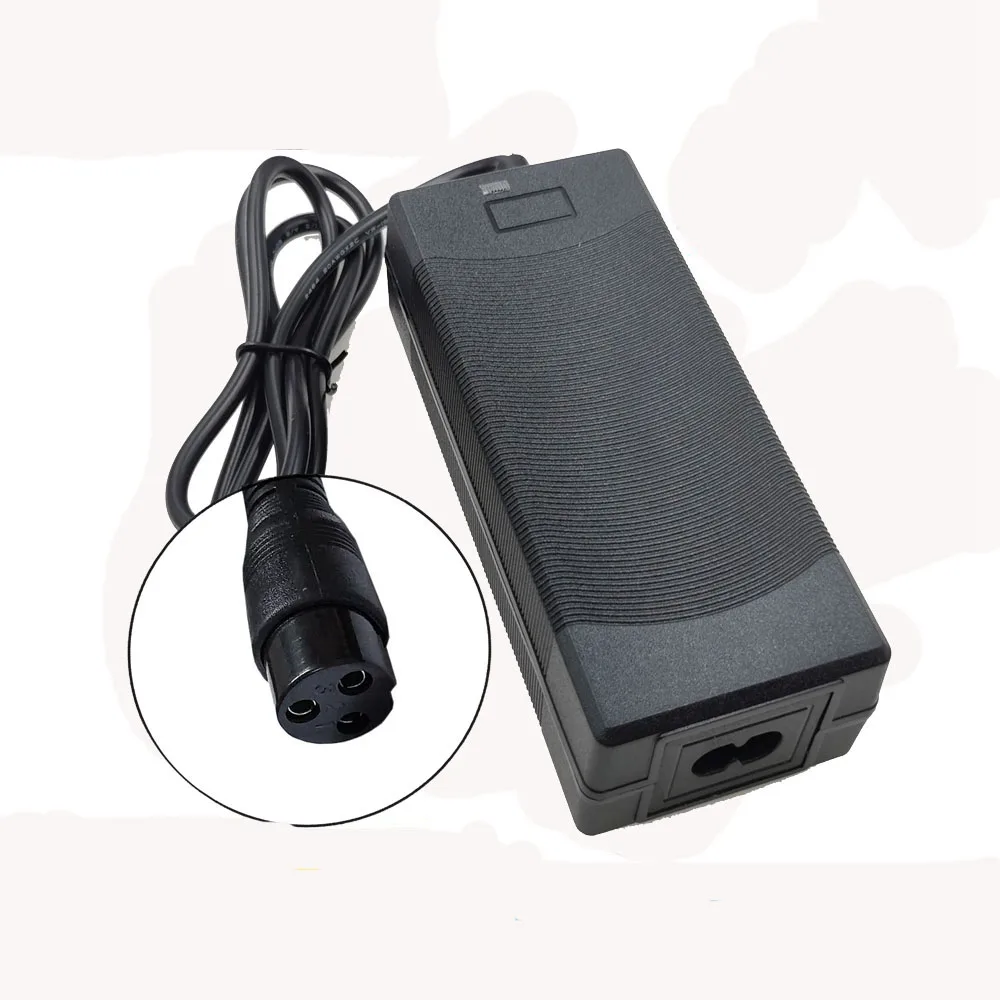


Product specifications
Detailed product description
This product is shown with available options, market-specific pricing and verified specifications.
- Brand: NONE
- Sales: 142
- Package size: 15 × 9 × 11 cm
- Package weight: 0.53 kg
- Rating: 4.6 / 5
Before adding to cart, choose an available option and check the quantity.
For more products, please visit our shop
Important note
Brushless controller is for brushless motor only.
Not suitable for brush motors, please don't buy the wrong one.
Please be sure to test the motor parameters by plugging in the learning wires the first time after the controller is installed!
If using PAS pedal assist. Please use dual Hall PAS sensors
The motor needs to with Hall sensor, if you use it for Hall-less brushless motor, it will always display the E07 fault code.
If your motor is a hall-less motor or the hall is damaged, please choose carefully whether you accept to display the E07 code all the time.
If you can't accept it, please don't order it because the parcel is sent from China and the international shipping cost is very expensive.
500W 22A FOC Sine Wave Controller & S866 LCD Display Kit
Controller Introduction
This controller is suitable for electric scooter, bicycle brushless motor drive, self-learning function design brushless motor compatibility rate of 99.9%, perfectly compatible with most scooters/bicycles.
Suitable for brushless hall motor, the controller is sinusoidal drive design, waveform drive stability, low noise, 18A current power.
This controller has high compatibility. More suitable for maintenance replacement or modification of scooter and bicycle.
tips
If you use Hall-less motor, please choose our S810 kit, LCD kit for Hall-less motor will show E07 error code.
WinXu Tech protocol controller wiring diagram
This sine wave controller does not support 6km/H boost mode and cruise mode.
LCD Setting Parameters & Error Code Explanation
Decimal Fault Codes
E00: Normal status
E01.
E02: Brake
E03: PAS sensor fault
E04: 6KM/H cruise mode
E05: Real-time cruise
E06: Battery undervoltage
E07: Motor failure
E08: throttle fault
E09: Controller failure
E10: Communication signal reception failure
E11: Communication signal transmission fault
E12: BMS communication fault
E13: Headlight fault
How to enter Setup Mode
Long press the + and - buttons for 3-5 seconds after switching on the computer to enter the setting mode, the parameters will blink.
Short press M button to switch parameters, press + and - buttons to select parameters.
Parameter introduction
P01: Backlight Brightness
P02: Mileage unit
P03: Voltage selection
P04: Sleep Time
P05: PAS Gear
P06: Wheel Diameter
P07: Speed Magnet
P08: Speed Limit
P09: Zero Start Non-Zero Start
P10: Drive mode setting, 0: PAS drive, 1: throttle drive, 2: PAS and throttle drive
P11: PAS sensitivity setting
P12: PAS start strength setting
P13: PAS magnet disc type setting
P14: Current Limit Setting
P15-: Functions not yet opened, please ignore do not set up
WINXU FOC Brushless Controller Detailed Display
High-quality Lead-free PCB process, fire-resistant wire material
G51 LCD Display
This controller is FCO sine wave design for brushless motor with hall sensor.
Brushless Hall motors are 3+5 wire or 3+6 wire, these two types of motors are best suited for Forever FOC controllers.
This controller is suitable for electric scooters as well as electric bikes, it is very compatible and designed for modification users and repair shops.
This controller has self-learning design, when you install it for the first time, there may be motor jitter, this is normal because the controller doesn't detect your motor parameter, you can short the self-learning wire for 5 seconds, the controller will automatically check your motor parameter and auto-compatible.
The advantage of this design is that the controller is compatible with almost all brushless motors. Many single mode sine wave controllers on the market do not have self-learning wires, and this controller is designed with self-learning motors to perfectly solve this problem that bothers users.
Please don't need to worry if your motor drives in reverse direction after initial installation, this is normal, you can short connect the self-learning wire to change the initial direction of the motor.
If you want accurate LCD speed display, you can enter LCD setting mode and set your motor wheel diameter in P06 in inch.
Set the speed magnet in P07, normally you can set it to 23,.
After setting P06 and P07, you can test the real time speed with map navigation APP, if the LCD display speed is bigger than the navigation display speed, then you can reduce the parameter of P07 to lower the speed display ratio.
If the LCD display speed is less than the navigation display speed, you can increase the parameter in P07 to increase the speed display ratio. After finding the exact speed that suits you in this way, you will see the LCD displaying the exact speed.