
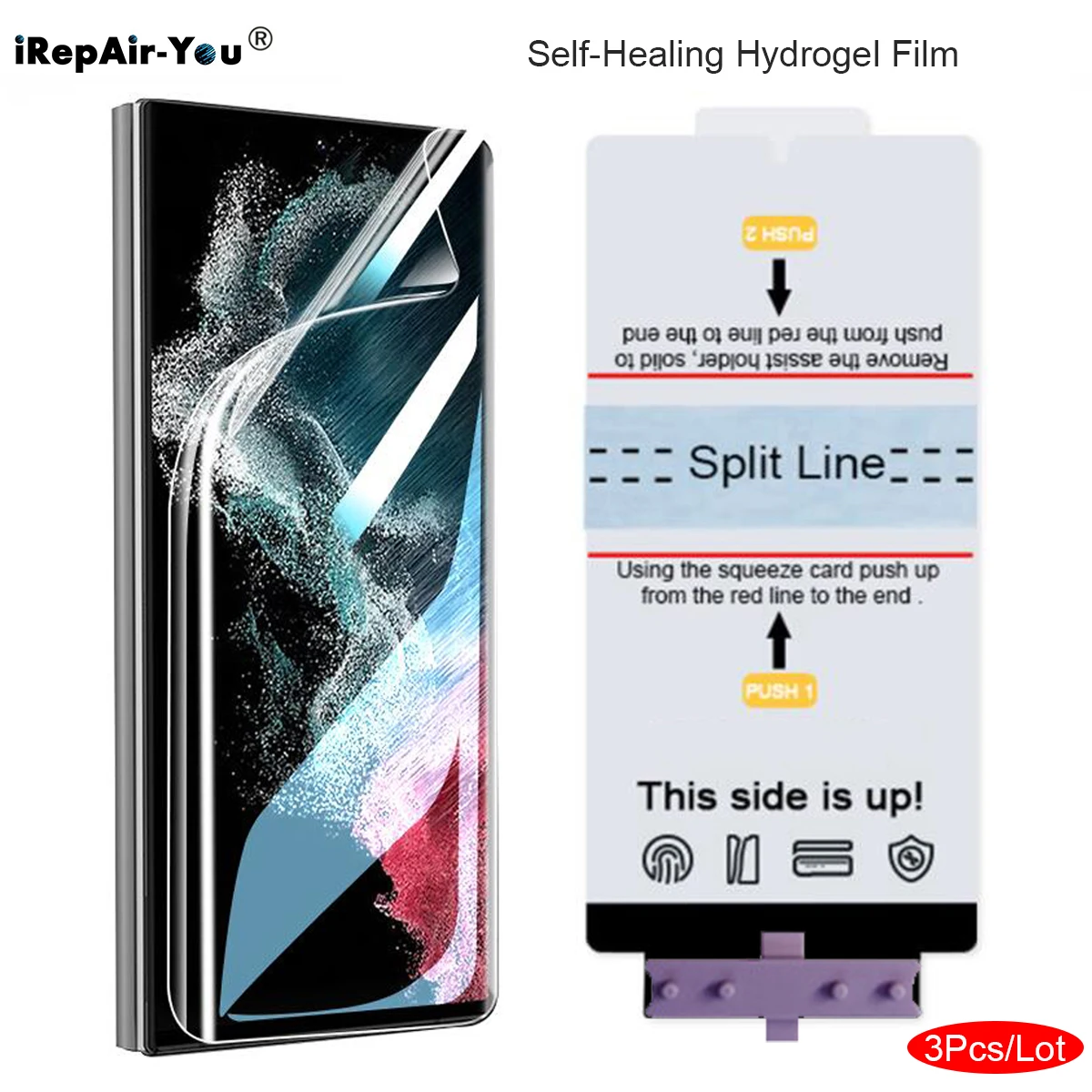
3Pcs HD Screen Protector For Samsung Galaxy S25 Ultra S25+S24 S22 S23 Ultra S10 S20 S21 Note 10 Plus Self Healing Hydrogel Film
Return&refund policy
Eligible items are covered by return and refund support. If the item does not arrive or is not as described, the buyer can request help.
Security & Privacy
Safe payments: We do not share your personal details with any third parties without your consent.
Secure personal details: We protect your privacy and keep your personal details safe and secure.
AI offer for your market
A curated pick based on category, shipping route, delivery speed and popularity in your selected market.
Why this product fits your market
- • Strong customer signal: 4.7★ from 484 reviews.
- • Recommendations focus on this product category and your market availability.


Product specifications
Detailed product description
This product is shown with available options, market-specific pricing and verified specifications.
- Brand: iRepair-You
- Sales: 600+
- Package size: 21 × 13 × 1 cm
- Package weight: 0.05 kg
- Rating: 4.7 / 5
Before adding to cart, choose an available option and check the quantity.
3Pcs HD Screen Protector For Samsung Galaxy S25 Ultra S24 S22 S23 Ultra S10 S20 S21 Note 20 Ultra Note 10 Plus Self Healing Hydrogel Film
Notice: This is not tempered glass
Pls check the video firstly before install.If you have no idea of how to paste,pls kindly send us a message,we will guide you. When small bubbles appears after paste,pls wait for 1- 2 days,it will disappear automatically
Features & Specifications
1.Soft Front hydrogel nano film,With Fix tools,very easy to install
2.Fully covered Hydrogel Film provides high protection for your screen.
4.Super thin and high transparency design guarantees HD viewing experience.
5.High sensitivity and response just like original screen
Installation Guide: (Also have the vedio you can see before install)
1. Clean your screen with the wet and dry cloth, and then use dust remover to remove dust
2. Place the screen protector into the Screen and fix the screen protector correctly
3. Use a card to push out the protective film!
4. Use cards to make edge processing perfect!