
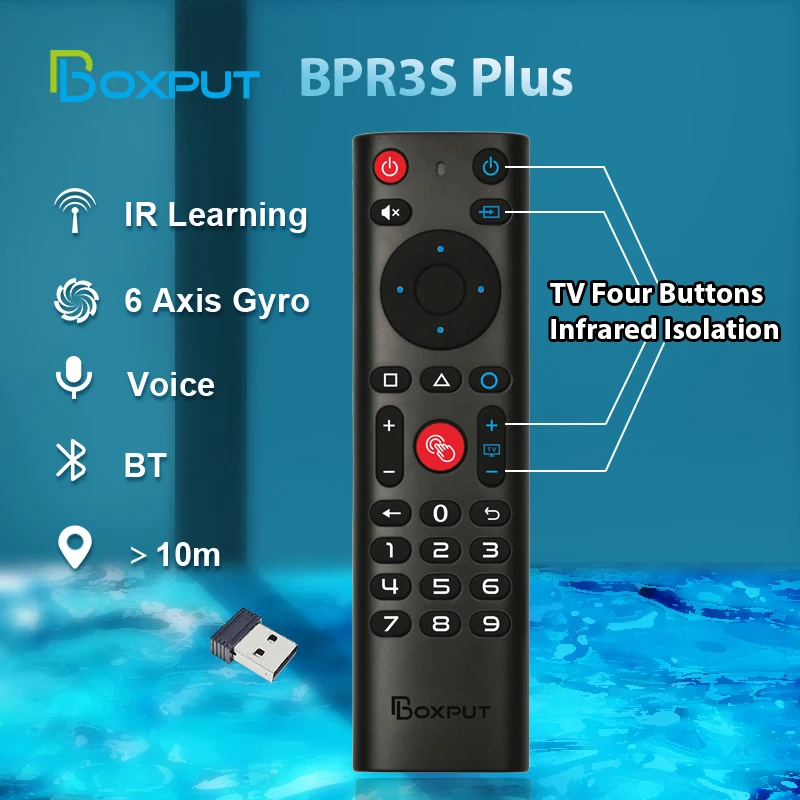
BPR3S PLUS BT Air Mouse Voice Function IR learning TV 2.4G Wireless Remote Controller With Gyroscope for Android TV Box/PC
Return&refund policy
Eligible items are covered by return and refund support. If the item does not arrive or is not as described, the buyer can request help.
Security & Privacy
Safe payments: We do not share your personal details with any third parties without your consent.
Secure personal details: We protect your privacy and keep your personal details safe and secure.
AI offer for your market
A curated pick based on category, shipping route, delivery speed and popularity in your selected market.
Why this product fits your market
- • Strong customer signal: 4.8★ from 699 reviews.
- • Recommendations focus on this product category and your market availability.
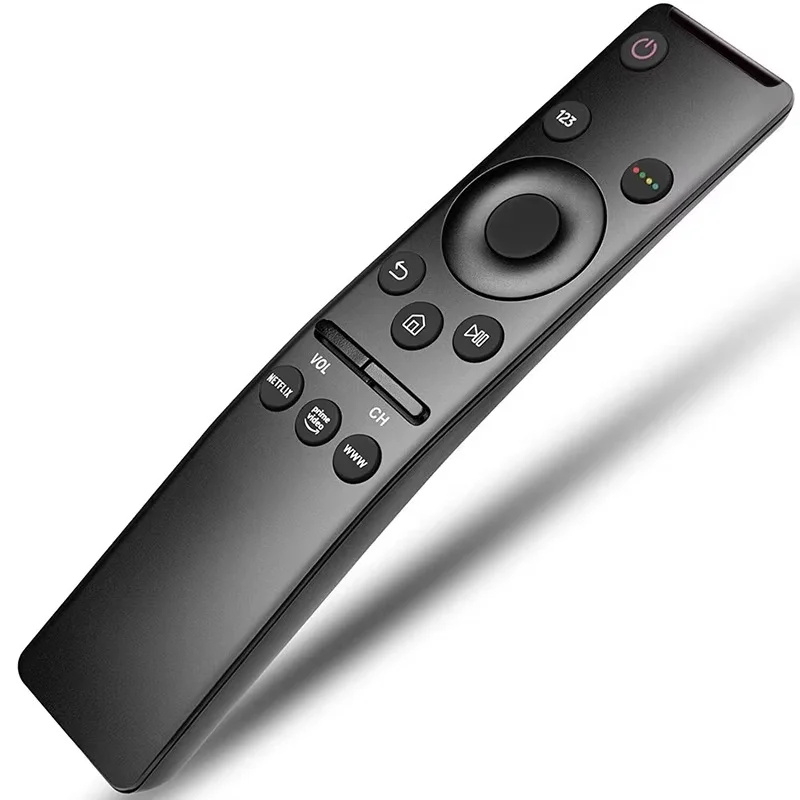
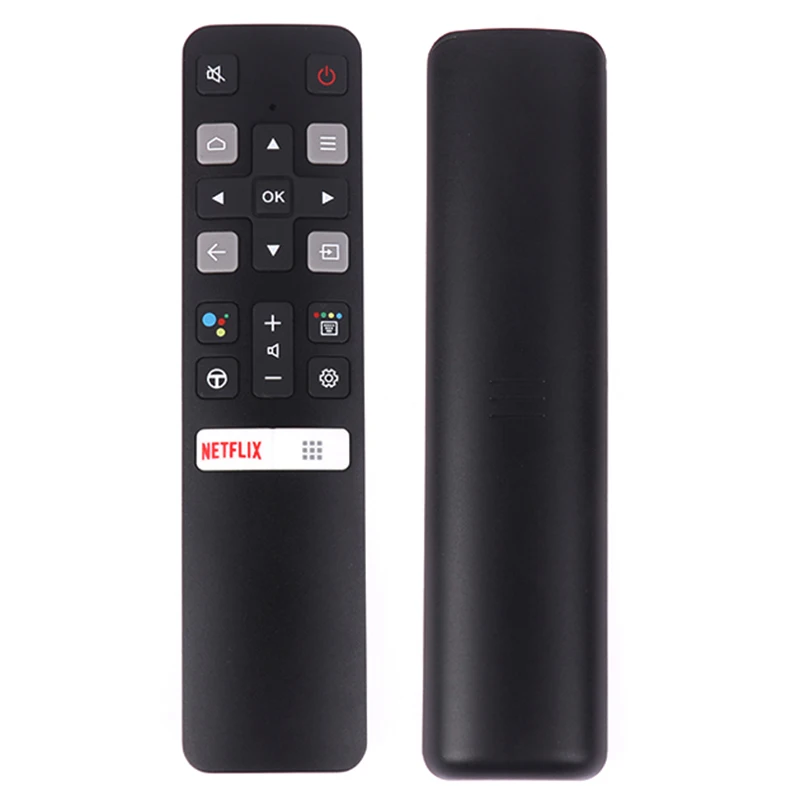
Product specifications
Detailed product description
This product is shown with available options, market-specific pricing and verified specifications.
- Brand: BOXPUT
- Sales: 1000+
- Package size: 17 × 7 × 3 cm
- Package weight: 0.086 kg
- Rating: 4.8 / 5
Before adding to cart, choose an available option and check the quantity.
BPR3S PLUS BT Air Mouse Voice Function IR learning TV 2.4G Wireless Remote Controller With Gyroscope for Android TV Box/PC
Bluetooth Pairing
1. To pair another new device, press "OK" and "Back" at the same time till the light flashes.
2. Keep the remote control within 1 meter of the device for faster pairing.
3. Open Bluetooth searching, and pair with "BPR3S".
IR Learning (All buttons)
1. Press the button that needs to learn for 8 seconds till the indicator light is always on after flashing, then release.
2. Align the IR, and press the button that would be learned, it shows success when the indicator light flashes.
3. Repeat 1~2 to learn the other buttons.
4. Press "Delete" and "Back" simultaneously until the light flashes to reset IR.
2.4G Pairing
1. Keep pressing the "OK" and "Back" at the same time till the light flashes.
2. Plug in the USB receiver and keep the remote near the USB receiver within 50 cm for faster pairing.
3. The indicator light stops flashing to indicate successful pairing.
TV Buttons IR Isolation
1. Four TV buttons default Samsung TV IR code values
2. Four TV buttons IR isolation in Bluetooth mode
3. Four TV buttons support any IR values learning.
Highlights
1. The button would be in IR mode when disconnected from Bluetooth.
2. If the buttons have completed IR learning, the power button will send the IR signal in priority in Bluetooth mode.
3. In IR mode, it supports full button learning, with no mouse function.
4. Press "OK" + "volume +/-" shortly to control the speed of the mouse.
5. In Bluetooth mode, the voice function is applicable to some ATV devices, like TCL Smart TV, Shield TV Box, HAKO mini, Google TV, etc. But the voice function may be incompatible with the other devices.
6. In Bluetooth mode, the voice function is incompatible with all AOSP Android functions and is not equipped with a USB receiver.
7. In 2.4G mode, the voice function supports AOSP Android and ATV devices.
8. In 2.4G mode, some ATV TVs cannot enter when logging into a Google account.