
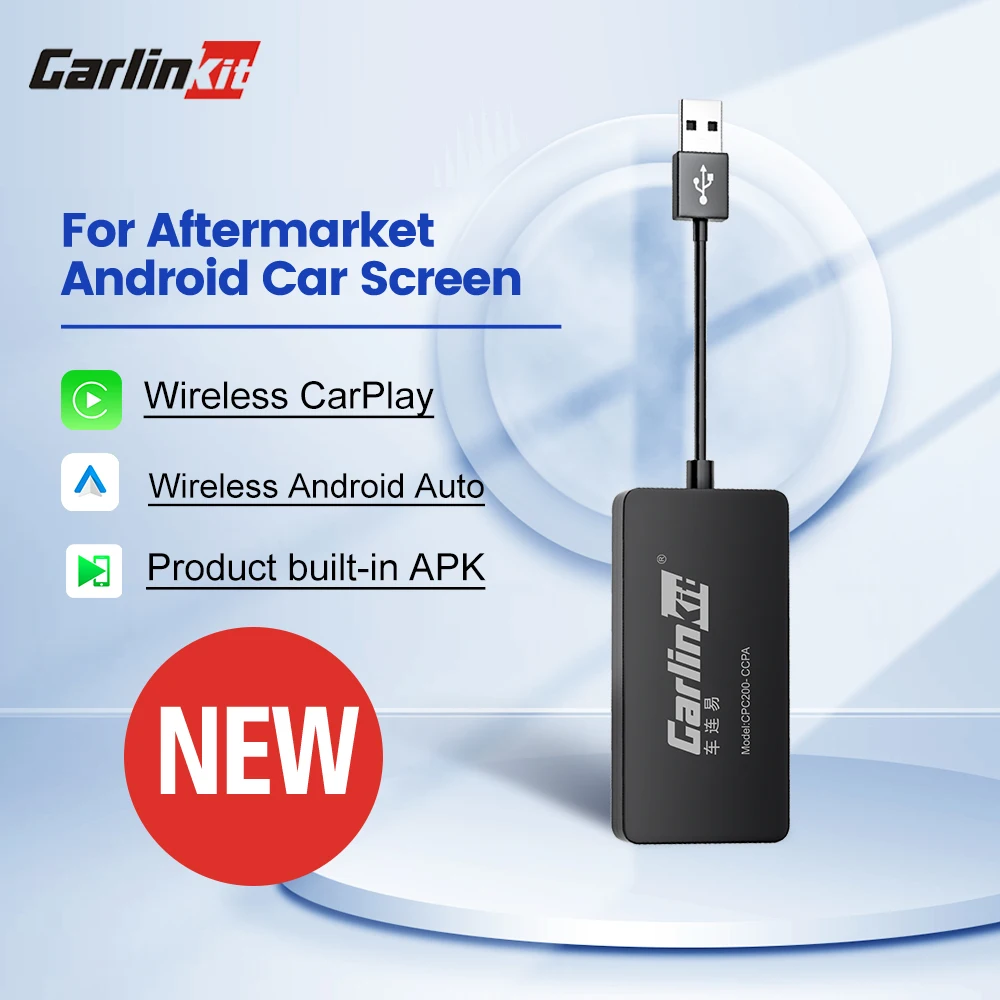
CarlinKit Wred & Wireless Android Auto & CarPlay Dongle Car USB Adapter For Aftermarket Android Car Radio Mirrorlink Split Sceen
Return&refund policy
Eligible items are covered by return and refund support. If the item does not arrive or is not as described, the buyer can request help.
Security & Privacy
Safe payments: We do not share your personal details with any third parties without your consent.
Secure personal details: We protect your privacy and keep your personal details safe and secure.
AI offer for your market
A curated pick based on category, shipping route, delivery speed and popularity in your selected market.
Why this product fits your market
- • Strong customer signal: 4.6★ from 414 reviews.
- • Recommendations focus on this product category and your market availability.




Product specifications
Detailed product description
This product is shown with available options, market-specific pricing and verified specifications.
- Brand: Carlinkit
- Sales: 900+
- Package size: 21 × 8 × 2 cm
- Package weight: 0.082 kg
- Rating: 4.6 / 5
Before adding to cart, choose an available option and check the quantity.
Will it work for my car?
Before order it,please confirm below message,then you can judge whether CarlinKit USB Adapter is suitable for your car
Original car radio will not work, car radio with Apple CarPlay or Android Auto will not work.
We also don't want buyers to waste money by buying wrong products, thank you for your understanding
If your car have wired Apple CarPlay or Android Auto,please choose below product.thanks
For car radio with wired Apple CarPlay
For car radio with wired Android Auto
Product feature
1. 【Simple to use】 Easy installation, no need to remove the car.need download "Autokit"APP
2. 【5G processor】 Quick connection of the product.
3. 【Automatic connection】 Plug in the car and connect when you get in the car.
4. 【Online upgrade】 The product can be repaired through the online upgrade version.
==========================
【Wireless CarPlay】 Bluetooth pairing, WIFI transmission. (Only the wireless version can be used)
【Android Auto】supports wired connection, and supports charging at the same time
How to check if my car is android system?
1.Please enter the "setting "page
2.Click "About the device",then you can see Android version.if it is 4.4.2 or above,then it can work for your car.
How to install APK?
1. Format USB flash drive to FAT32 firstly.
2. Put APK file to the USB flash drive(Blank).
3. Insert the USB flash drive into the USB port of car, find the file management menu, select the APK file to install it.
4. The navigation interface comes out with an "Autokit" icon