
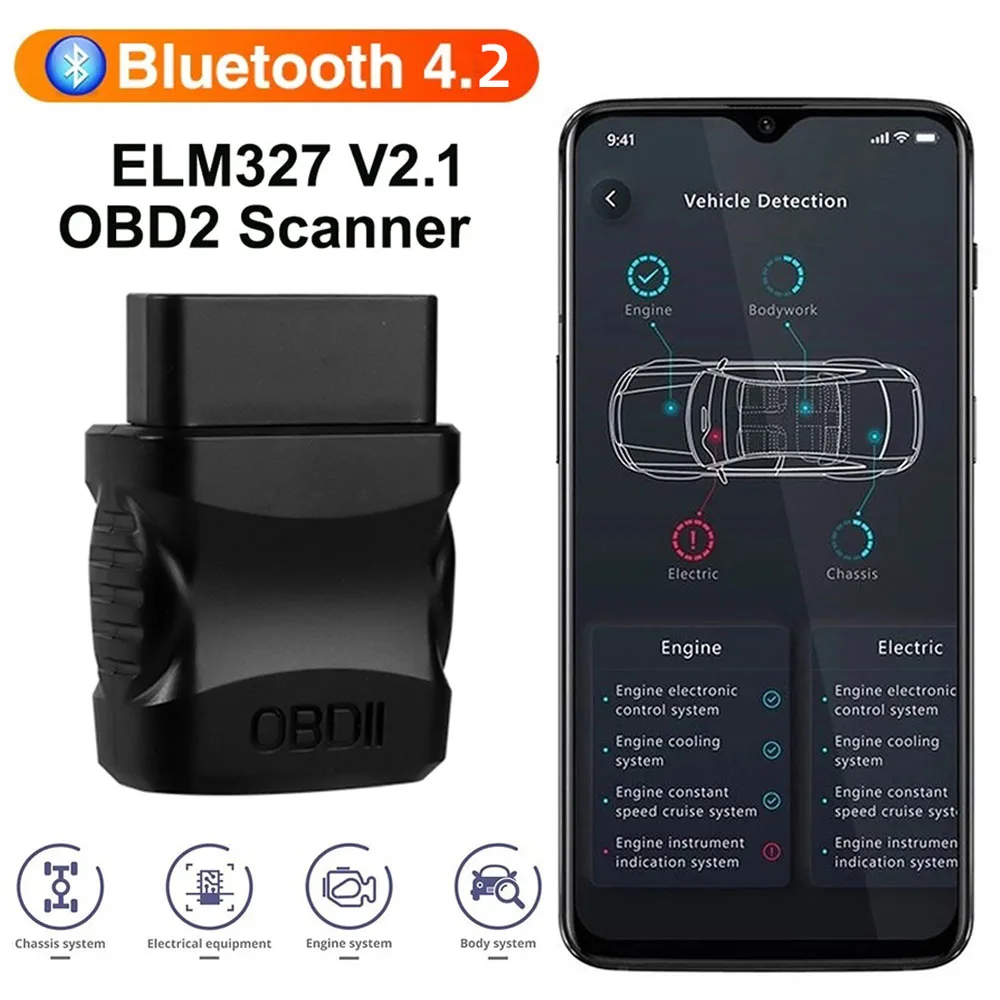
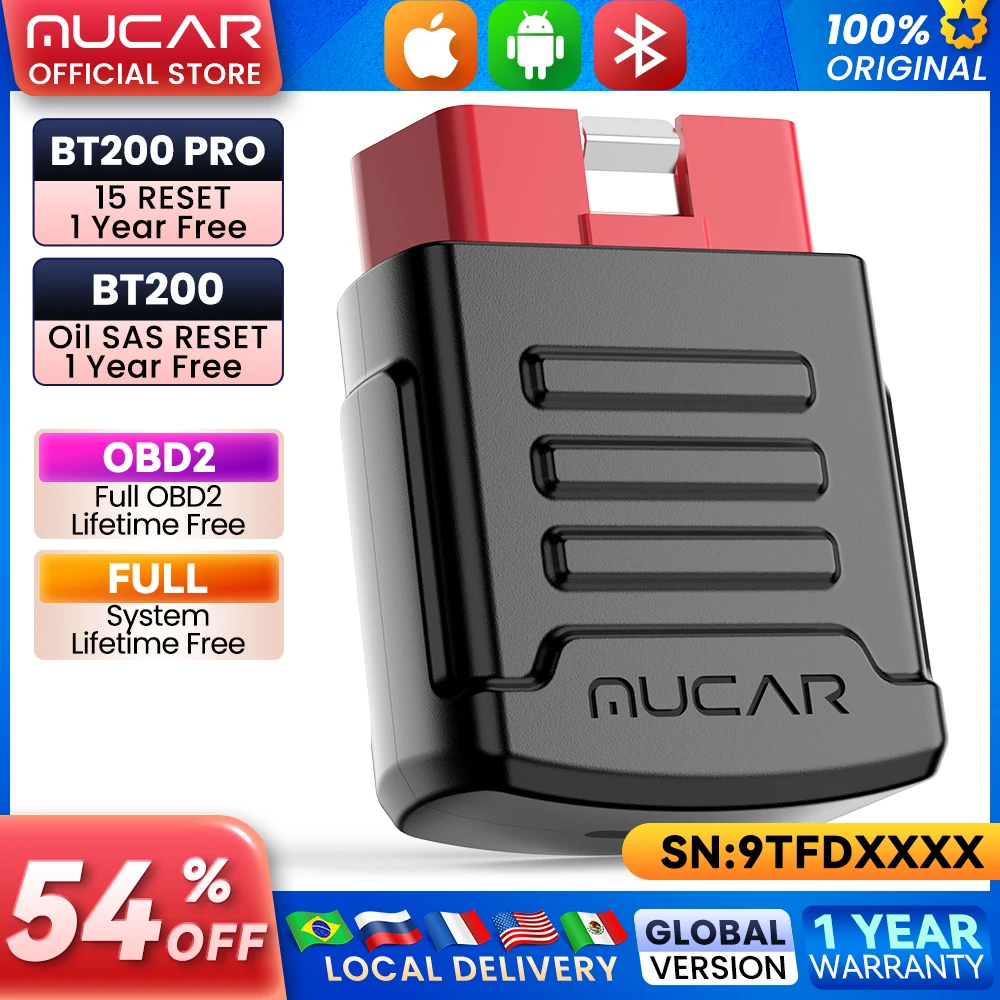
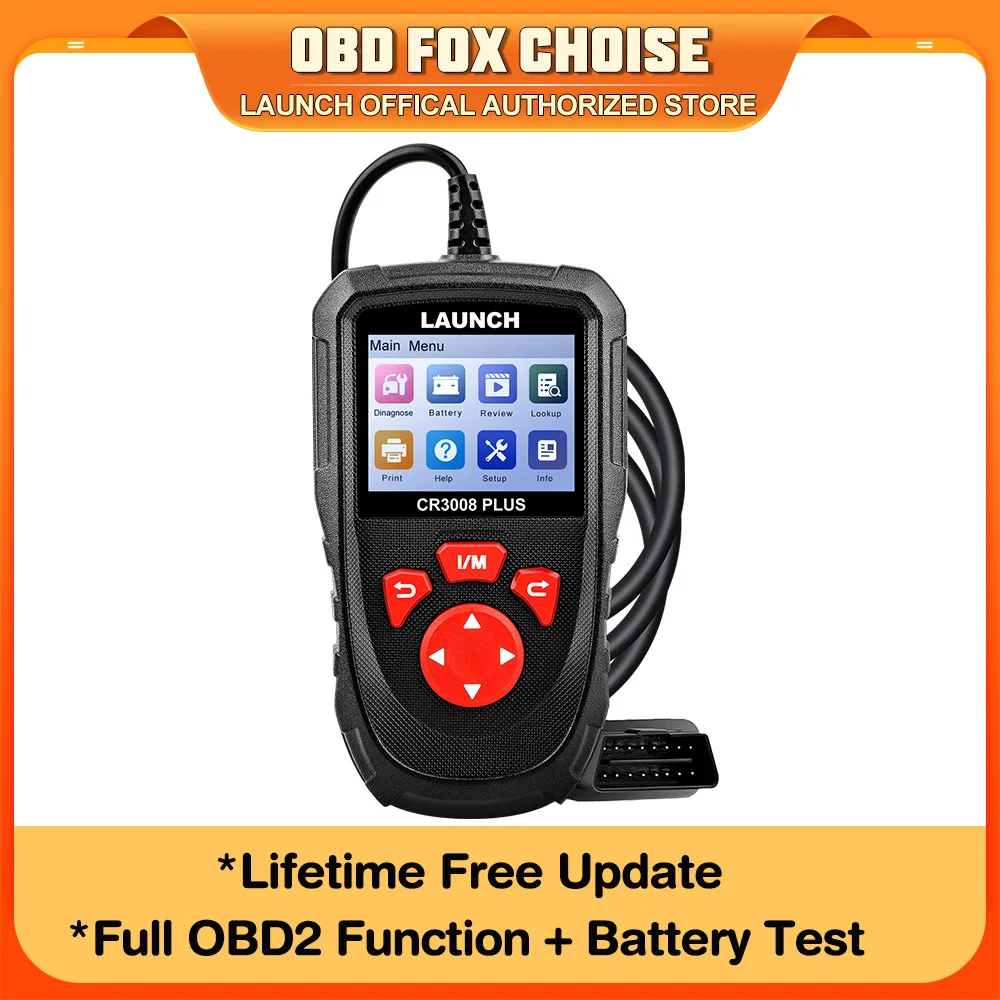
ELM327 V2.1 Car Engine Fault Code Reader OBD2 Scanner Bluetooth 4.2 Car Dignostic Scanner EOBD Fault Code Reader For IOS/Android
Return&refund policy
Eligible items are covered by return and refund support. If the item does not arrive or is not as described, the buyer can request help.
Security & Privacy
Safe payments: We do not share your personal details with any third parties without your consent.
Secure personal details: We protect your privacy and keep your personal details safe and secure.
AI offer for your market
A curated pick based on category, shipping route, delivery speed and popularity in your selected market.
Why this product fits your market
- • Strong customer signal: 4.0★ from 404 reviews.
- • Recommendations focus on this product category and your market availability.
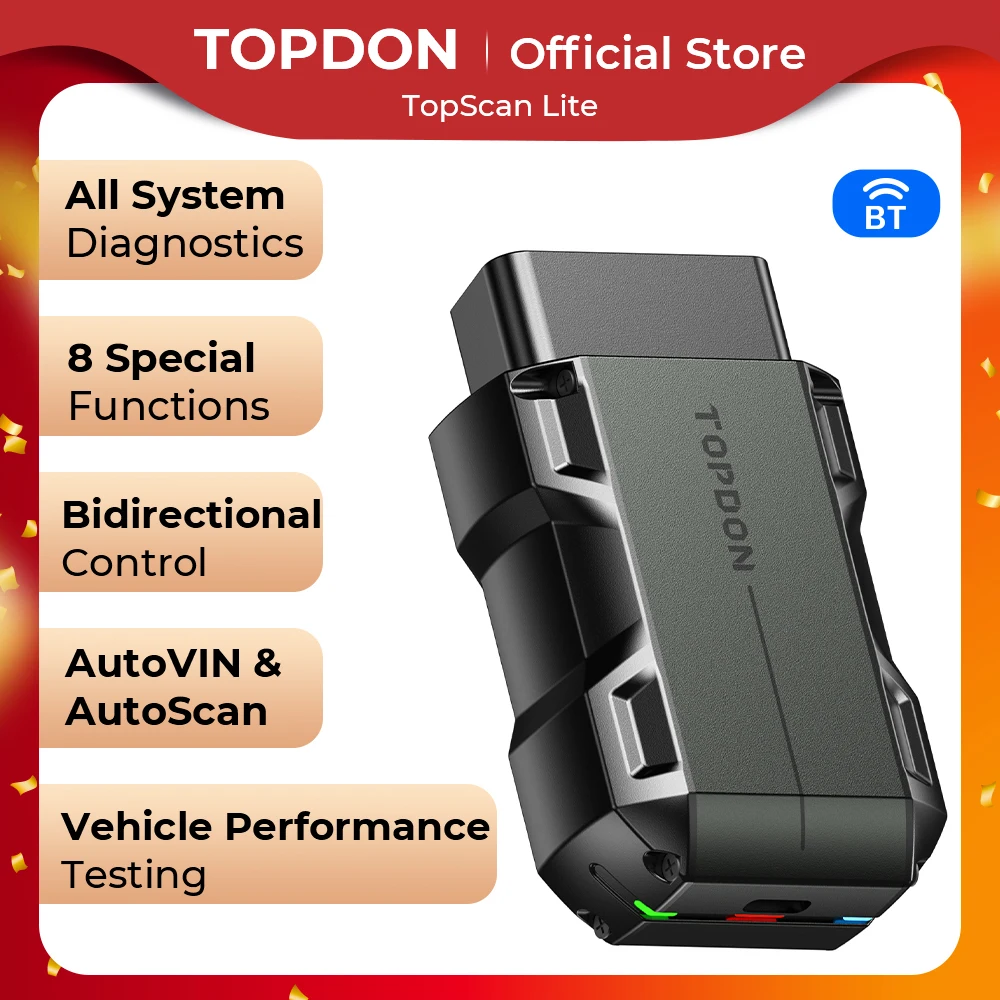
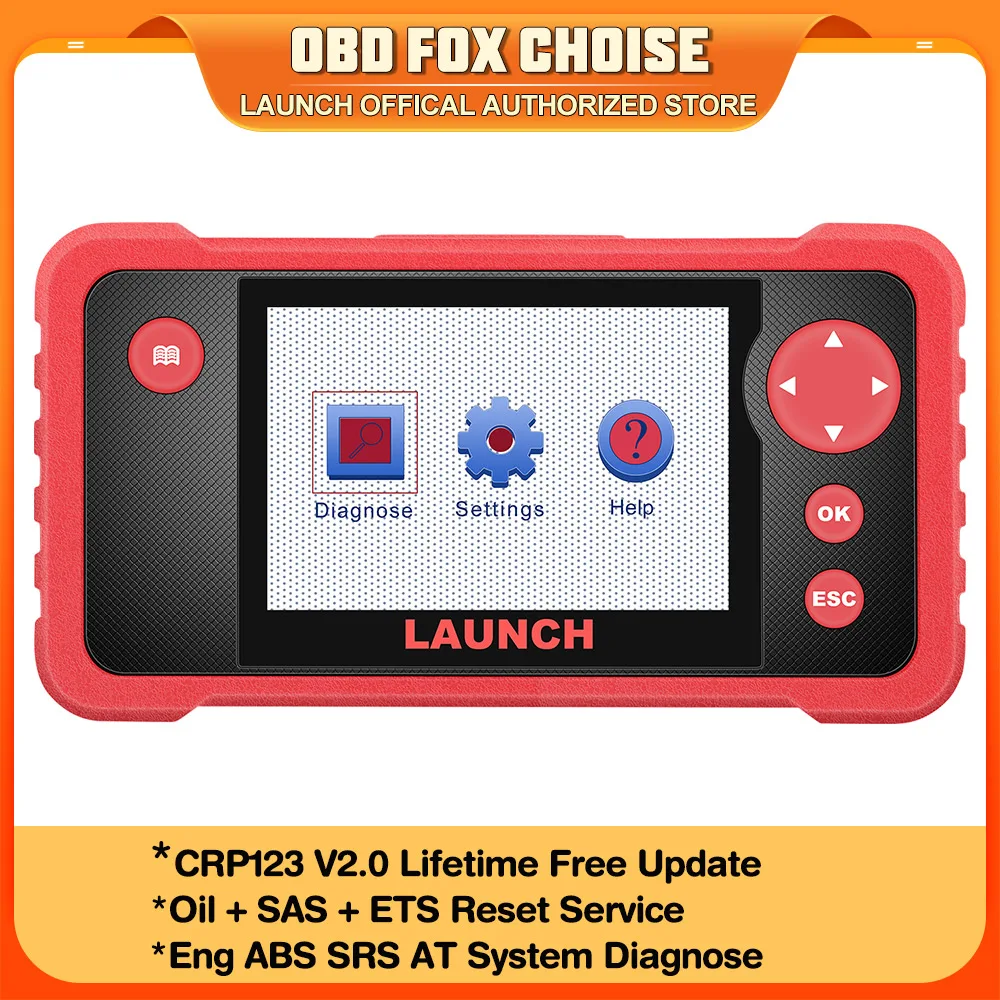
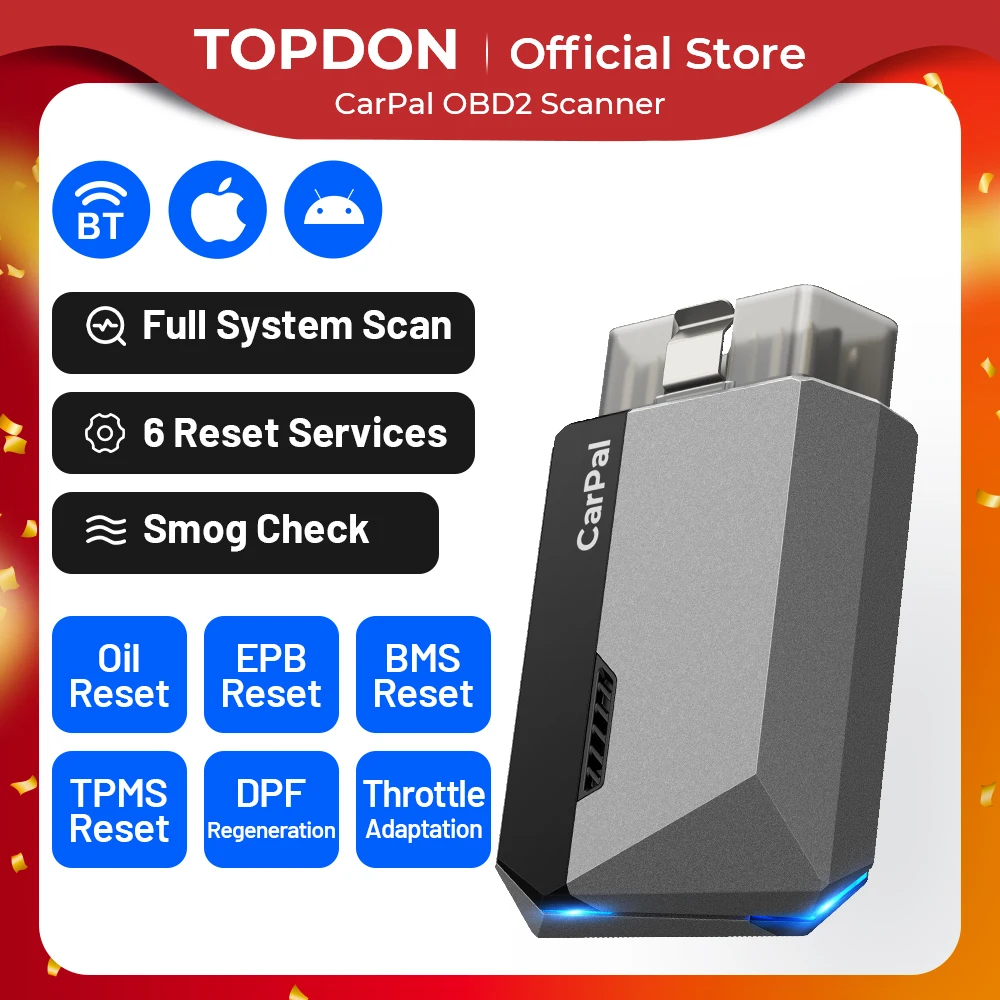
Product specifications
Detailed product description
This product is shown with available options, market-specific pricing and verified specifications.
- Brand: kebidumei
- Sales: 900+
- Package size: 8 × 6 × 4 cm
- Package weight: 0.031 kg
- Rating: 4.0 / 5
Before adding to cart, choose an available option and check the quantity.
ELM327 V1.5/2.1 Car Engine Fault Code Reader Obd2 Scanner Bluetooth Dignostic Scanner EOBD For IOS/Android
Must read before placing an order
Support Gasoline and 12V Diesel Vehicles from 1996.
United States:1996-Now
European Union:2001- Now
Asian Union:2004 Now
How to Use the OBD II Scanner
1. Keep the key in the Lock, plug the OBDII adapter to the car OBD II port. The OBD interface may located in different place for different vehicle models. (Generally located on the underside of the dashboard on the driver's side of the car, or above the accelerator pedal).
3. Start the vehicle, enable bluetooth of your smart device, and pair with OBDII. (For Android: pairing code is 1234 or 0000).
4. Open the app and choose OBDII as the Bluetooth device to connect.
5. After connecting to Bluetooth, you can add a dashboard according to your needs, OBDII will read data and diagnose vehicles for you.
Graphic View
Show data in both text and graphic form, get access to the Freeze Frame snapshot of sensor data
Vehicle Information
Show basic information like VIN, CALID, CVN, Engine Serial Number
OBDII Protocols Supported
SAE J1850 PWM (41.6Kbaud)
SAE J1850 VPW (10.4Kbaud) ISO9141-2(5 baud init, 10.4Kbaud)
ISO14230-4 KWP (5 baud init, 10.4 Kbaud)
ISO14230-4 KWP (fast init, 10.4Kbaud)
ISO15765-4 CAN (11bit ID,500 Kbaud)
ISO15765-4 CAN (29bit ID,500 Kbaud)
ISO15765-4 CAN (11bit ID,250 Kbaud)
ISO15765-4 CAN (29bit ID,250 Kbaud)
Supported Vehicle Data
1.Read error diagnostic code
2.Clear the fault code (clear the error code and turn off MIL)
3.Engine revolutions per minute (RPM)
4.Calculated load value
5.Coolant temperature
6.Fuel system status
7.Speed
8.Short-term fuel situation
9.Long-term fuel situation
10.Intake manifold pressure
11.Fuel injection advance time
12.Intake air temperature
13.Air flow rate
14.Throttle absolute position
15.Oxygen detection voltage associated with short-term fuel state
16.Fuel system status
17.Fuel pressure
18.Fuel consumption monitoring, etc.