
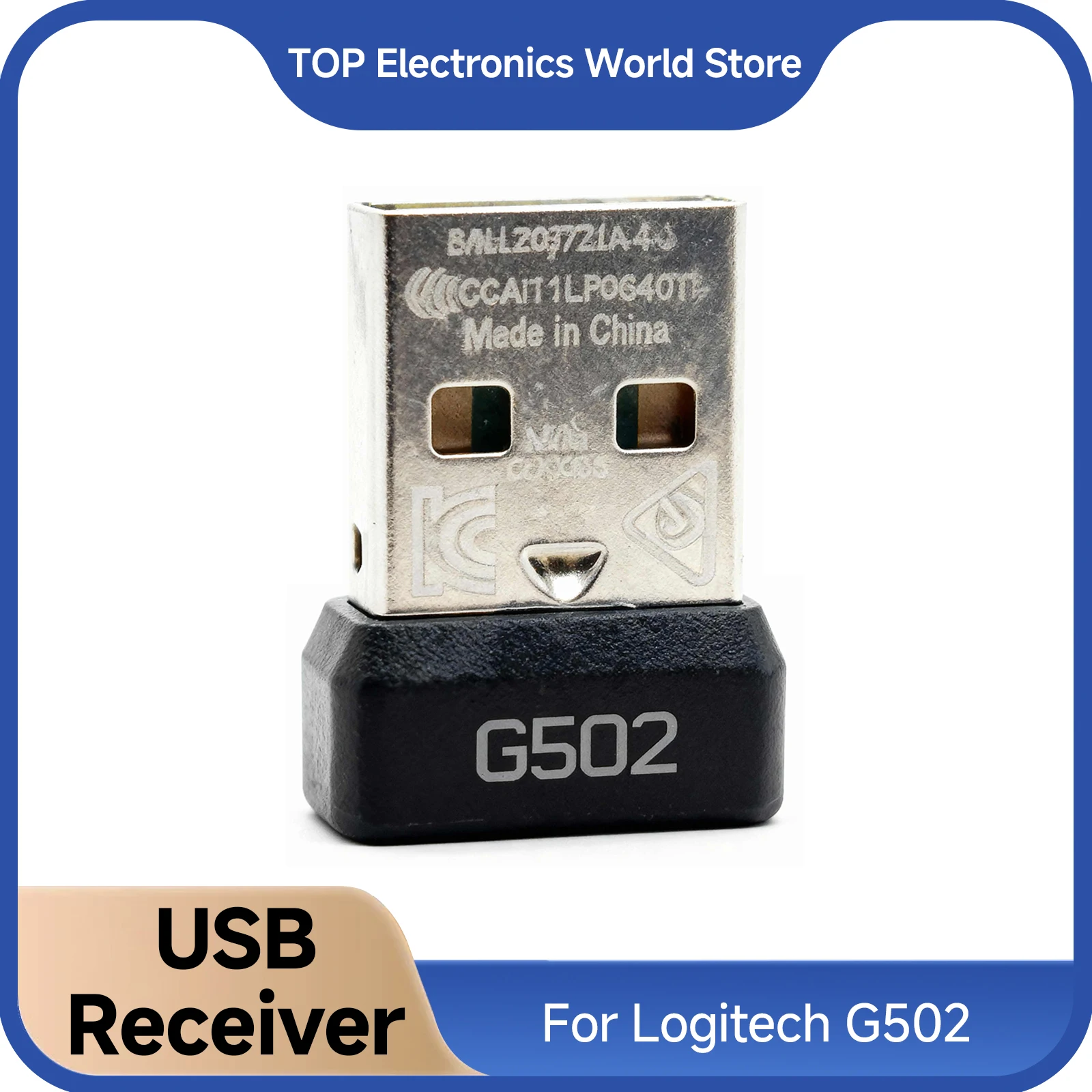
For Logitech G502 USB Dongle - 2.4GHz Mouse Receiver Plug Adapter, Wireless Gaming Mouse Replacement Accessories, New
Return&refund policy
Eligible items are covered by return and refund support. If the item does not arrive or is not as described, the buyer can request help.
Security & Privacy
Safe payments: We do not share your personal details with any third parties without your consent.
Secure personal details: We protect your privacy and keep your personal details safe and secure.
AI offer for your market
A curated pick based on category, shipping route, delivery speed and popularity in your selected market.
Why this product fits your market
- • Strong customer signal: 4.6★ from 14 reviews.
- • Recommendations focus on this product category and your market availability.

Product specifications
Detailed product description
This product is shown with available options, market-specific pricing and verified specifications.
- Brand: LISCN
- Sales: 117
- Package size: 15 × 10 × 5 cm
- Package weight: 0.05 kg
- Rating: 4.6 / 5
Before adding to cart, choose an available option and check the quantity.
Features
USB Dongle For Logitech G502 (please disconnect- the mouse cable when pairing the code- with mouse).
Initial Setup Required:A one-time pairing is needed before the device is plug-and-play.
1. Download G HUB Software: Install the Logitech G HUB driver from the provided link or the official Logitech website.
2. Open Pairing Tool: Launch G HUB, click the menu icon (☰) at the top left, go to 'Settings', and select 'Device Pairing Tool'.
3. Prepare the Device: Ensure the mouse is unplugged. Then, turn the mouse off and back on.
4. Complete Pairing: Follow the on-screen instructions to finish.
Specifications
Item: USB Receiver For Logitech G502X
Color: Black
Quantity: 1PC
Package Includes
1 x Usb Receiver