
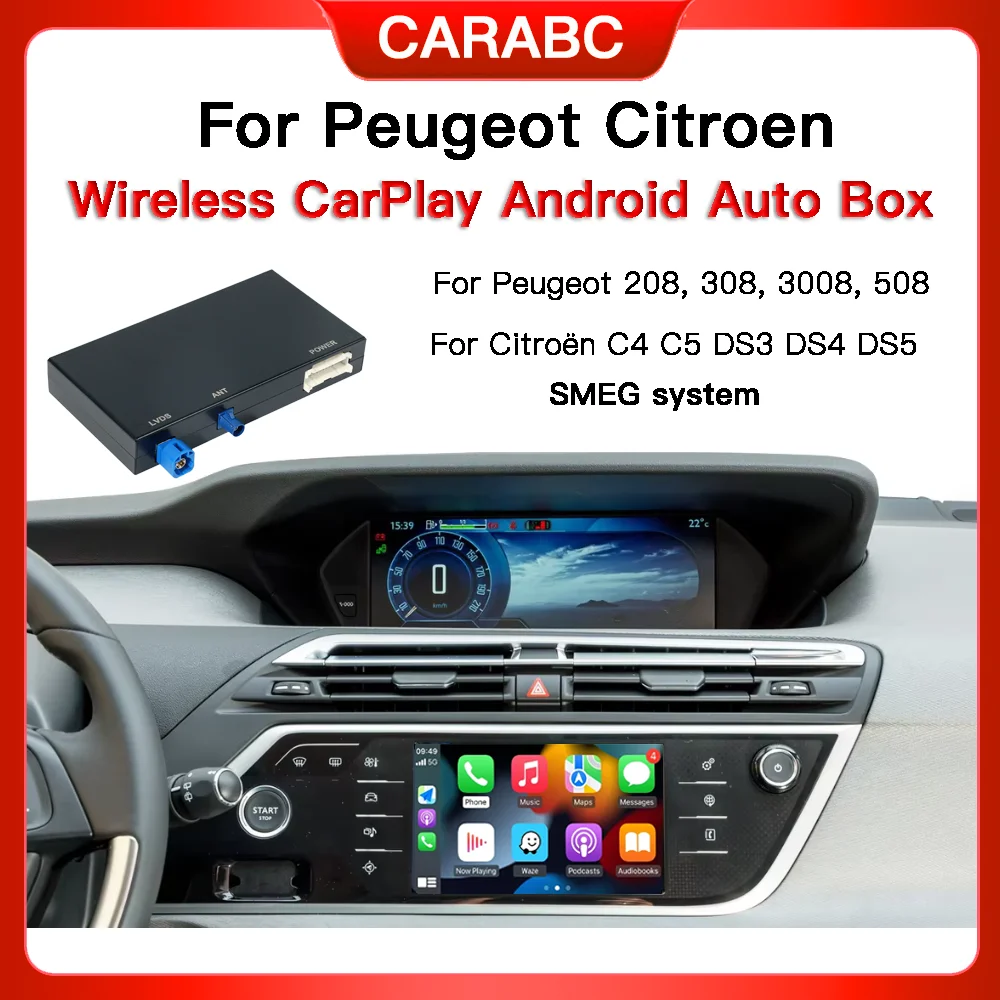
NEW For Peugeot Citroen Wireless Carplay Android Auto module SMEG & C4 C5 DS3 DS5 Support Reverse Camera
Return&refund policy
Eligible items are covered by return and refund support. If the item does not arrive or is not as described, the buyer can request help.
Security & Privacy
Safe payments: We do not share your personal details with any third parties without your consent.
Secure personal details: We protect your privacy and keep your personal details safe and secure.
AI offer for your market
A curated pick based on category, shipping route, delivery speed and popularity in your selected market.
Why this product fits your market
- • Strong customer signal: 4.7★ from 52 reviews.
- • Recommendations focus on this product category and your market availability.



Product specifications
Detailed product description
This product is shown with available options, market-specific pricing and verified specifications.
- Brand: CARABC
- Sales: 279
- Package size: 25 × 20 × 7 cm
- Package weight: 0.796 kg
- Rating: 4.7 / 5
Before adding to cart, choose an available option and check the quantity.
Compatible With Peugeot/Citroen/Picasso with SMEG&MRN SMEG+ version
*If you prefer to upgrade the original screen of the car with CarPlay & Android Auto in your Peugeot / Citroen / DS with SMEG system this module is the best option
Plug & Play installation, no need to modi.fy the original car harness.
2025 New carplay module,more convenient and more compatible, compatible with after-sales cameras and original car cameras
Dear Friends Please Refer this TIPS Before Placing the Order
BECAUSE a same car may have more different systems.
we need to confirm that our product can be used for your car or not.
please provide us your host VERSION INFORMATION or check it by yourself.
if you don't know how to find it
here is the step for reference to confirm the system version information
1.Select the fourth key on the left of the Vehicle
2.Select the knob in top right corner
3.Select Options
4.Select System Settings
5.Select System Information
6.Select View and you should see the screen below.
7.Select Either the Software or Map on this screen and it will give you the date of the version