
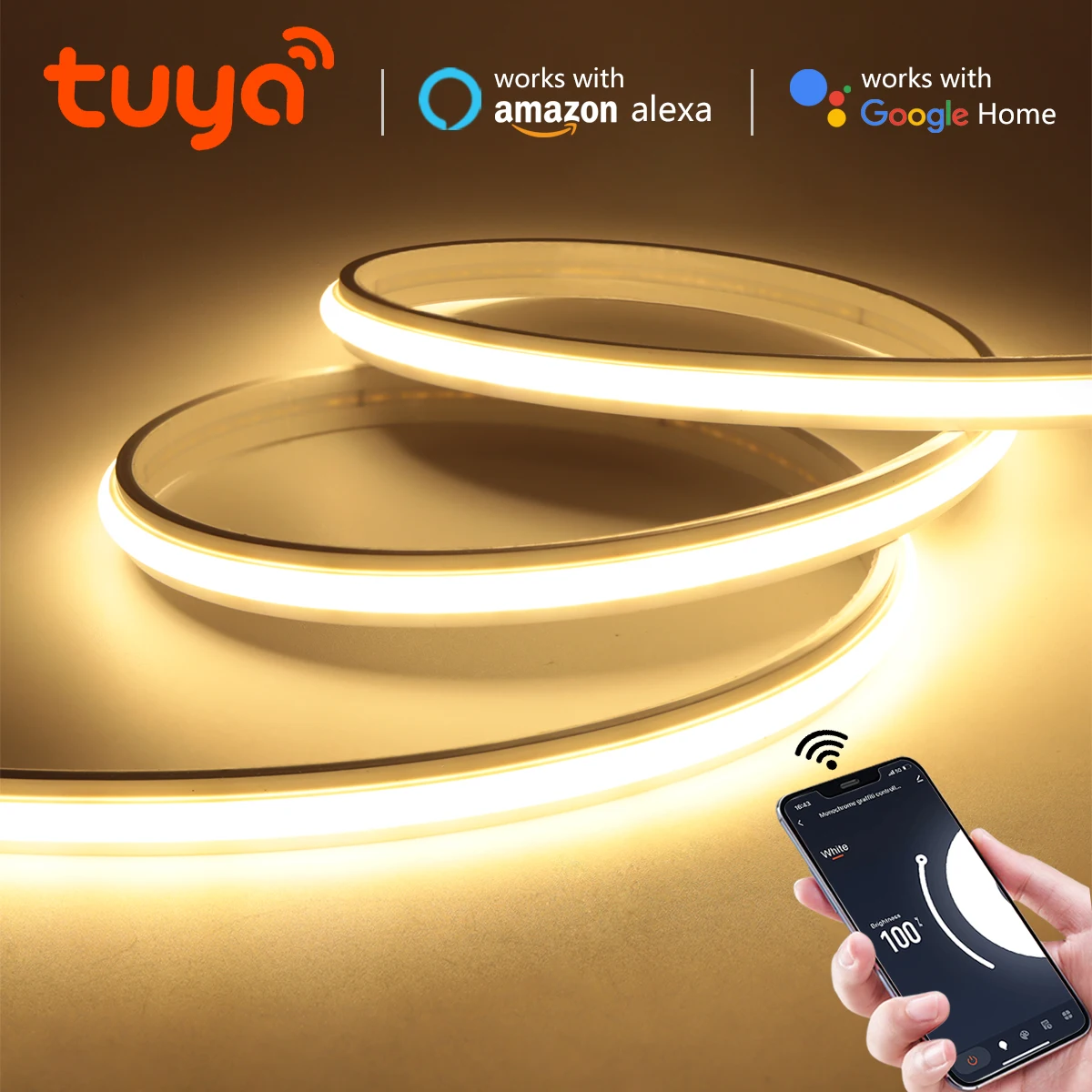
Tuya Smart Life WiFi Dimmable COB LED Light Strip 24V Solid Neon Self-Adhesive Waterproof Tape Work with Alexa Echo Google Home
Return&refund policy
Eligible items are covered by return and refund support. If the item does not arrive or is not as described, the buyer can request help.
Security & Privacy
Safe payments: We do not share your personal details with any third parties without your consent.
Secure personal details: We protect your privacy and keep your personal details safe and secure.
AI offer for your market
A curated pick based on category, shipping route, delivery speed and popularity in your selected market.
Why this product fits your market
- • Strong customer signal: 4.6★ from 15 reviews.
- • Recommendations focus on this product category and your market availability.

Product specifications
Detailed product description
This product is shown with available options, market-specific pricing and verified specifications.
- Brand: Gyarfas
- Sales: 136
- Package size: 18 × 17 × 9 cm
- Package weight: 0.319 kg
- Rating: 4.6 / 5
Before adding to cart, choose an available option and check the quantity.
Specification
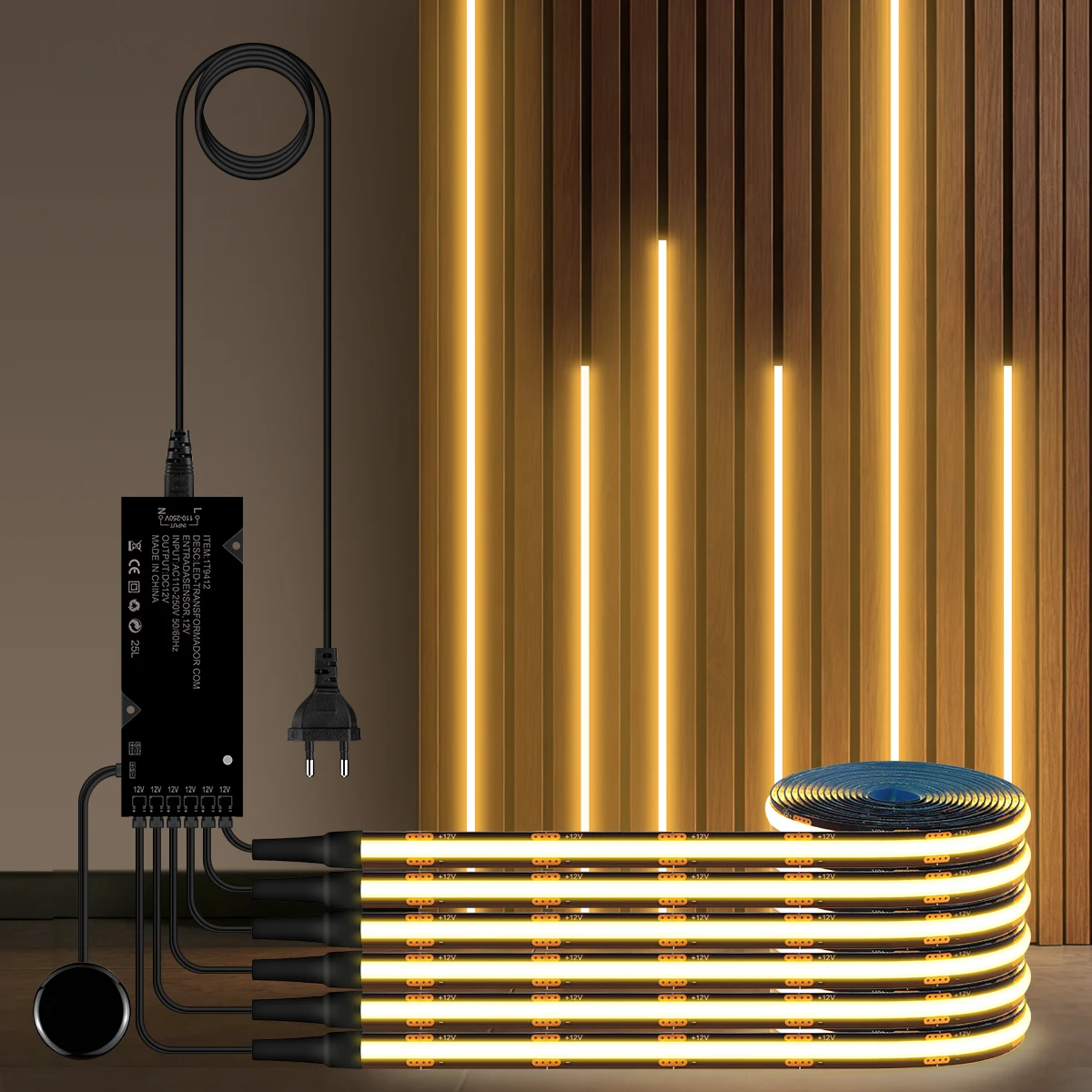
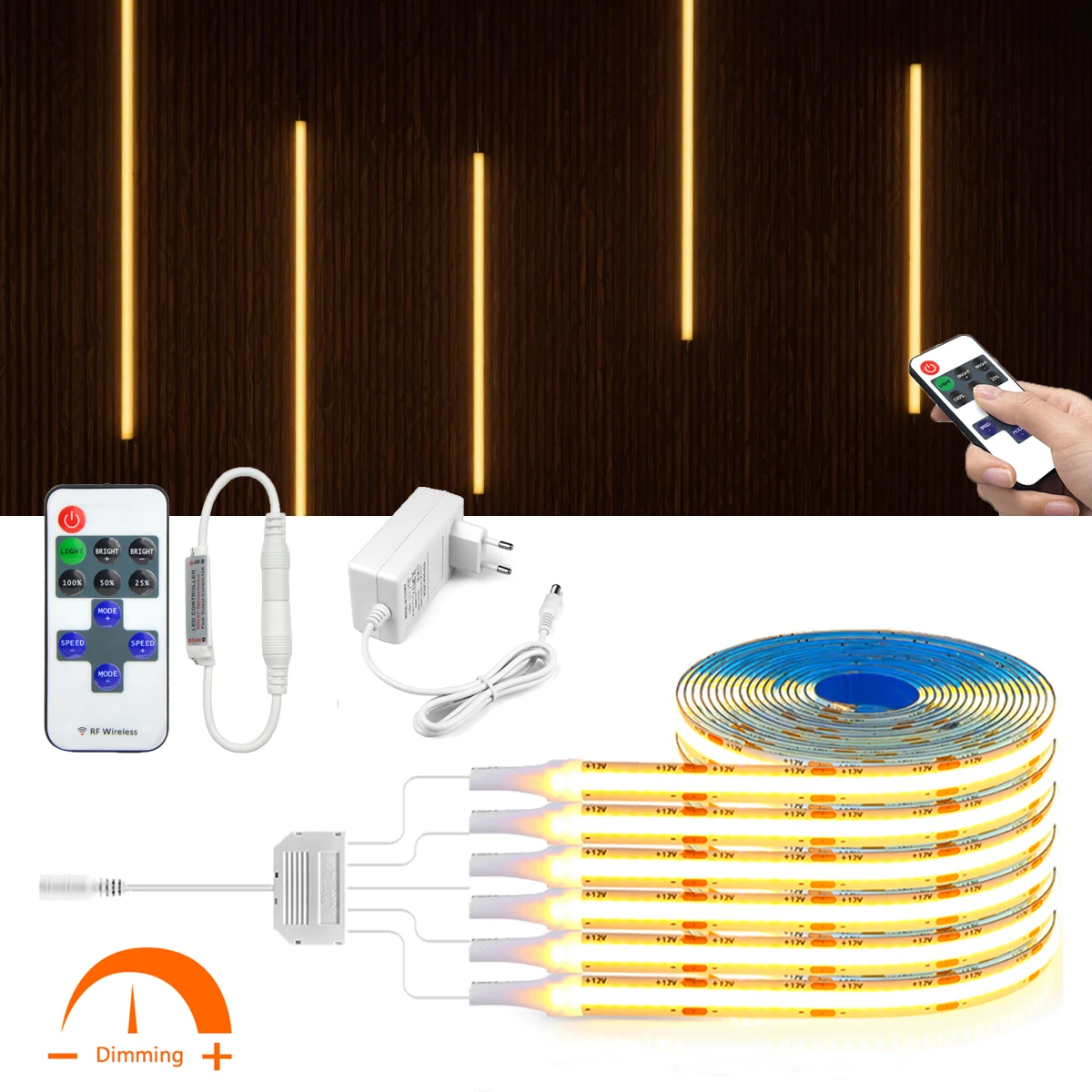
Type: WiFi COB LED Neon light Strip
Input Voltage:DC24V
Light Color:Warm White/White/Natrual White
Color temperature: Warm White(3000K), Natural White(4000K), Cool White(6500K)
LED type: COB
LED QTY: 280LEDs/M
Length: 2M/3M/5M
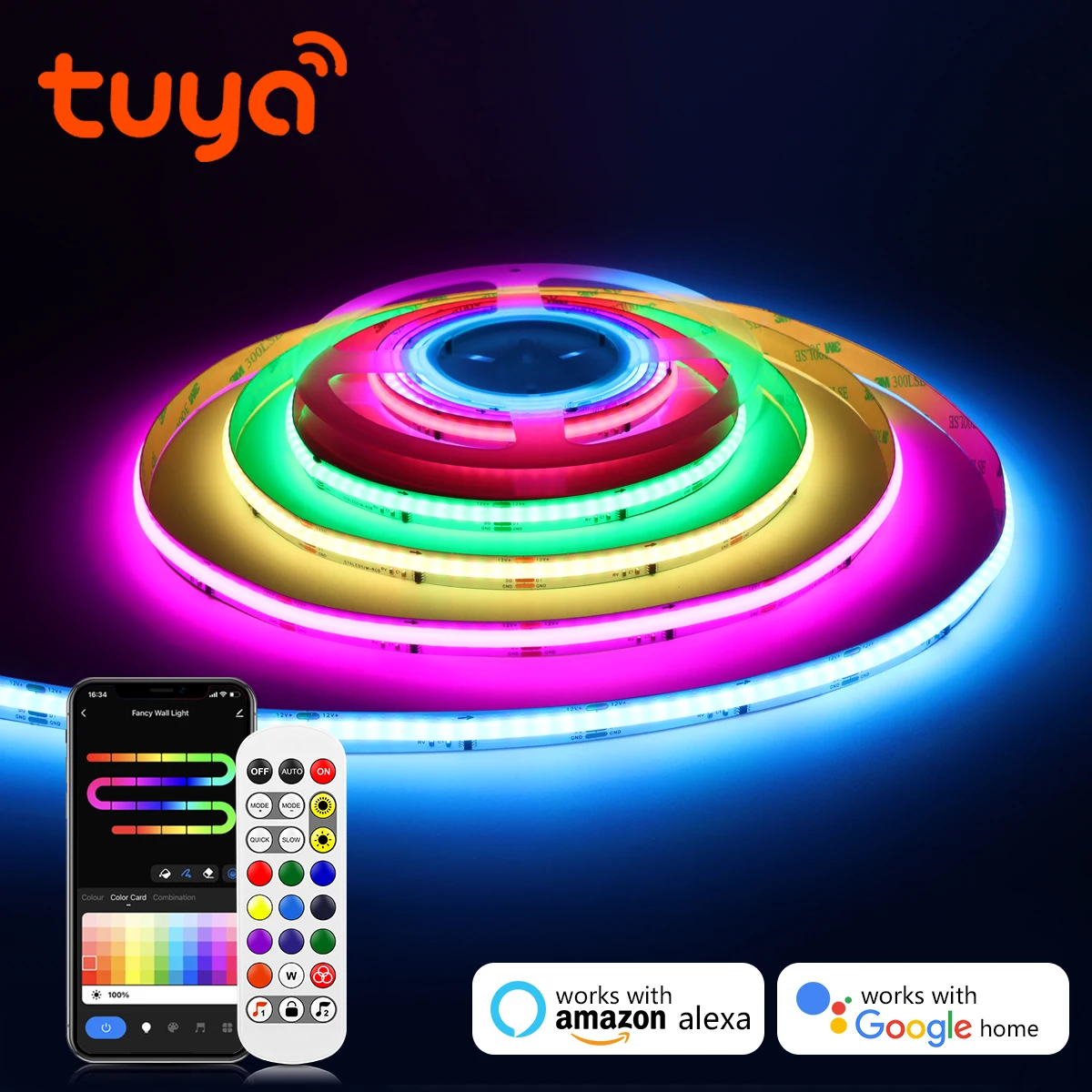
App: Tuya or Smart Life
Width: 9MM
Material: 100% pure silicone tube (fireproof and waterproof)
Power:9W/M
Features
【Voice Control】 Control your smart led strip via your voice with Google Assistant. Just give a voice command to turn on/off or dim/brighten your light, No hub required and easy to install. No need subscription.
【Energy Saving&Wide Usage】With LED technology, Save your electricity charge with newest lighting technology. This bulb can be used on anywhere you need colorful light such as home indoor lighting, hotel, meeting room, museum, restaurants, bar, cafe, holiday
Know about Tuya APP
Step 3: Set up your Tuya account. Add Device>Lighting devices and confirm the device in the App.
Step 4: Easy Mode or AP Mode(Press on/off button of the device 5 times)
Tips--App
In addition, the router encryption mode must be WPA2-PSK type and the authentication type must be AES.