
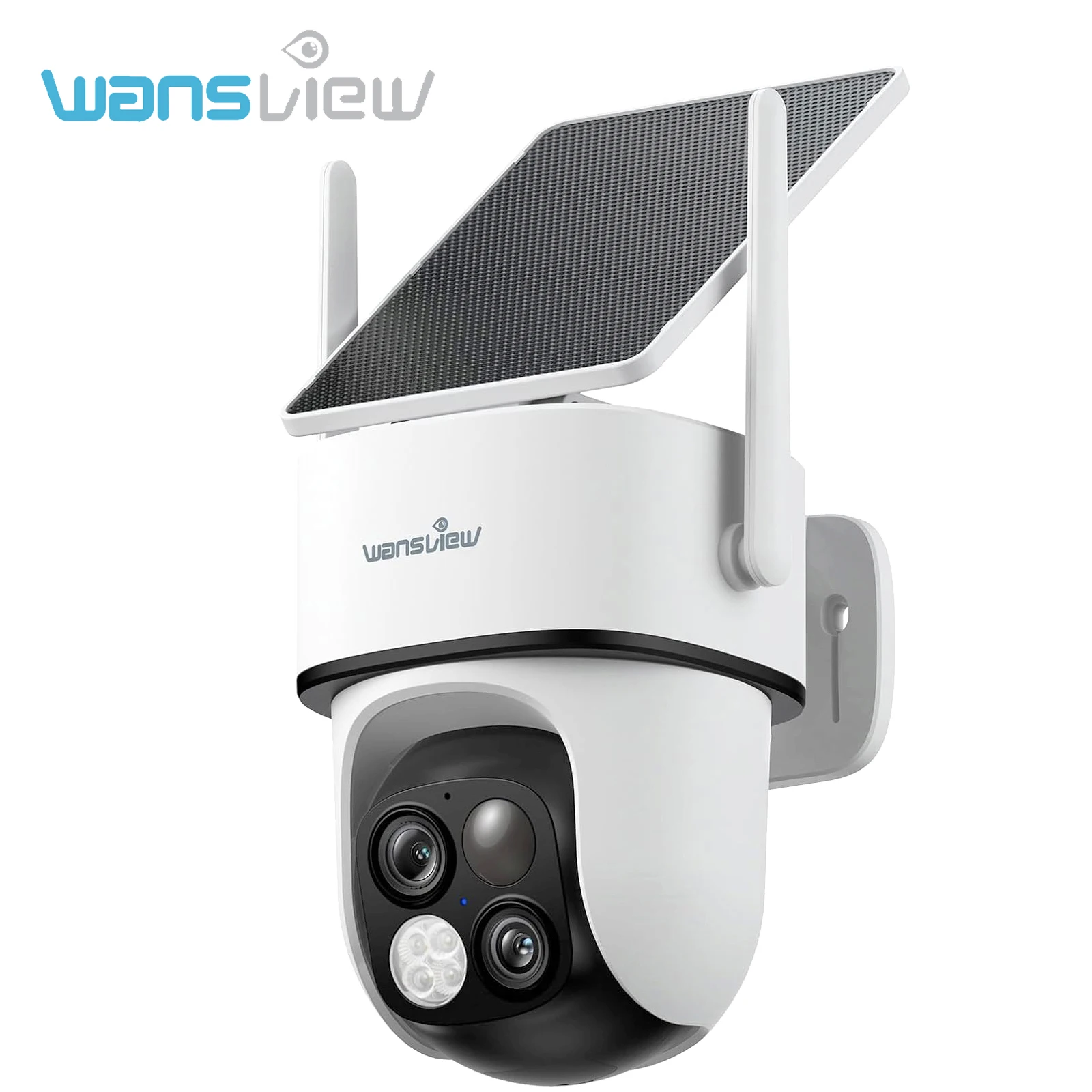
Wansview 3MP 2K HD WiFi IP Camera Outdoor 64X Zoom Dual Lens Screen PTZ Camera Auto Tracking Home Security Surveillance Cam
Return&refund policy
Eligible items are covered by return and refund support. If the item does not arrive or is not as described, the buyer can request help.
Security & Privacy
Safe payments: We do not share your personal details with any third parties without your consent.
Secure personal details: We protect your privacy and keep your personal details safe and secure.
AI offer for your market
A curated pick based on category, shipping route, delivery speed and popularity in your selected market.
Why this product fits your market
- • Recommendations focus on this product category and your market availability.

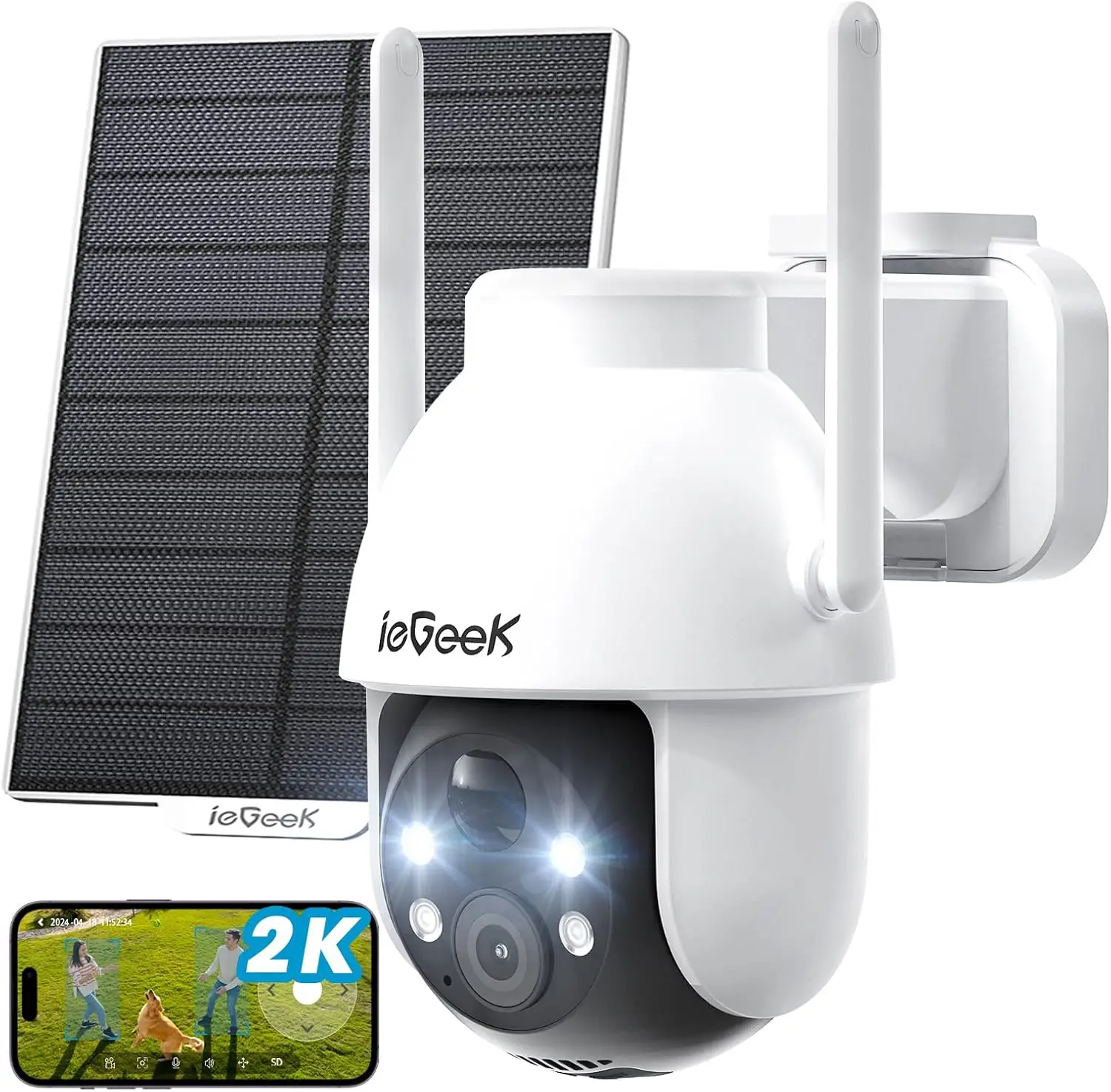
Product specifications
Detailed product description
This product is shown with available options, market-specific pricing and verified specifications.
- Brand: Wansview
- Sales: 1
- Package size: 11 × 9 × 13 cm
- Package weight: 0.93 kg
- Rating: 0.0 / 5
Before adding to cart, choose an available option and check the quantity.
Note:
A: 1. Please make sure the wifi your smartphone connected is "2.4Ghz" WiFi, our camera doesn't support 5Ghz WiFi.
2. Keep the distance between camera and router within "1m."
4. During the Wi-Fi setup process, click the "eye" icon to check if the Wi-Fi password is correct—make sure there are no spaces.
5.Press and hold the “Reset” button until you hear the Reset prompt tone. Wait for a while until the indicator light starts flashing alternately in red and blue.
A: Please turn back to camera setting and check if alarm button on.
Q3: Is this a wireless camera, built in battery, no need of power supply?
A:Yes, it has two 5000mAh batteries and can be charged via solar panel.
Q4:What should I do when the SD card cannot be recognized?
A: Please turn off the power of the camera, then insert the card first, and then reconnect the wifi
after power on (it is wrong to insert the card after connection)
Please read the following notes before completing order
Please check your shipping address carefully before checkout, it can't be changed if order completed.
Feedback
If you are dissatisfied for any reason, please donot be quick to leave negative/neutral feedback.
Serious Buyer Only! Please place bid only if you agree with all the terms.
About Return
Package List
Solar Security Camera
Solar Panel
Pack of Screws
Template Sticker
Type-C Power Cord
Quick Installation Guide