
integrierte Schaltung
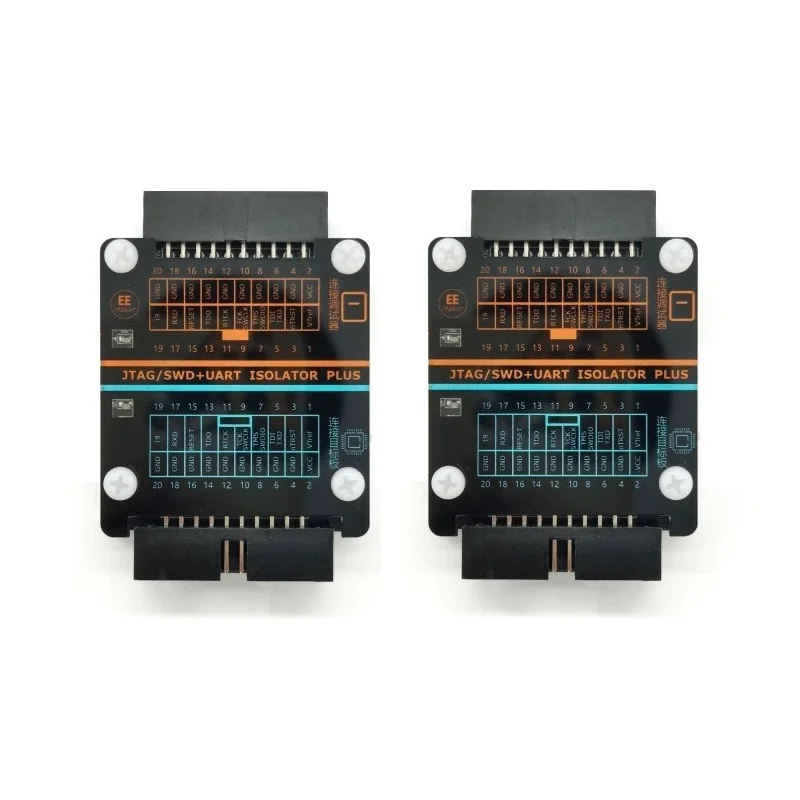
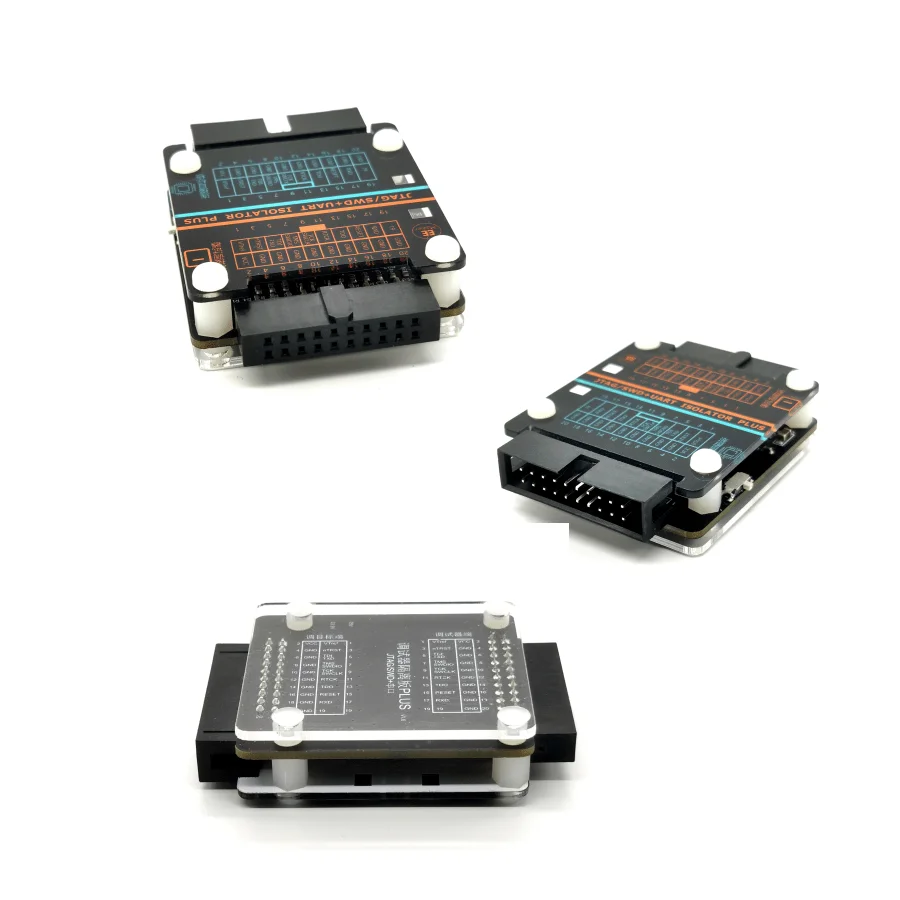
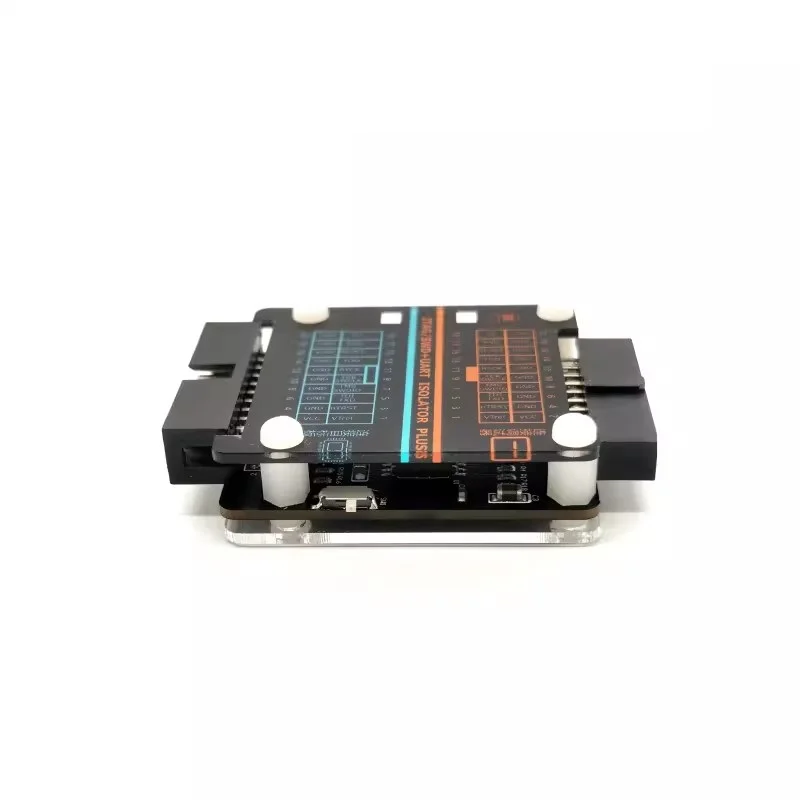
JTAG Hochspannungs-Isolations-Emulator Unterstützt JLink/STLink/DAPlink Debugger Hochgeschwindigkeits-JTAG SWD Serielle Isolation
inkl. 19 % MwSt. auf die Ware; bestätigter Versand nach Deutschland enthalten
Lieferung nach Deutschland
Lieferzeit: 16–30 Tage
Angezeigter Planpreis. Bestellungen sind noch nicht freigeschaltet.
Produktbeschreibung
EKD04 isolation board supports JTAG or SWD + serial port isolation, built-in isolation power supply, you can supply power to the target, support 3.3V and 5V output switching (isolation board dip switch selection).
Isolated high voltage up to 5000Vrms, the isolation board 20Pin standard JTAG interface, can be directly connected to JLINK, STLink debugger. Compatible with all versions of JLINK and STLink debuggers on the market.
EKD04 is equipped with two dip switches
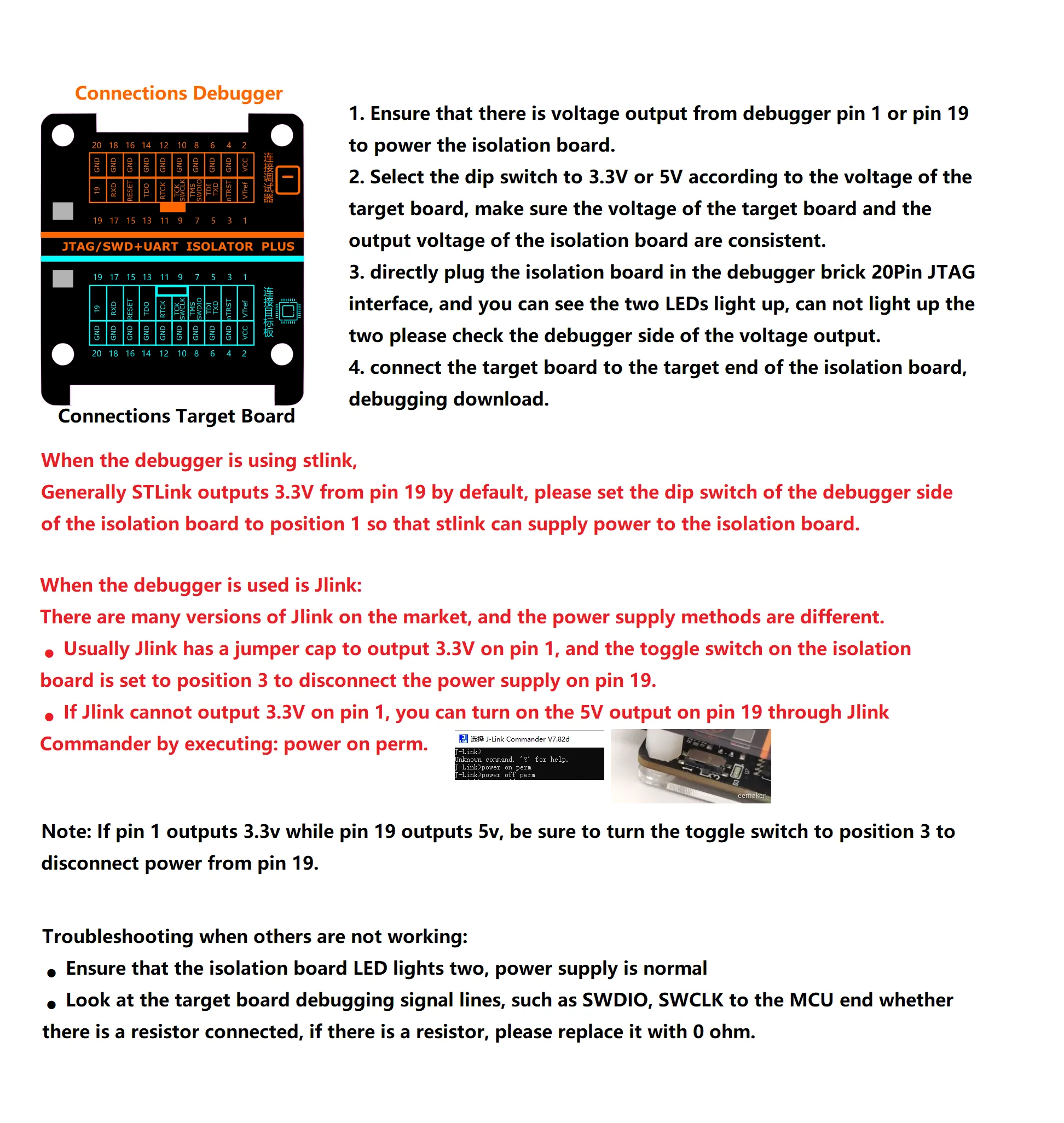
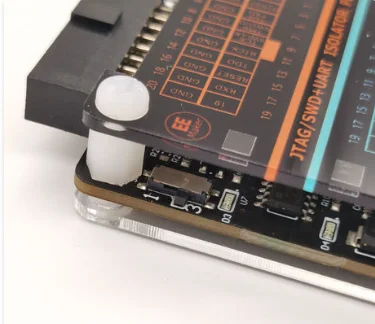
�� debugger side dipswitch function: select whether pin 19 is used for power supply (board labeled 1-connect pin 19, 3-disconnect pin 19)
�� Target side dipswitch function: to select the output level of the isolation board as 3.3V or 5V (silkscreen labeling on the back of the isolation board)
Instructions for use
1. Ensure that the debugger has a voltage output on pin 1 or 19 to supply power to the isolation board. (For more detailed configuration, please refer to the following)
2. Select the dip switch to 3.3V or 5V according to the voltage of the target board, make sure the voltage of the target board and the output voltage of the isolation board are consistent.
3. directly plug the isolation board in the debugger brick 20Pin JTAG interface, and you can see the two LEDs light up, can not light up the two please check the debugger side of the voltage output.
4. Connect the target board to the target end of the isolation board, debugging download.
Voltage Output Configuration for Debugger Side
The isolation board to the debugger side has a dip switch to select whether or not to use the 19-pin power supply.
When the debugger is using STlink
Generally STLink outputs 3.3V from pin 19 by default, please turn the dip switch of the debugger side of the isolation board to position 1 so that stlink can supply power to the isolation board.
When the debugger uses Jlink
There are many versions of Jlink on the market, and the power supply methods are different.
Usually, Jlink has a jumper cap to output 3.3V on pin 1, and the toggle switch on the isolation board is set to position 3 to disconnect the power supply on pin 19.
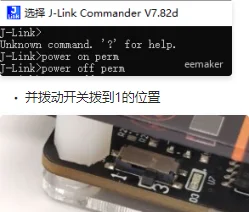
�� If Jlink cannot output 3.3V on pin 1, you can turn on the 5V output on pin 19 through Jlink Commander by executing: power on perm.
Note: If pin 1 outputs 3.3V while pin 19 outputs 5V, be sure to turn the toggle switch to position 3 to disconnect power from pin 19.
Troubleshooting when others are not working
Produktdetails in Bildern




Produkteigenschaften
- Markenname
- W
- Ursprung
- CN (Herkunft)
- Hochbetriebenes Chemikalienunternehmen
- Keine
- Zustand
- Neu
- Typ
- Modul
Artikelnummer: 1005006141418152