
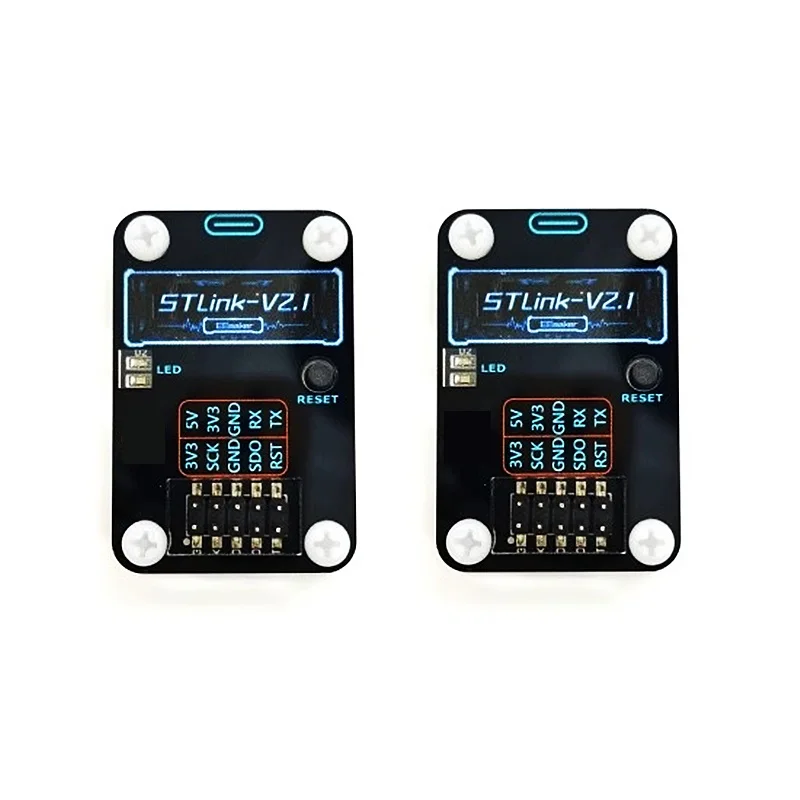
integrierte Schaltung
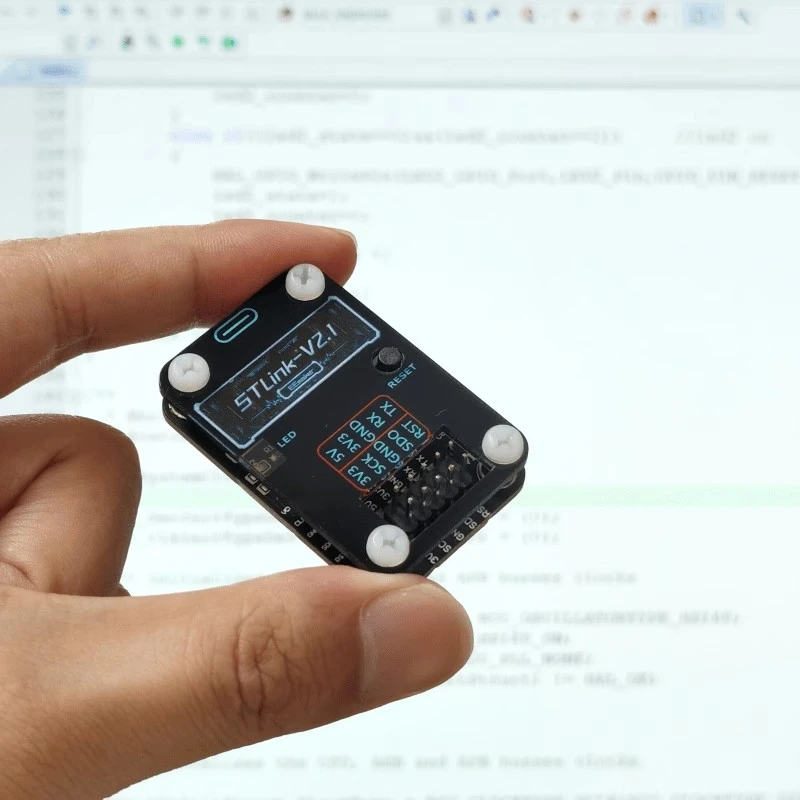
ST LINK V2.1 Emulation Debugging Downloader STLINK Programmierbrenner STM32 Serie SWD serielle Schnittstelle 3,3 V/5 V unterstützt Drag and Drop
inkl. 19 % MwSt. auf die Ware; bestätigter Versand nach Deutschland enthalten
Lieferung nach Deutschland
Lieferzeit: 7–12 Tage
Angezeigter Planpreis. Bestellungen sind noch nicht freigeschaltet.
Produktbeschreibung
···STLink-V2.1 is a balanced STLink, support for keil, iar, stm32cubeIDE and other common various development environments, you can permanently update the firmware with the ST upgrade program, do not have to worry about dropping the firmware.
···STLink-V2.1 supports all STM32 for online debugging burn-in, support for U disk drag and drop burn-in, comes with all the way to the virtual serial port.
Driver installation
Installation of ST official tools: stm32cubeProgrammer or stm32-utility software will be integrated to install the driver. So it is recommended to install stm32cubeProgrammer, which is a new generation of ST burn-in software with powerful functions. Because this software is often updated, it is recommended to prioritize to the official website to download the latest version (but you need to have ST official account and login)
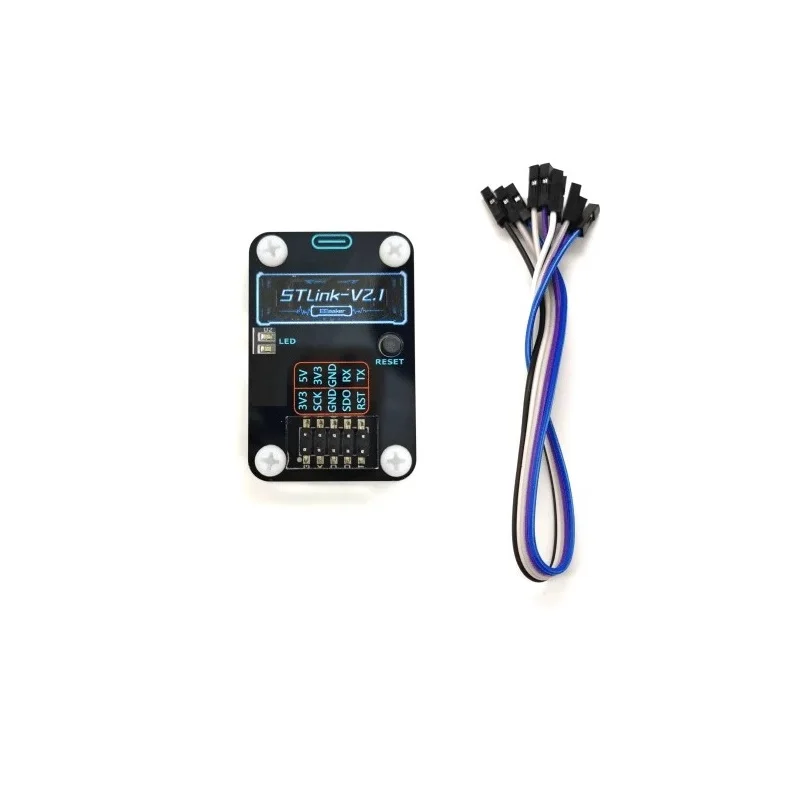
Wiring instructions
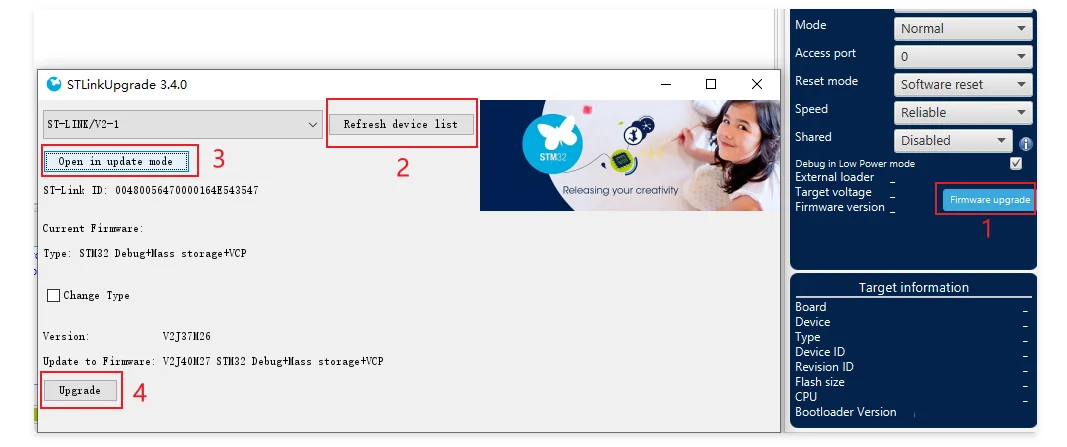
How to update the firmware
Updating the firmware requires the stm32cubeProgrammer software to be installed first.
1: Open stm32cubeProgrammer, click firmware upgrade button will open a window to update firmware.
2: Execute refresh device list, make sure you can find your debugger.
3: Execute Open in update mode to let STLINK enter update mode.
4: Execute Upgrade and wait for the update to be successful.
How to use the u-disk drag-and-drop burn function
STLink plugged into the computer will identify a USB flash drive, drag and drop burning is a kind of no need to rely on the host computer software, the hex or bin file copied to the USB flash drive inside to realize the microcontroller burning function of a burning method.
Support most of the stm32 models for drag and drop burning, stm32 model many we have no way to test one by one, to the final test shall prevail to see if you use the model support.
Steps to use
First, connect the target microcontroller and the SWD communication line of STLINK (without plugging the USB first).
Then connect the USB of the stlink and the computer to recognize the USB flash drive.
Copy the hex or bin firmware to the USB flash drive, the red light blinks for burning, burning is complete, the red light will go out.
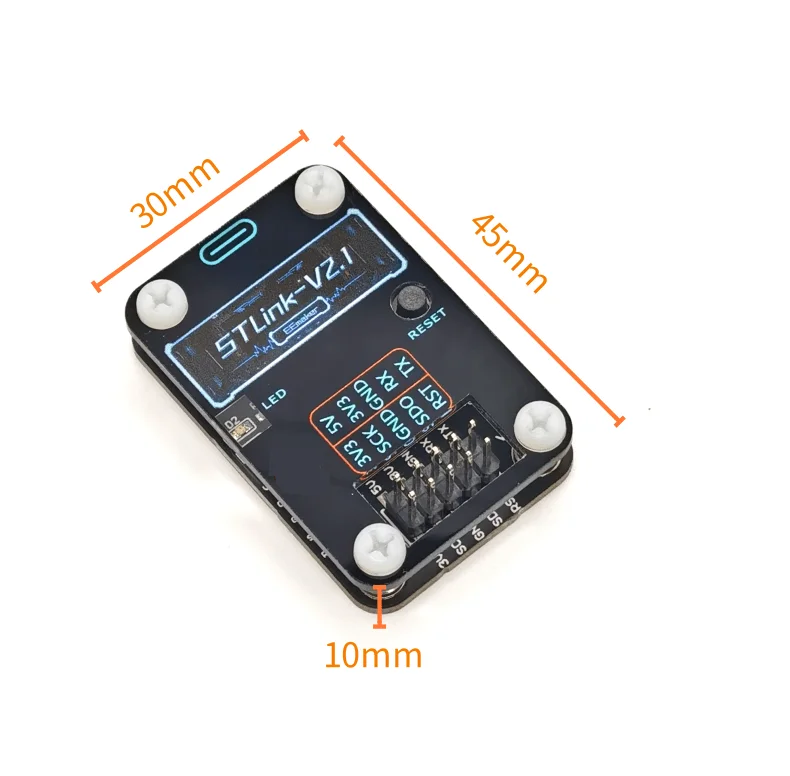
Produktdetails in Bildern






Produkteigenschaften
- Markenname
- W
- Ursprung
- CN (Herkunft)
- Hochbetriebenes Chemikalienunternehmen
- Keine
- Zustand
- Neu
- Typ
- Modul
- Choice
- yes
- semi_Choice
- yes
Artikelnummer: 1005006258107272