
3D Drucker Teile & Zubehör
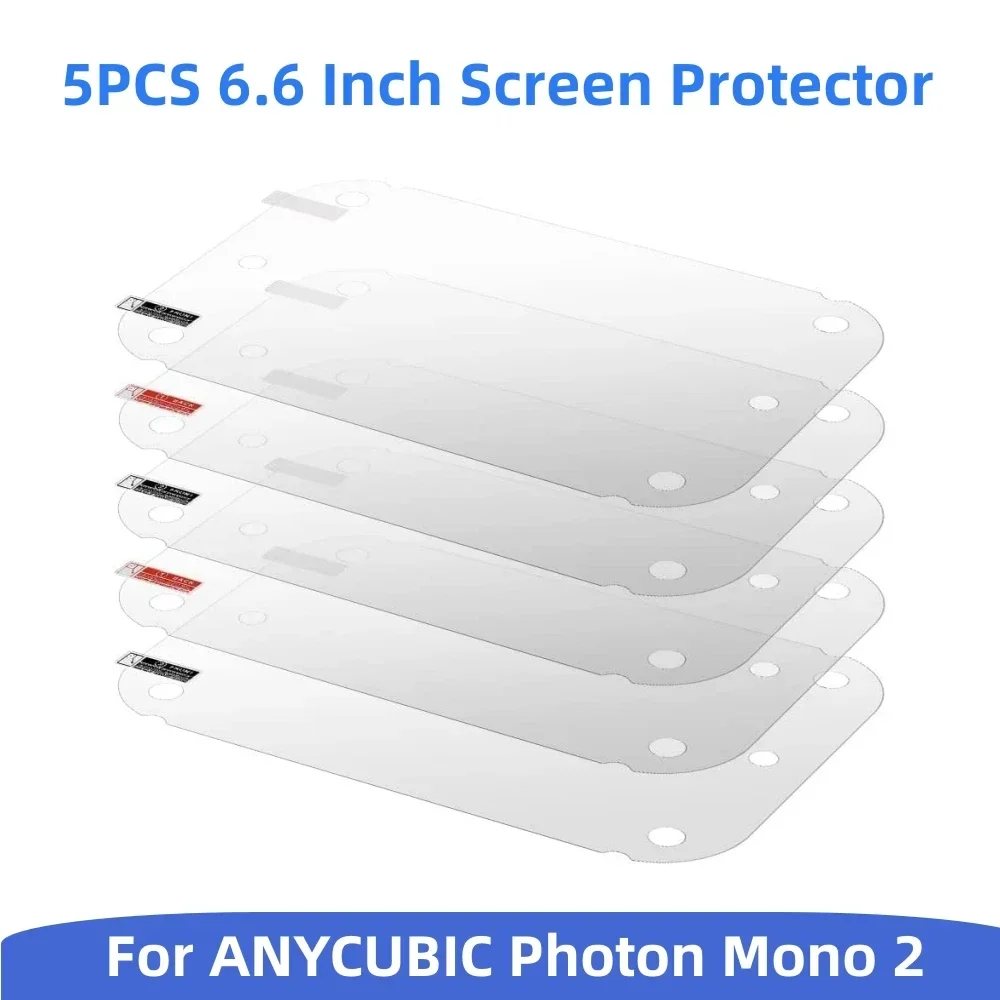
5 Stück Displayschutzfolie 6,6 Zoll LCD-Schutzfolie für Anycubic Photon Mono 2 Zubehör Ersatz für 3D-Harzdrucker
inkl. 19 % MwSt. auf die Ware; bestätigter Versand nach Deutschland enthalten
Lieferung nach Deutschland
Lieferzeit: 8–15 Tage
Angezeigter Planpreis. Bestellungen sind noch nicht freigeschaltet.
Produktbeschreibung
About this item
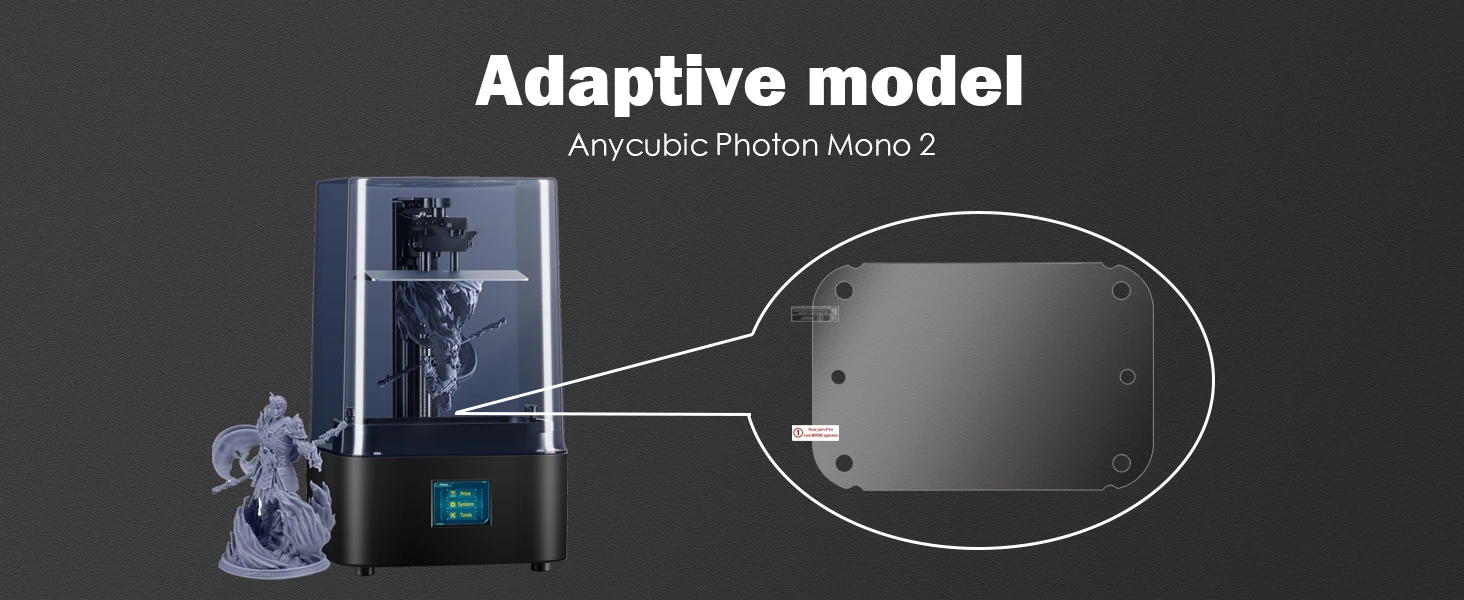
Compatible models: 6.6-inch screen protector, compatible with ANYCUBIC Photon Mono 2 LCD resin 3D printer.
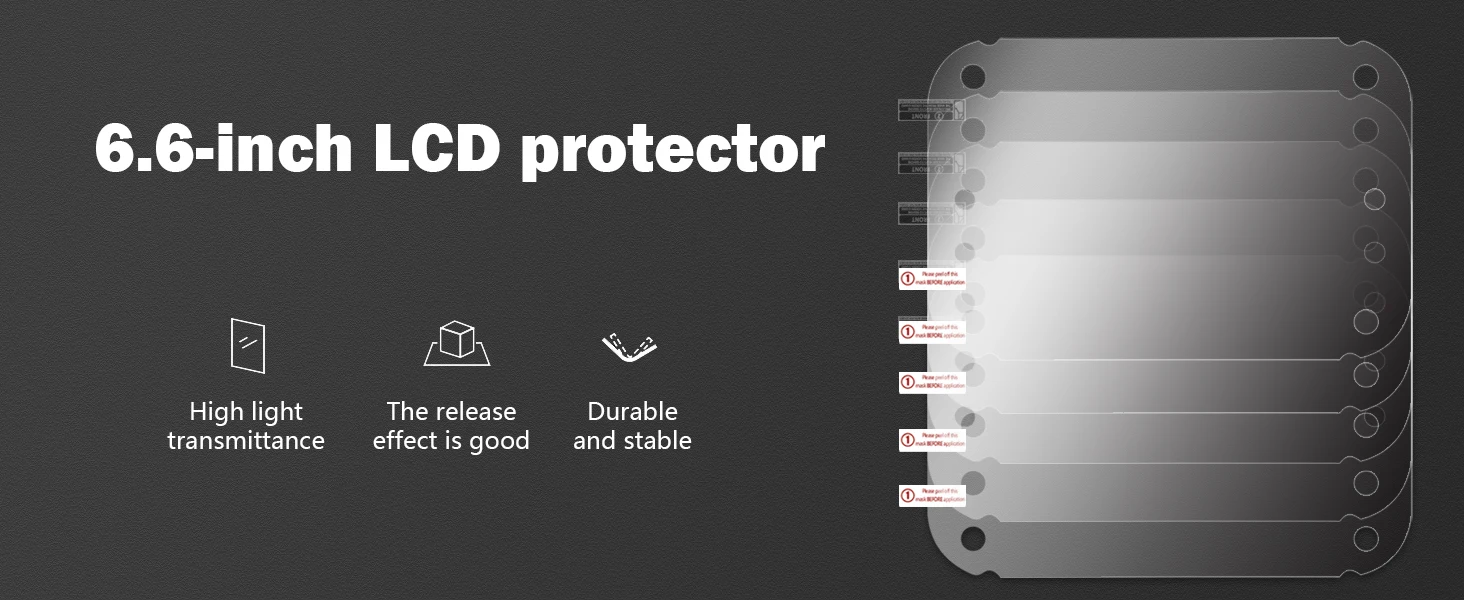
Light transmittance: The light transmittance of the tempered film is greater than 95%, which will not affect the light emitted by the monochrome screen to pass through the tempered film to cure the resin in the resin tank.
Protection: The tempered film has a good protective effect. It not only protects the monochrome screen from being scratched by sharp objects in daily use, but also prevents the release film from being damaged and causing resin leakage to contaminate the screen.
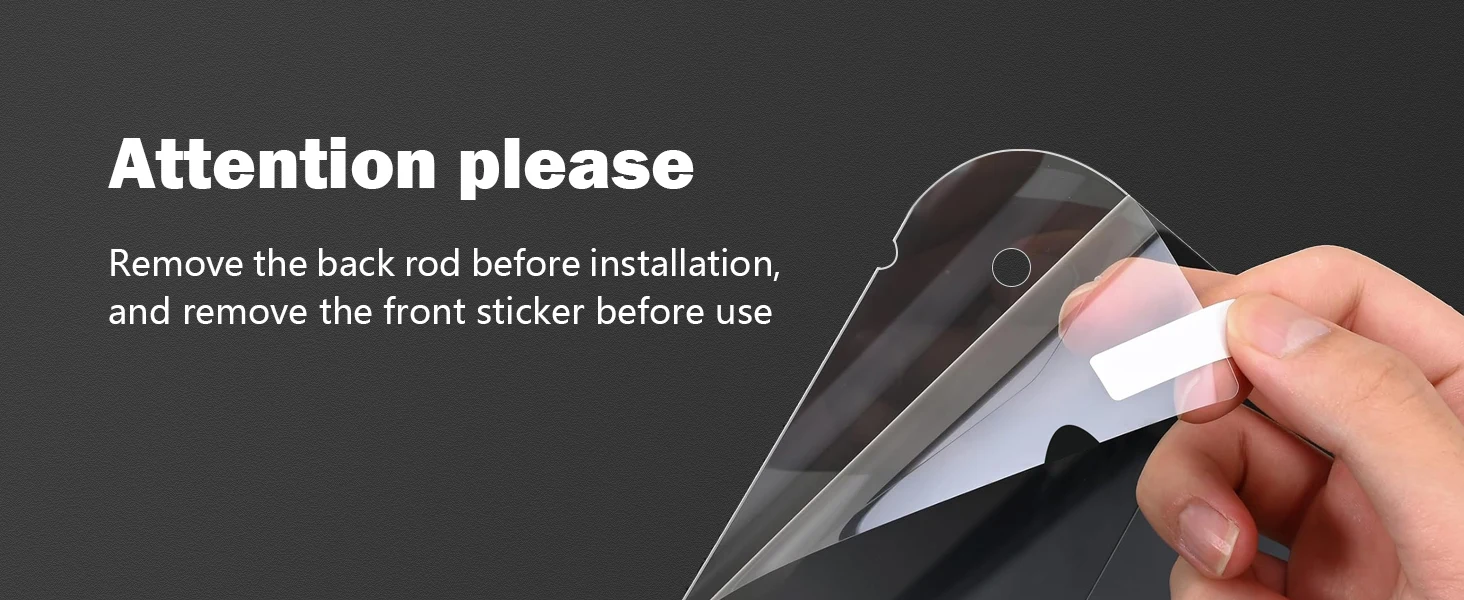
Easy to install: Easy to use, there is a protective film on the back of the tempered film. Please keep the screen clean before use, then tear off the protective film on the back and install the tempered film on the monochrome screen. Use a plastic scraper to avoid bubbles. After installation, please wipe the tempered film clean with cleaning fluid and non-woven cloth. (Only equipped with a scraper)
Tip: To avoid printing problems, it is recommended to level the 3D printer again after installing the tempered film.
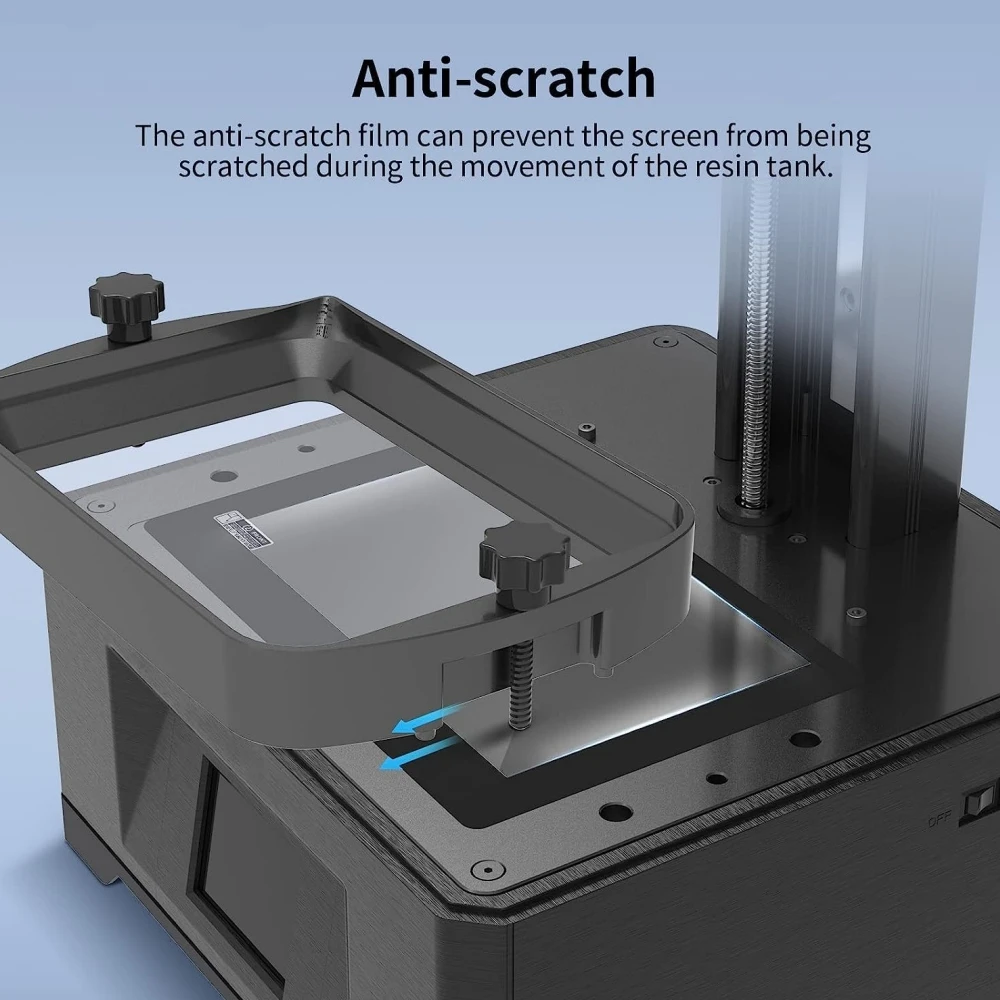
Anti-scratch
The anti-scratch film can prevent the screen from being scratched during the movement of the resin tank.
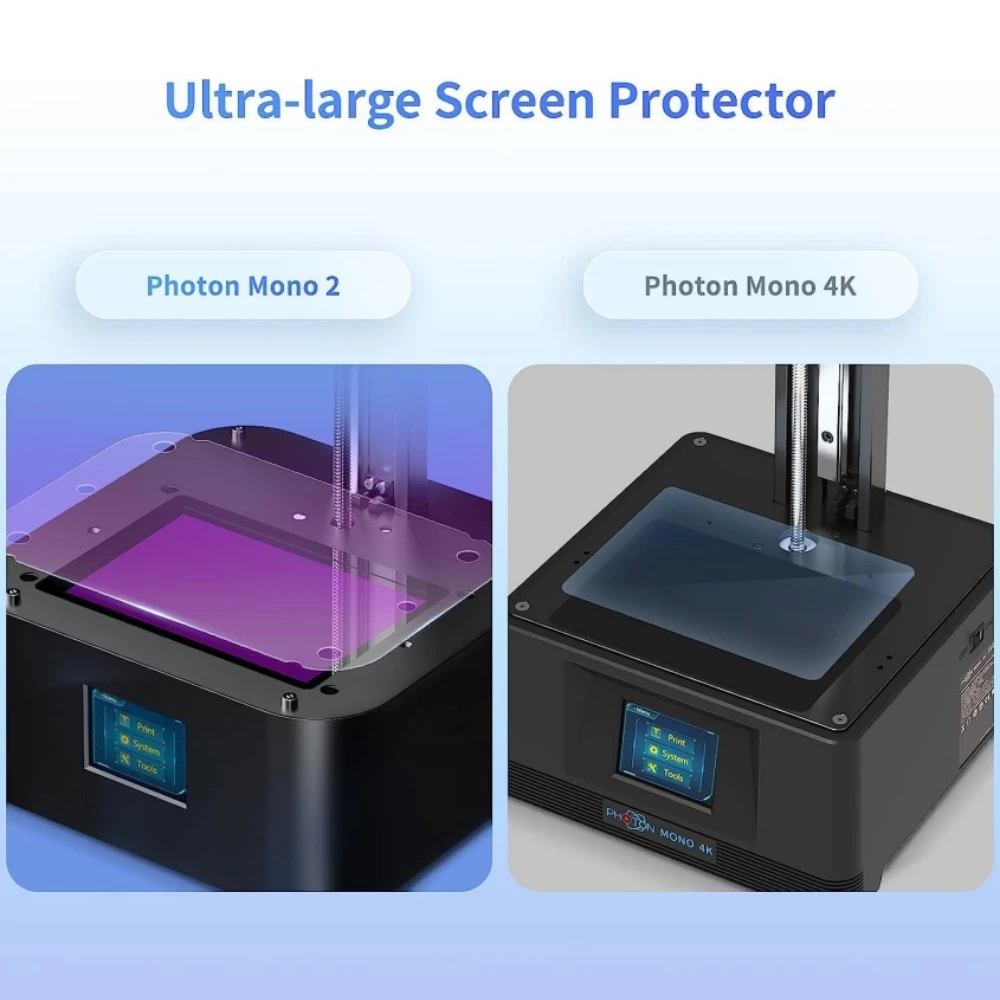
Ultra-large Screen Protector
Photon Mono 2
VS Photon Mono 4K
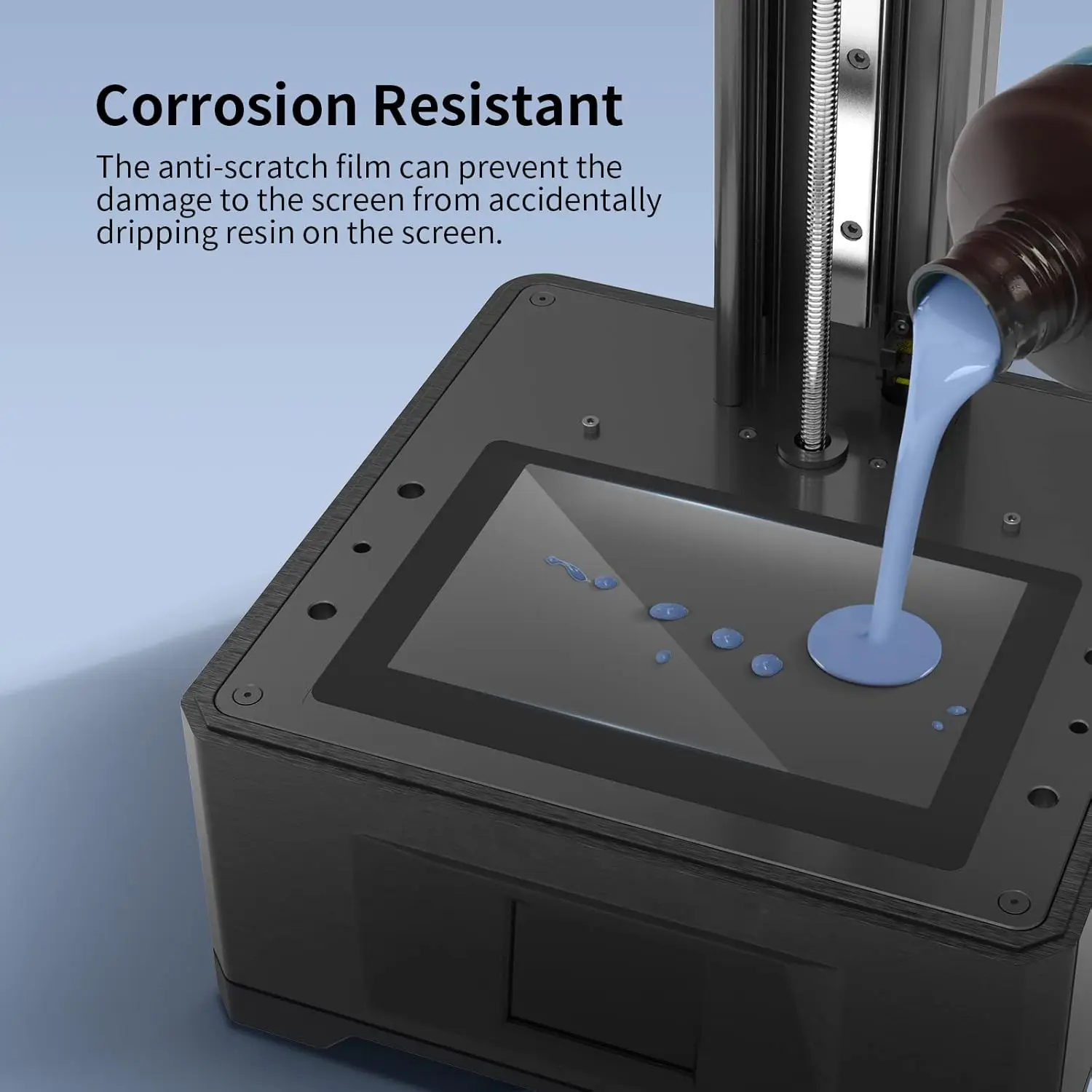
Corrosion Resistant
The anti-scratch film can prevent the damage to the screen from accidentally dropping resin on the screen.
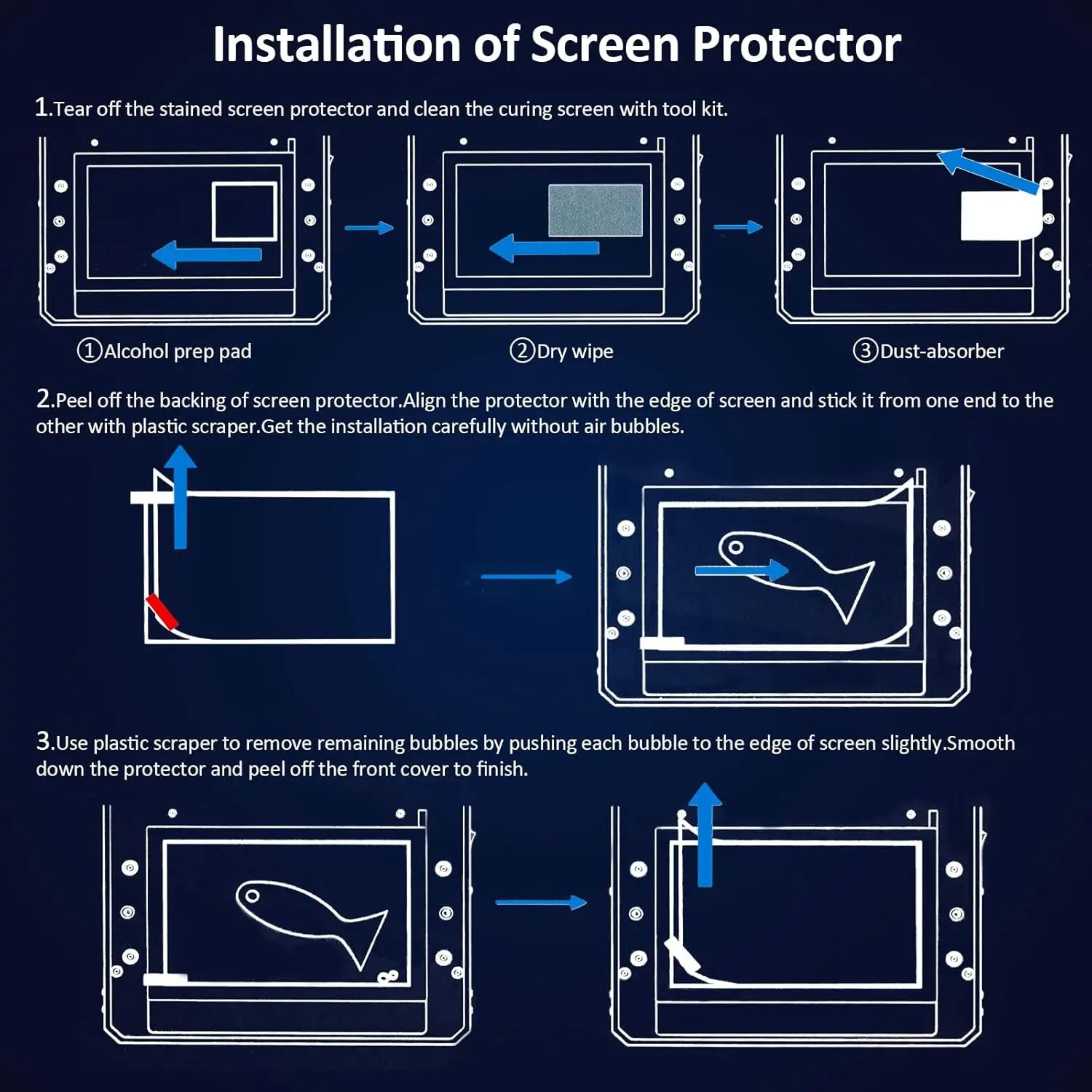
Installation Of LCD Screen Protector Step
Step 1.Tear Off the stained screen protector and clean the curing screen with tool kit.
Step 2. Peel off the backing of the screen protector. Align the protectorwith edge of screen and stick it from one end to the other with plastic scraper.Get the installation carefully with out air bubbles.
Step 3. Use plastic scraper to remove remaining bubbles by pushing each bubble to the edge of screen slightly. Smooth down the screen protector and peel off the front cover to finish
Produktdetails in Bildern
Produkteigenschaften
- Markenname
- VOLFAN
- Hochbetriebenes Chemikalienunternehmen
- Keine
- Artikelform
- andere
- Ursprung
- CN (Herkunft)
- Montage Erforderlich
- no
- Kontrollmethode
- andere
- Artikeltyp
- Screen Protector
- Modellnummer
- For photon mono 2
- For ANYCUBIC
- Photon Mono 2
- Choice
- yes
- semi_Choice
- yes
Artikelnummer: 1005008333499632