
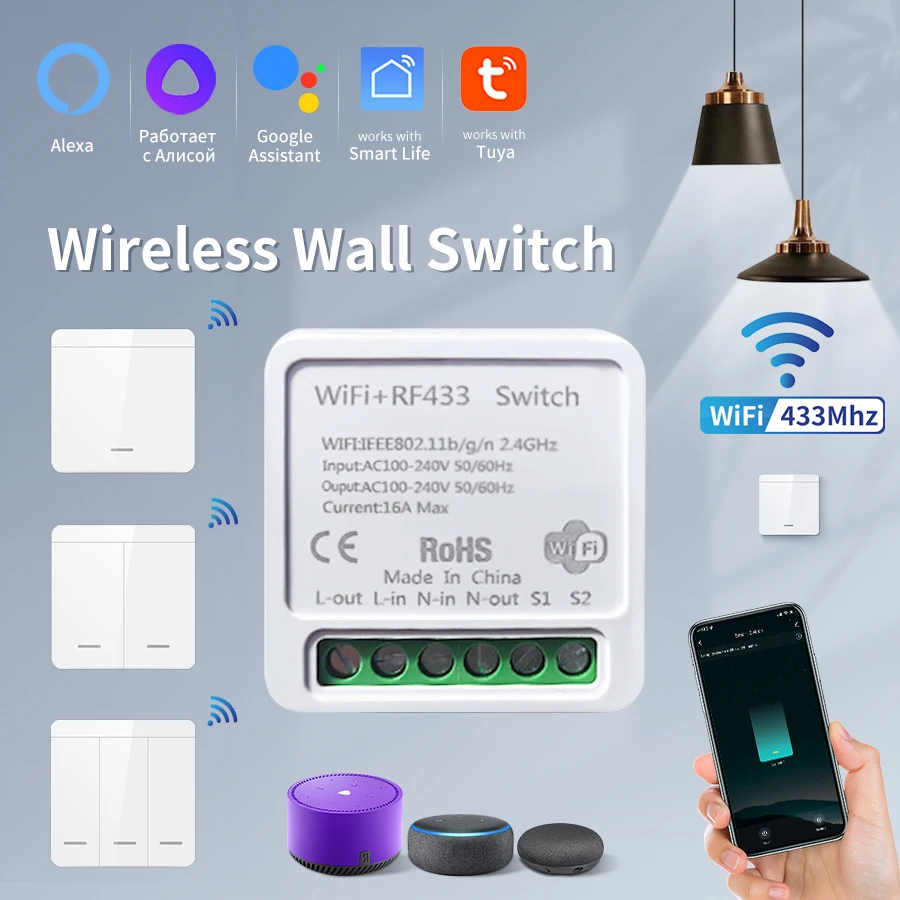
Tuya WiFi Smart Light Switch Smart Home Wireless RF 433mhz Push Button Wall Switch Via Alexa Google Home Alice Smart Life App
Return&refund policy
Eligible items are covered by return and refund support. If the item does not arrive or is not as described, the buyer can request help.
Security & Privacy
Safe payments: We do not share your personal details with any third parties without your consent.
Secure personal details: We protect your privacy and keep your personal details safe and secure.
AI offer for your market
A curated pick based on category, shipping route, delivery speed and popularity in your selected market.
Why this product fits your market
- • Estimated delivery: 7.
- • Strong customer signal: 4.8★ from 1,376 reviews.
- • Recommendations focus on this product category and your market availability.
Product specifications
Detailed product description
This product is shown with available options, market-specific pricing and verified specifications.
- Brand: GGBEE
- Sales: 3000+
- Package size: 11 × 11 × 6 cm
- Package weight: 0.096 kg
- Rating: 4.8 / 5
Before adding to cart, choose an available option and check the quantity.
Note
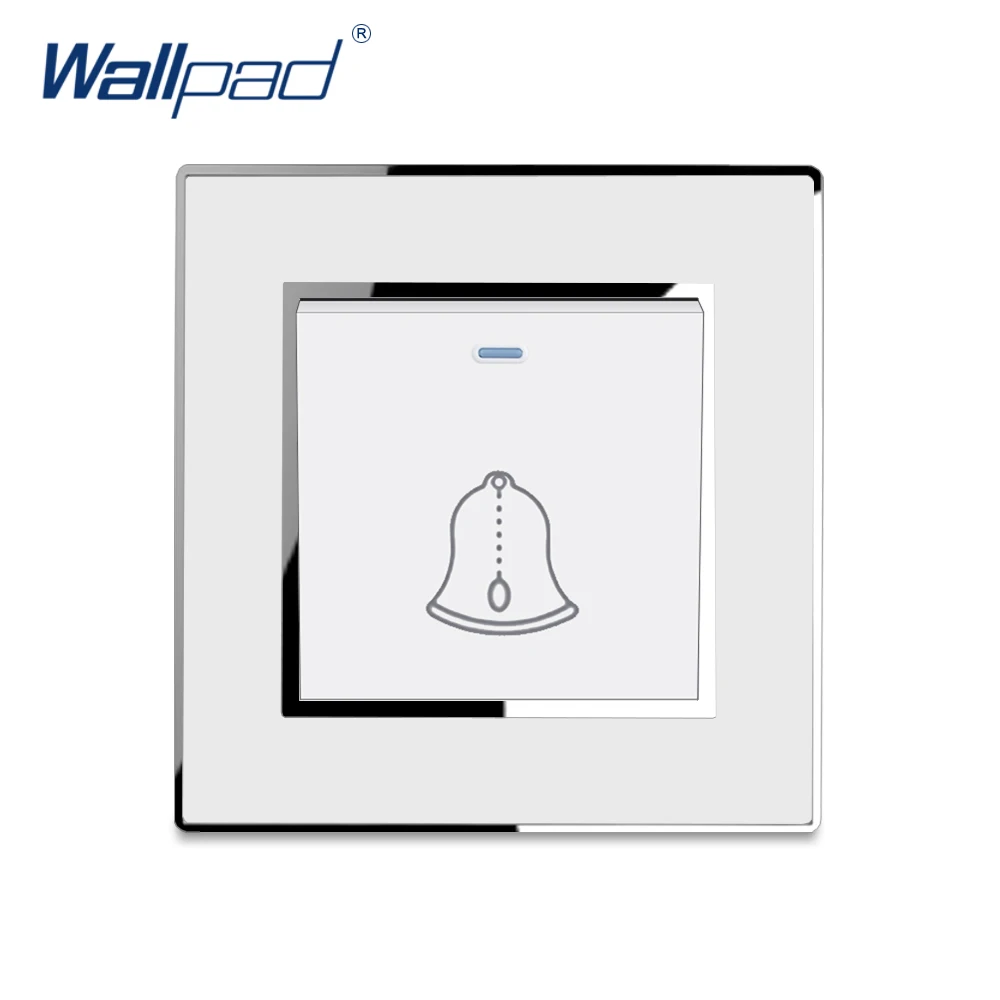
The relay controller is wifi+rf,the wall switch is rf only.Wall switch itself cannot control lights on off.It needs to work with wifi+rf receiver together.
Wifi+ RF controller (Receiver)
Input power: AC 85-240V
RF Frequency: 433MHz
WIFI Frequency: 2.4GHz
WiFi Standard: IEEE 802.11 b/g/n
Size: 41*41*20 (mm)
Max Current: 16A
Shell: Yes
Port: L/N
Certification: CCC,CE,RoHS
Feature: Has WiFi Function
Feature2: Can Work with Tuya,Smart Home
Feature3: Time Function
Feature4: Voice Control by Google Home,Amazon Alexa
Wireless Wall Switch
working frequency:433MHZ
Power consumption in standby mode
Transmitter power
Working way: wireless control
Coding way: EV1527 learning code
Modulation: ASK
Working temperature:-10"C~+70*C
Size: 86*86* 15mm
How to get the signal?
Step 1: Press the learning button(on the Receiver) twice. Wait for 3 seconds
Step 2: Press one button on the remote control. Wait for 3 seconds. Succeed.
How to clear the signal?
Only one step:Press the learning button(on the Receiver) 8 times. Wait for 3 seconds
RF433 wireless remote control switch matching method(After successful WiFi pairing)
1.Open the app ,Click “Settings”
2. Select again"RF Remote Control Settings"
3.Click “Add”
Then press the wireless remote control switch
within 10 seconds for code pairing operation
After successful pairing, the RFremote can control theon/off switch via RF433.