
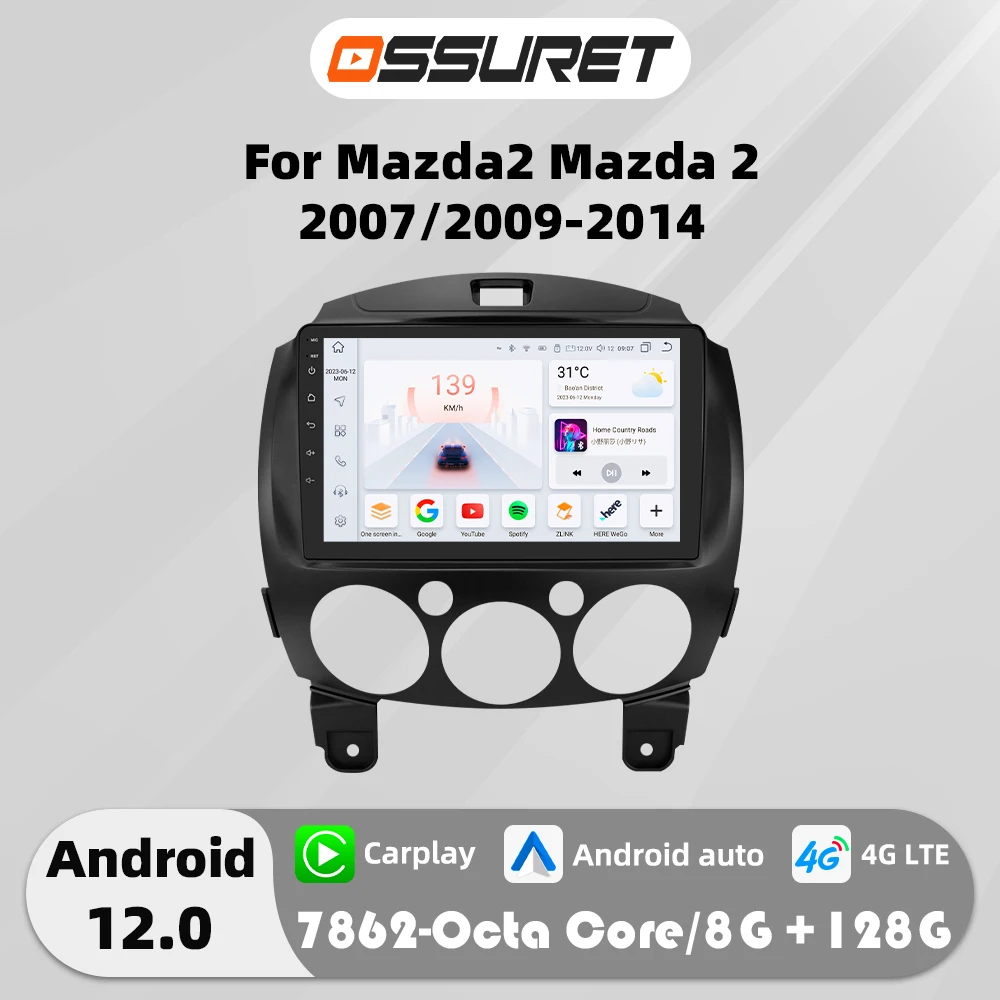
4G Carplay Android Auto Car radio For MAZDA Multimedia Player Autoradio GPS navi Stereo car intelligent systems swc
Return&refund policy
Eligible items are covered by return and refund support. If the item does not arrive or is not as described, the buyer can request help.
Security & Privacy
Safe payments: We do not share your personal details with any third parties without your consent.
Secure personal details: We protect your privacy and keep your personal details safe and secure.
AI offer for your market
A curated pick based on category, shipping route, delivery speed and popularity in your selected market.
Why this product fits your market
- • Estimated delivery: 7.
- • Strong customer signal: 5.0★ from 2 reviews.
- • Recommendations focus on this product category and your market availability.
Product specifications
Detailed product description
This product is shown with available options, market-specific pricing and verified specifications.
- Brand: OSSURET
- Sales: 3
- Package size: 37 × 31 × 12 cm
- Package weight: 2.15 kg
- Rating: 5.0 / 5
Before adding to cart, choose an available option and check the quantity.
Android 12 For MAZDA Car radio Multimedia Player 4G WIFI Carplay GPS navi Stereo 7862 Head Unit
>Applicable Car Model&Years
9inch Car GPS Stereo For Mazda
>Basic functions
Android 11/12 + 9/11.5/13.1inch display Screen (QLED Screen optional) + Quad Core 1.2GHZ (Eight core UIS 7862A 1.8Ghz / UIS 7862S 2.0Hhz optional)+ DDR3 1GB Flash (2GB/3GB/4GB/6GB/8GB optional) + 16 GB Memory (32GB/64GB/128GB optional) + WIFI (4G Network optional)+ Mirror link+ Steering Wheel Control + RDS+DSP(optional)
Product's features
1>Personalized UI Design, common functions are integrated into the desktop,and allowing you to switch, support day and night mode
2> Online radio: Relies on internet to search multiple channel (cover 20 countries' stations)
3>Advanced voice control: Control radio by voice, improve driving safety
4>Carplay&Android connect (P2 CP //P3 CP/W1/S series)
5>WIFI:all of option
6>4G:S3/S4/S5/S6/S7/S8
Is it suitable for your car?
1. Check the corresponding model and year of the product and car
2. Compare the installation position of the product with the car that needs to be upgraded
3. Check if the product's power cable interface is suitable for your car (note: not all interfaces of the original car need to be connected)
4. If you still can't judge, please send us the original car radio installation location (front) picture and the original radio back interface picture to us
Smart Car Infrtainment: AI Voice Control System Open safe Driving
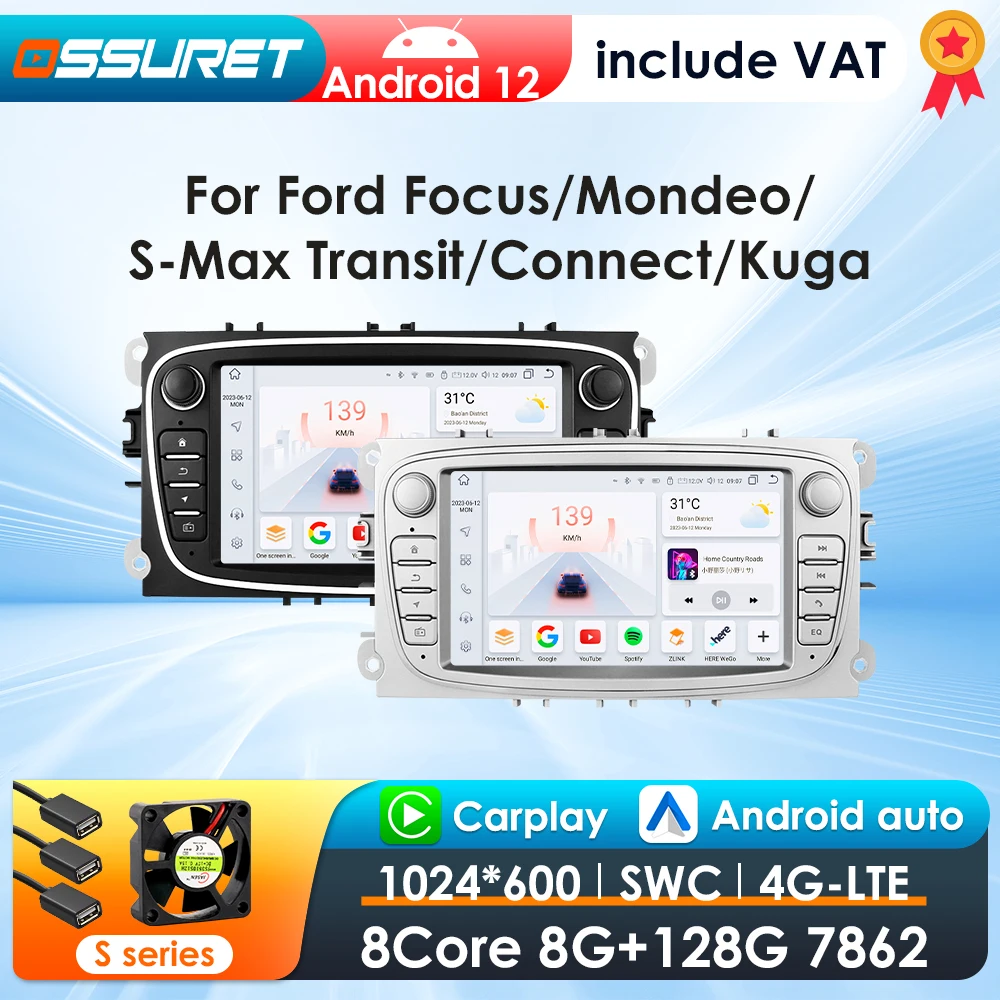
Car Model: This unit will fit the following car model
System Parameters: Refer to the following table for specific parameter configuration
User interface: S Series(can set as 4 color type: Purple/ Dark blue / Black / Golden) included S8/ S7/ S6/ S5/ S4/ S3/ S2/ S1 version; and H Series included HC1 / HC2 CP version.
Extreme Performance: A new generation of new CPU architecture, equipped with Two A75,six A55,super performance release,easy to deal with daily needs. The specific CPU model please refer to the products configuration table.
Built-in DSP BU32107EFV: We use BU32107EFV and BD37534FV DSP IC in different configurations products. The specifit difference please refer to the product configurations table.
Professional radio chip: Receive more stable radio station,less radio noise, higher performance during driving. (We use 4745,TDA7708 and integrated radio IC in different configurations products, the specific different please refer to the products configuration table.)
Online Radio
with an internet data connection,you can listen to online channels with no noise interference compared to traditional radio,allowing your journey to enjoy the ultimate listening experience.
Customize settings,Supports 20 countries,add to favorites, Quality broadcast.,we will open up more national radio staions,thanks you for your supports.
Built-in 4G Network: Please enter the SIM card before turn on the device. Include the 4G card slot, and the 4G antenna!
Audiovisual Feast
1280*720 QLED Screen / 1024*600 IPS Screen: Fine picture quality, true color, suiltable for more scenes, to meet your requirements
Button color changing function: Original Light color,Red,Yellow,White,Green,Blue,Cyan,Purple.
AI Voice Car System Relax Driving( Need to buy separately)
AI Intelligent Assistant Pack
our AI intelligent assistant pack included the AI voice assistant Pro,for S series radio S3,S4,S5,S7,S8 will add these functions works: track tracking,packing location and online radio functions.
Multiple Desktop Window Function (For example: GPS,OBDII, DVR, TPMS etc. )
DAB+ Box ( Needs to order separately): This radio has been installed DAB player APP, just connect with a DAB+BOX via USB Port to use this DAB+ Function, support input digital radio Programs and touch operation.you can use unit's touch screen to search and change programs,and this unit can supply power to the connected DAB+ BOX.
TPMS Function( Needs to order separately): Tire Pressure Monitoring: Real-time displays 4 tires pressure and temperature,Tire Pressure Monitoring system will be warning when the tire temperature is high, pressure is low.
Small cooling fan ( Needs to order separately): Note: the product comes standard without a fan, and the S series can be purchased as an option.
GPS Navigation: Supports Online and Off line Google map, Navitel, Waze, Herewego To avoid congestion choose lanes recently, the way of voice complement sensory information.
Optical and coaxial digital audio output: This function is only supported by S5/S6/S7/S8 series
Support USB Connection
External Memory: USB port up to 2TB,this unit can play the video and audio files from your external device.
Its Wire Diagram of each pin wire details
Supports AV-OUT: AV OUT box ( Needs to order separately)
Split Screen: You can use 2 apps at the same time (such as: Navigation + Music, ADAS Camera + Music,etc.)
PIP(Picture in Picture): the ability to watch video in small window on top of the screen, you car adjust the size.
HD 1080P ADAS DVR Camera(Needs to order separately) --connect with the USB port: LDWS(Lane Departure Warning Distance),FCWS(Forward Collision Warning Distance), 1080P(High Definition Car DVR).
Rear View System(Rear View Camera needs to order separately): A car video system that supports a backup camera displays troublesome blind spots on a monitor, allowing a driver to see hazard such as pets,children playing,or mailboxes,as they backup.
Steering Wheel Control: You could change the music,volume more easily via your steering wheel and also make your driving safer.
Product Size: Please kindly to compare with your original radio's size before bidding,if size's are different which cannot install.
Connector Pin Pictures
Standard Accessories: which ship with the head unit together(but please pay attension to the red words of accessory whether can get or not which depends on the item option you choose to buy it)
Common post-sales inquiries
Q1.Why can't turn on the car radio?
1>Please check the Voltage of car radio: 12V
2>When you test this car radio,you can combine the red and yellow wires and connect them to the positive side of the power supply.Black line to negative power supply.
3>Replace the same type of insurance to test the car radio.
Note: Please must use our power cables to connect our car radio,it is not possible to insert the original car plug directly into our machine.
Q2: How to connect the rear view camera?
A:1)Red cable @ is connected to the backup light "+
2) black cable @ is connected to the backup light "_"
3)The reversing detection cable @ Brown color is connected to the red cable @ which extending from the video input cable
4) cable does nof need fo be connected
Q3.Why the car radio will show "No Signal" when we reversing?
Please make sure you have connected the camera AV cable to the CAM VIN cable.
HC series product only support 720P camera or CVBS camera, if you buy a AHD 1080P camera, please replace it to 720P.
For S series, please check if the backcar mode is correct. Following Car Settings-Backcar-Backcar mode. You can try to set to AHD720P25 or AHD1080P25.
Q4:How to connect wireless Carplay and Android Auto?
Q5.How to connect wired Carplay and Android Auto?
Q6.Why can't search FM?
1>: No radio antenna inserted
2>: Please check if the radio antenna is plugged in. Please insert more antennas several times to make it well contacted
3>: The signal of your location is not good. Please go to a better place to test again
4>: The radio antenna on the car is broken/no effect; please replace the radio antenna and test again.
Q7.How to change the Boot Logo?(only S series support this function)
A:To avoid disturbing the right of automobile company, we do not built-in the car logo in our player. If buyer want to set the personalized picture as the boot logo, please follow the steps
1>. If your player is 1280*720 screen, you need to rotate the picture 90 degree, and cut it into 720*1280 size, transform the picture to.BMP format.
2>. If your player is 1024*600 screen, you need to cut the picture to 1024*600 size, transform the picture to.BMP format.
3>. if you do not know how to customized the picture, you can send the original picture to us and we will help to customized for you.
4>. copy the picture into your Udisk root path, and then connect Udisk to the player. Following steps: Car Settings-Display-Boot Logo-then you can see your picture and select it- click update logo