
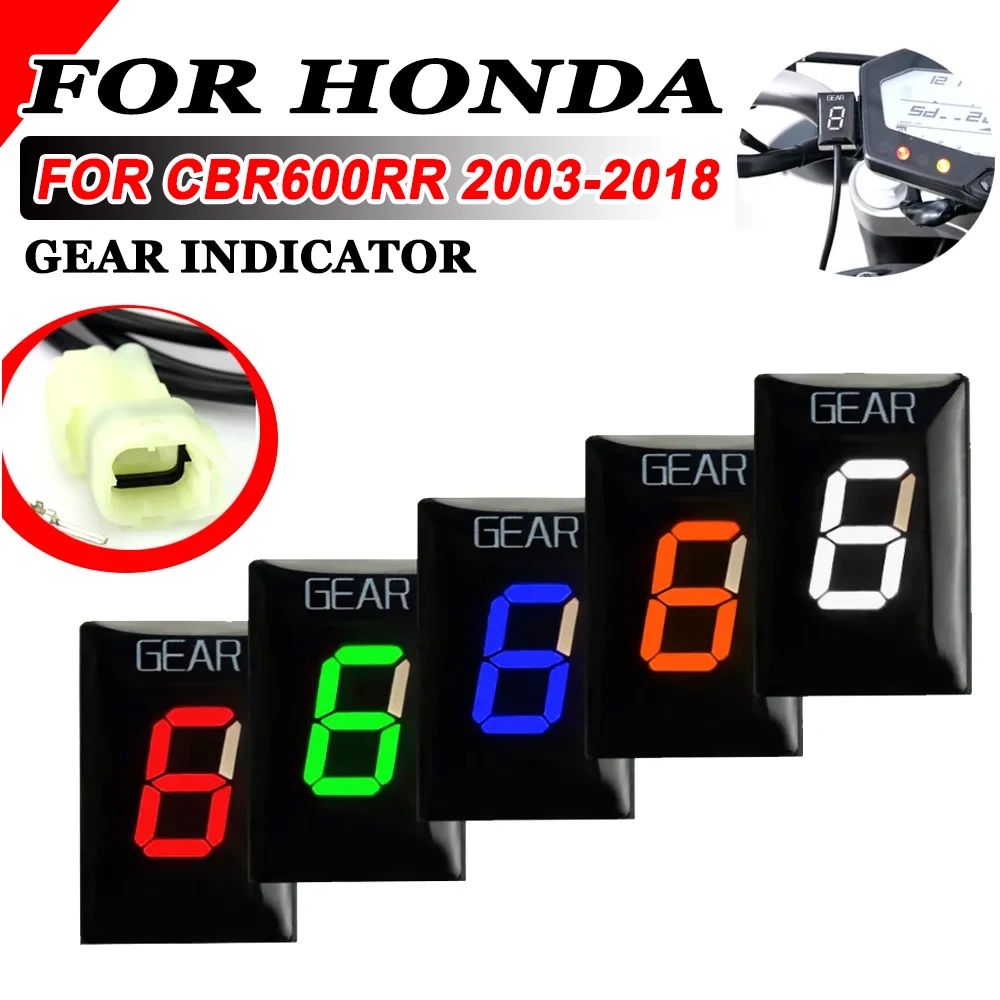
For Honda CBR600RR CBR 600 RR 600RR Motorcycle Accessories 1-6 Speed Gear Display Indicator Digital Meter
Return&refund policy
Eligible items are covered by return and refund support. If the item does not arrive or is not as described, the buyer can request help.
Security & Privacy
Safe payments: We do not share your personal details with any third parties without your consent.
Secure personal details: We protect your privacy and keep your personal details safe and secure.
AI offer for your market
A curated pick based on category, shipping route, delivery speed and popularity in your selected market.
Why this product fits your market
- • Estimated delivery: 7.
- • Strong customer signal: 4.4★ from 14 reviews.
- • Recommendations focus on this product category and your market availability.

Product specifications
Detailed product description
This product is shown with available options, market-specific pricing and verified specifications.
- Brand: S2R
- Sales: 87
- Package size: 18 × 15 × 4 cm
- Package weight: 0.08 kg
- Rating: 4.4 / 5
Before adding to cart, choose an available option and check the quantity.
Fitment
For Honda CBR600RR 2003-2019
Description
Condition:100% Brand New
Color of Light Source:Red/Blue/green
Item Name:Speed Gear Display Indicator
Size:4cm*4cm*4cm/1.57inch*1.57inch*1.57inch
Feature
Shows current gear number
Indicates current gear from 1 to max of 6. as well as a neutral indicator.
Detects the current gear faster than other gear indicators that use speedometer/tachometer signal.
Display can be mounted anywhere
Installation
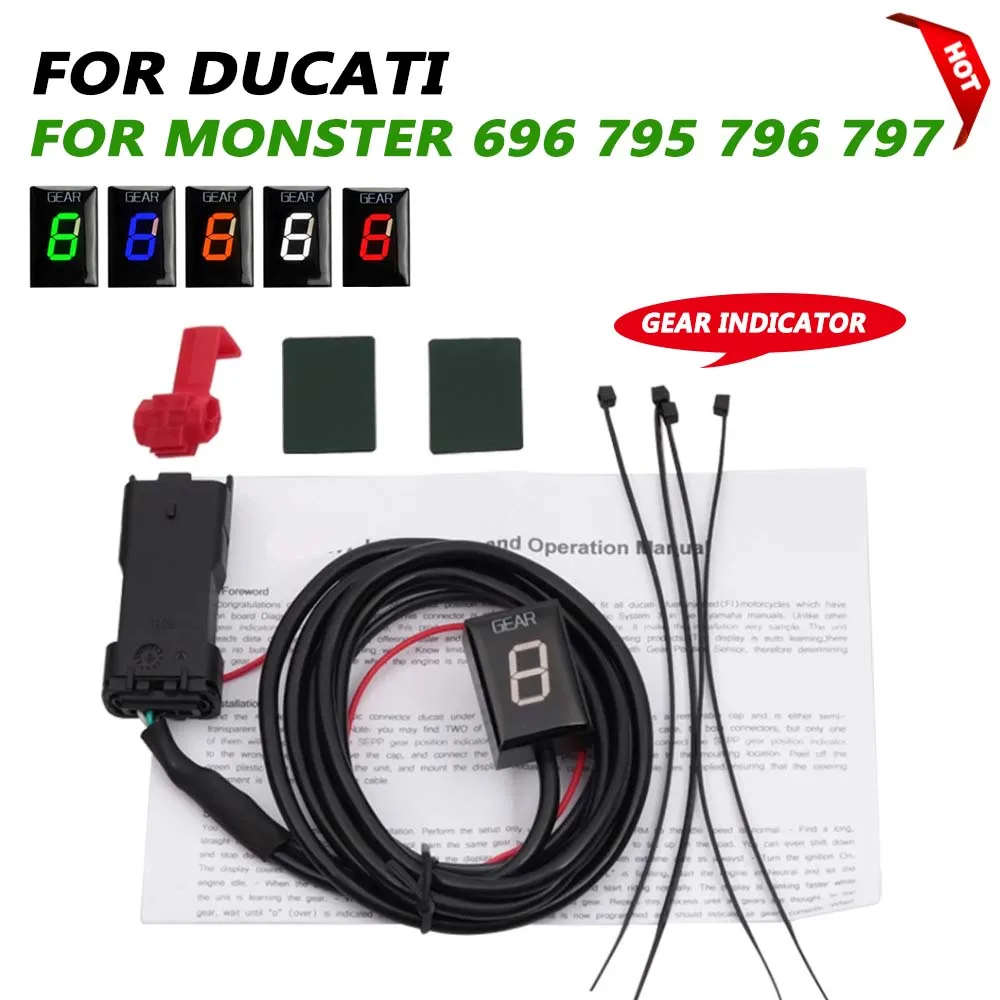
Find the RED,4-pole male diagnostic connector(DLC), usually near the ECU box,It may have a removable cap and may be partially covered by black tape.
Steps
You need to setup the module after installation. When ignition is turned on, the display counts backwards (6 to 1) indicating that the memory is clear.
Raise the rear wheel off the ground by using a stand, and start the engine in Neutral. (If you do not have a stand, you may setup the unit while riding. Find a long, straight road with light traffic.)
the screen displays L, indicating that learning is started.
accelerate through the handle throttle slowly
The display will blink “1”.Select first gear, release the clutch, and keep the RPM above idle speed. The display is blinking faster while the unit is learning the gear.
When the display shows “2”, select second gear.
Repeat this process until all gears are thought (5 or 6).
The unit is programmed and should indicate the gears correctly.
Now, when ignition is turned on, the display counts forward (1 to 6) indicating that it is fully functional.
(If there is an error in the learning process, please reset gear indicator, thank you)
Reset
If some gears are not indicated correctly, please reset gear indicator.turn on the key switch of the switch lock. When the gear indicator shows 5.4.3, turn off the key switch of the switch lock immediately, and then turn on the key switch of the switch lock immediately. According to the above operation, turn on and turn off the key switch of the switch lock five times in a row to see if the reset is complete. Thank you